


-
Book Overview & Buying
-
Table Of Contents

Data Cleaning with Power BI
By :


Data Cleaning with Power BI
By:
Overview of this book
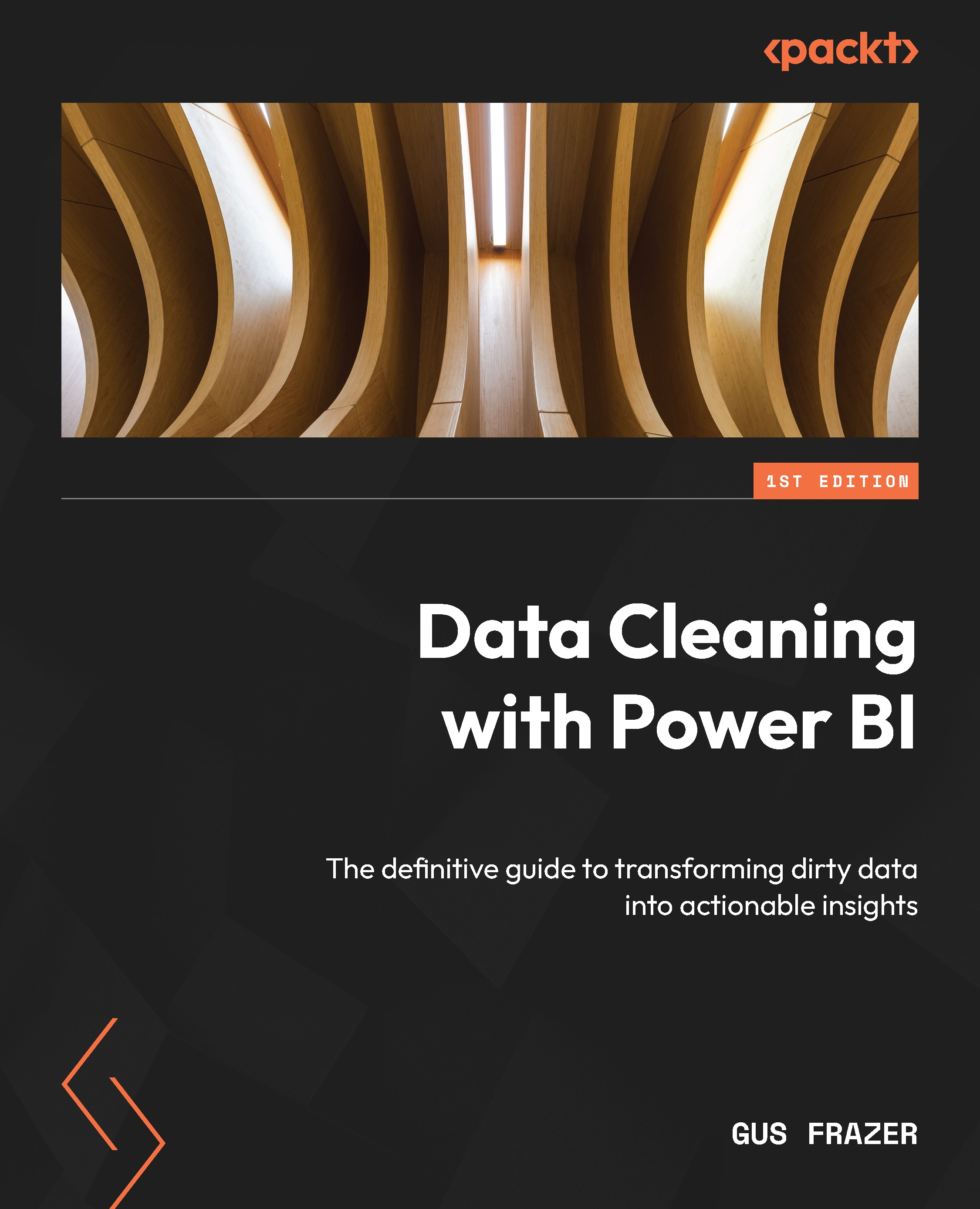
Microsoft Power BI offers a range of powerful data cleaning and preparation options through tools such as DAX, Power Query, and the M language. However, despite its user-friendly interface, mastering it can be challenging. Whether you're a seasoned analyst or a novice exploring the potential of Power BI, this comprehensive guide equips you with techniques to transform raw data into a reliable foundation for insightful analysis and visualization.
This book serves as a comprehensive guide to data cleaning, starting with data quality, common data challenges, and best practices for handling data. You’ll learn how to import and clean data with Query Editor and transform data using the M query language. As you advance, you’ll explore Power BI’s data modeling capabilities for efficient cleaning and establishing relationships. Later chapters cover best practices for using Power Automate for data cleaning and task automation. Finally, you’ll discover how OpenAI and ChatGPT can make data cleaning in Power BI easier.
By the end of the book, you will have a comprehensive understanding of data cleaning concepts, techniques, and how to use Power BI and its tools for effective data preparation.
Table of Contents (23 chapters)
Preface


Chapter 1: Introduction to Power BI Data Cleaning
Chapter 2: Understanding Data Quality and Why Data Cleaning is Important
Chapter 3: Data Cleaning Fundamentals and Principles
Chapter 4: The Most Common Data Cleaning Operations
Part 2 – Data Import and Query Editor
Chapter 5: Importing Data into Power BI
Chapter 6: Cleaning Data with Query Editor
Chapter 7: Transforming Data with the M Language
Chapter 8: Using Data Profiling for Exploratory Data Analysis (EDA)
Part 3 – Advanced Data Cleaning and Optimizations
Chapter 9: Advanced Data Cleaning Techniques
Chapter 10: Creating Custom Functions in Power Query
Chapter 11: M Query Optimization

Chapter 12: Data Modeling and Managing Relationships
Part 4 – Paginated Reports, Automations, and OpenAI
Chapter 13: Preparing Data for Paginated Reporting
Chapter 14: Automating Data Cleaning Tasks with Power Automate
Chapter 15: Making Life Easier with OpenAI
Assessments
Index


