Sign In Start Free Trial
Account

Add to playlist

Create a Playlist

Modal Close icon
You need to login to use this feature.
  • Book Overview & Buying Financial Modeling and Reporting with Microsoft Power BI
  • Table Of Contents Toc
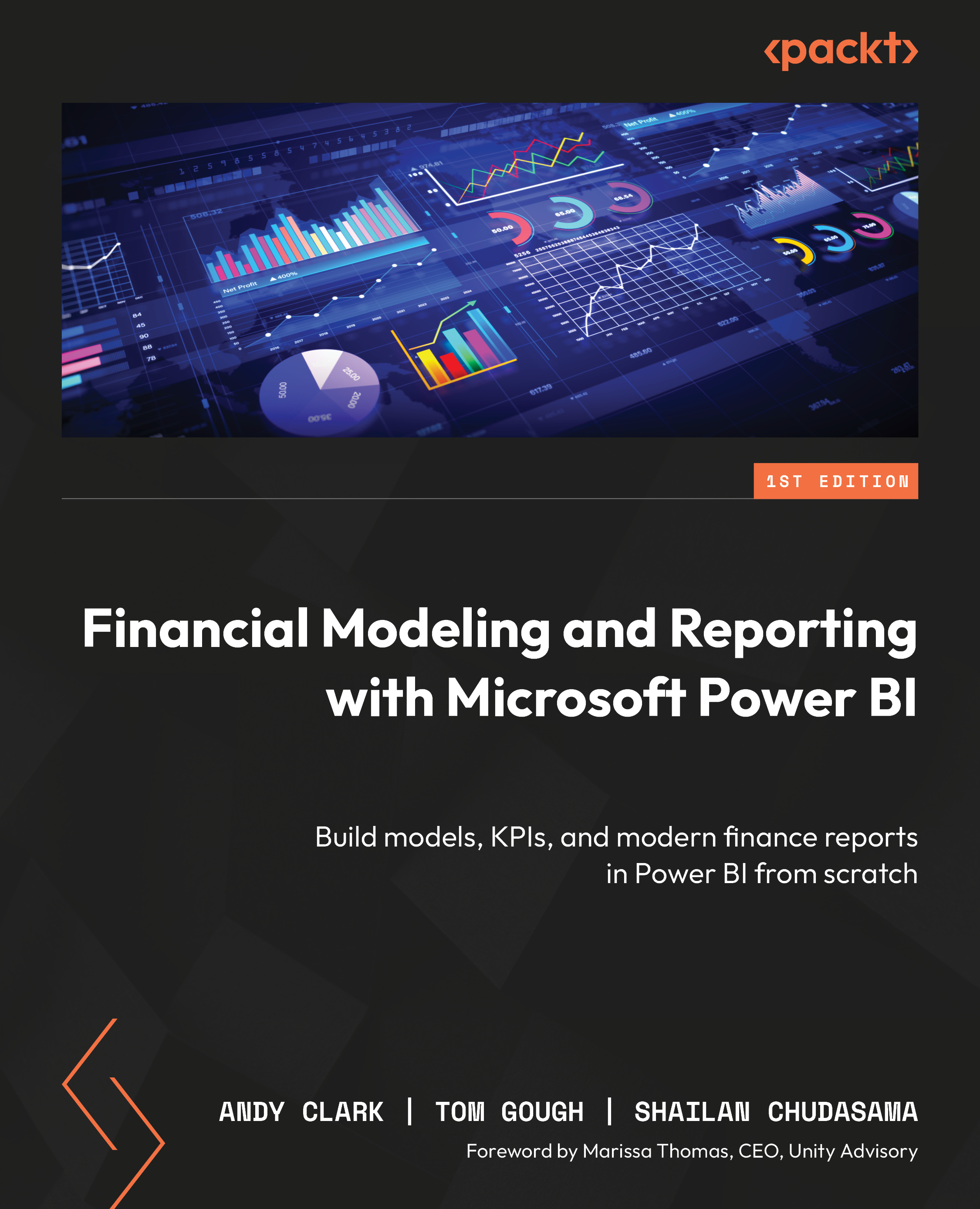
Financial Modeling and Reporting with Microsoft Power BI

Financial Modeling and Reporting with Microsoft Power BI

By : Andy Clark, Tom Gough, Shailan Chudasama
close
close
Financial Modeling and Reporting with Microsoft Power BI

Financial Modeling and Reporting with Microsoft Power BI

By: Andy Clark, Tom Gough, Shailan Chudasama

Overview of this book

Financial Modeling and Reporting with Microsoft Power BI is the definitive guide to designing high-performance, flexible, and insightful financial reports using Power BI. This Power BI book empowers finance and BI professionals to create everything from trial balances to enterprise-wide performance dashboards with ease and precision. The book starts by helping you define your reporting goals and data sources, mapping these needs to Power BI’s capabilities. You’ll then build a core financial data model—covering ledger transactions, charts of accounts, and multi-company support. As you proceed, you’ll integrate complex DAX measures, handle foreign exchange and journal entries, and extend your model with budgeting and inventory data. Each chapter builds toward a comprehensive suite of reports, complete with visual best practices and tested metrics. You’ll learn to streamline datasets using Power Query, test for data integrity, and generate printable reports via Power BI Paginated. The final chapters dive into using AI, predictive analytics, and Microsoft Fabric to future-proof your reporting. Whether you're consolidating data across systems or evolving your reports for changing business needs, this hands-on guide ensures you’re prepared to meet the demands of modern finance.
Table of Contents (16 chapters)
close
close
15
Index

1

Identifying Your Reporting Needs and Data Sources

The landscape of financial reporting is undergoing a rapid transformation, fueled by modern analytics tools such as Power BI. The reason for the shift is due to both the adoption of new technology and the embracing of smarter ways of using data. As organizations move from static, two-dimensional reporting to interactive advanced analytics, knowing how to manage the transition is crucial for success.

In this chapter, you'll learn how to structure a Power BI project from the ground up, ensuring smooth implementation. We'll also cover the importance of understanding your audience, identifying key stakeholders for your reports and insights, and how to identify the data sources that power your analytics models. Finally, we'll discuss best practices for enabling self-service analytics, empowering your team to make informed decisions independently.

By the end of this chapter, you will have learned about the following topics:

  • Structuring a comprehensive project scoping document for successful implementation
  • Segmenting your audience to deliver the right data to the right people
  • Identifying and assessing the data sources that underpin your Power BI models
  • Exploring strategies to enable effective self-service analytics across your organization

The starting point should be a proper project scoping exercise where a process is followed to set the organization up for a successful implementation. We cover that next.

Your purchase includes a free PDF copy + exclusive extras

Your purchase includes a DRM-free PDF copy of this book, 7-day trial to the Packt+ library (no credit card required), and additional exclusive extras. See the Free benefits with your book section in the Preface to unlock them instantly and maximize your learning.

CONTINUE READING
83
Tech Concepts
36
Programming languages
73
Tech Tools
Icon Unlimited access to the largest independent learning library in tech of over 8,000 expert-authored tech books and videos.
Icon Innovative learning tools, including AI book assistants, code context explainers, and text-to-speech.
Icon 50+ new titles added per month and exclusive early access to books as they are being written.
Financial Modeling and Reporting with Microsoft Power BI
notes
bookmark Notes and Bookmarks search Search in title playlist Add to playlist download Download options font-size Font size

Change the font size

margin-width Margin width

Change margin width

day-mode Day/Sepia/Night Modes

Change background colour

Close icon Search
Country selected

Close icon Your notes and bookmarks

Confirmation

Modal Close icon
claim successful

Buy this book with your credits?

Modal Close icon
Are you sure you want to buy this book with one of your credits?
Close
YES, BUY

Submit Your Feedback

Modal Close icon
Modal Close icon
Modal Close icon