


-
Book Overview & Buying
-
Table Of Contents

Financial Modeling and Reporting with Microsoft Power BI
By :


Financial Modeling and Reporting with Microsoft Power BI
By:
Overview of this book
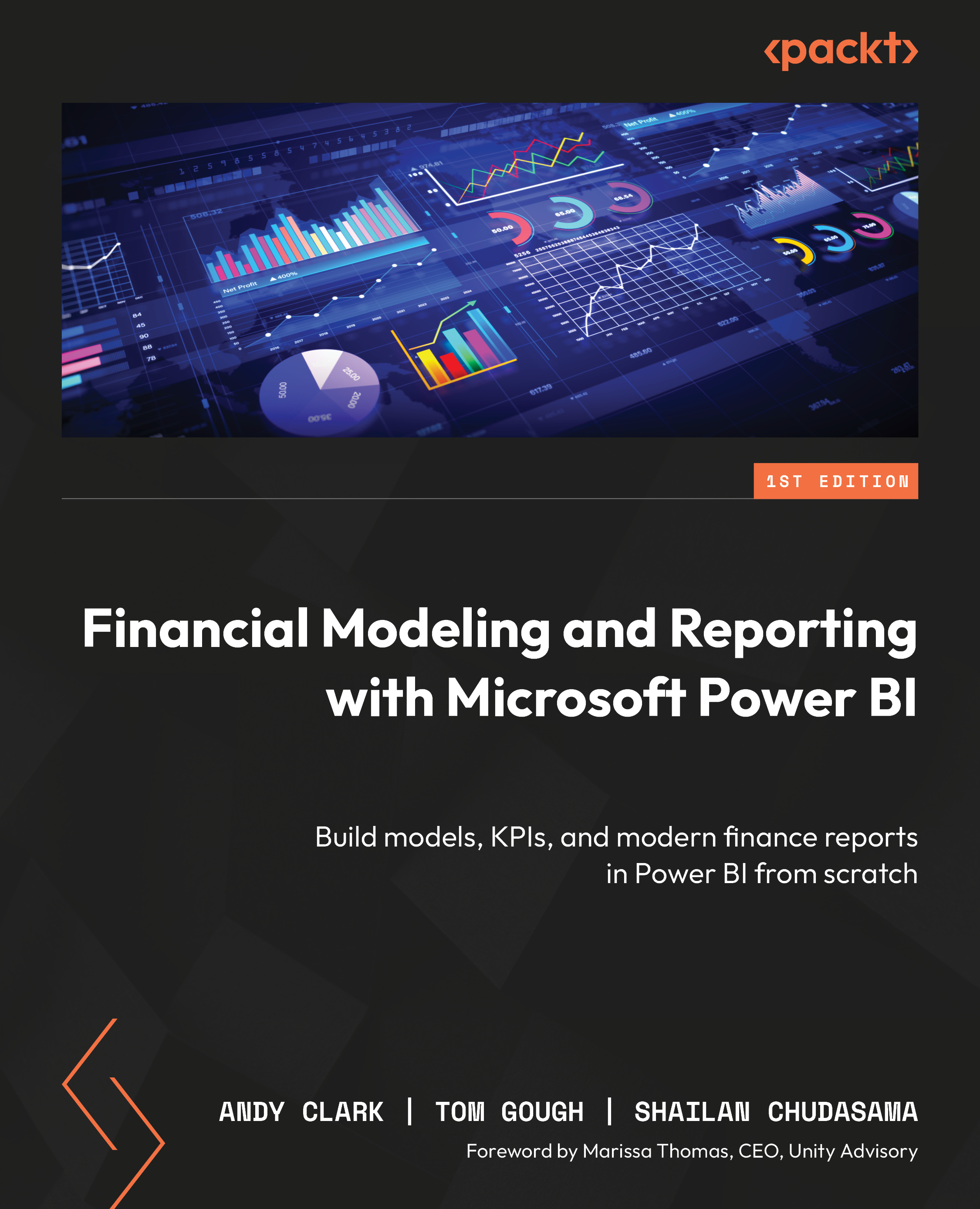
Financial Modeling and Reporting with Microsoft Power BI is the definitive guide to designing high-performance, flexible, and insightful financial reports using Power BI. This Power BI book empowers finance and BI professionals to create everything from trial balances to enterprise-wide performance dashboards with ease and precision.
The book starts by helping you define your reporting goals and data sources, mapping these needs to Power BI’s capabilities. You’ll then build a core financial data model—covering ledger transactions, charts of accounts, and multi-company support. As you proceed, you’ll integrate complex DAX measures, handle foreign exchange and journal entries, and extend your model with budgeting and inventory data.
Each chapter builds toward a comprehensive suite of reports, complete with visual best practices and tested metrics. You’ll learn to streamline datasets using Power Query, test for data integrity, and generate printable reports via Power BI Paginated. The final chapters dive into using AI, predictive analytics, and Microsoft Fabric to future-proof your reporting.
Whether you're consolidating data across systems or evolving your reports for changing business needs, this hands-on guide ensures you’re prepared to meet the demands of modern finance.
Table of Contents (16 chapters)
Preface


 Free Chapter
Chapter 1: Identifying Your Reporting Needs and Data Sources
Chapter 2: The Basic Model for Financial Reporting
Chapter 3: Creating a Trial Balance and Income Statement
Chapter 4: Common DAX Measures
Chapter 5: Handling Manual Journal Entries
Chapter 6: Streamlining with Power Query
Chapter 7: Incorporating Budgets and Targets
Chapter 8: Managing Inventory Data
Chapter 9: Creating a Suite of Financial Reports
Chapter 10: Testing and Fine-Tuning Your Data
Chapter 11: Printable Financial Statements with Power BI Paginated
Chapter 12: Financial Reporting in an AI-Driven World
Chapter 13: Evolving and Maintaining Your Reports

Chapter 14: Unlock Your Exclusive Benefits
Index


