


-
Book Overview & Buying
-
Table Of Contents

Google SketchUp for Game Design: Beginner's Guide


Google SketchUp for Game Design: Beginner's Guide
Overview of this book
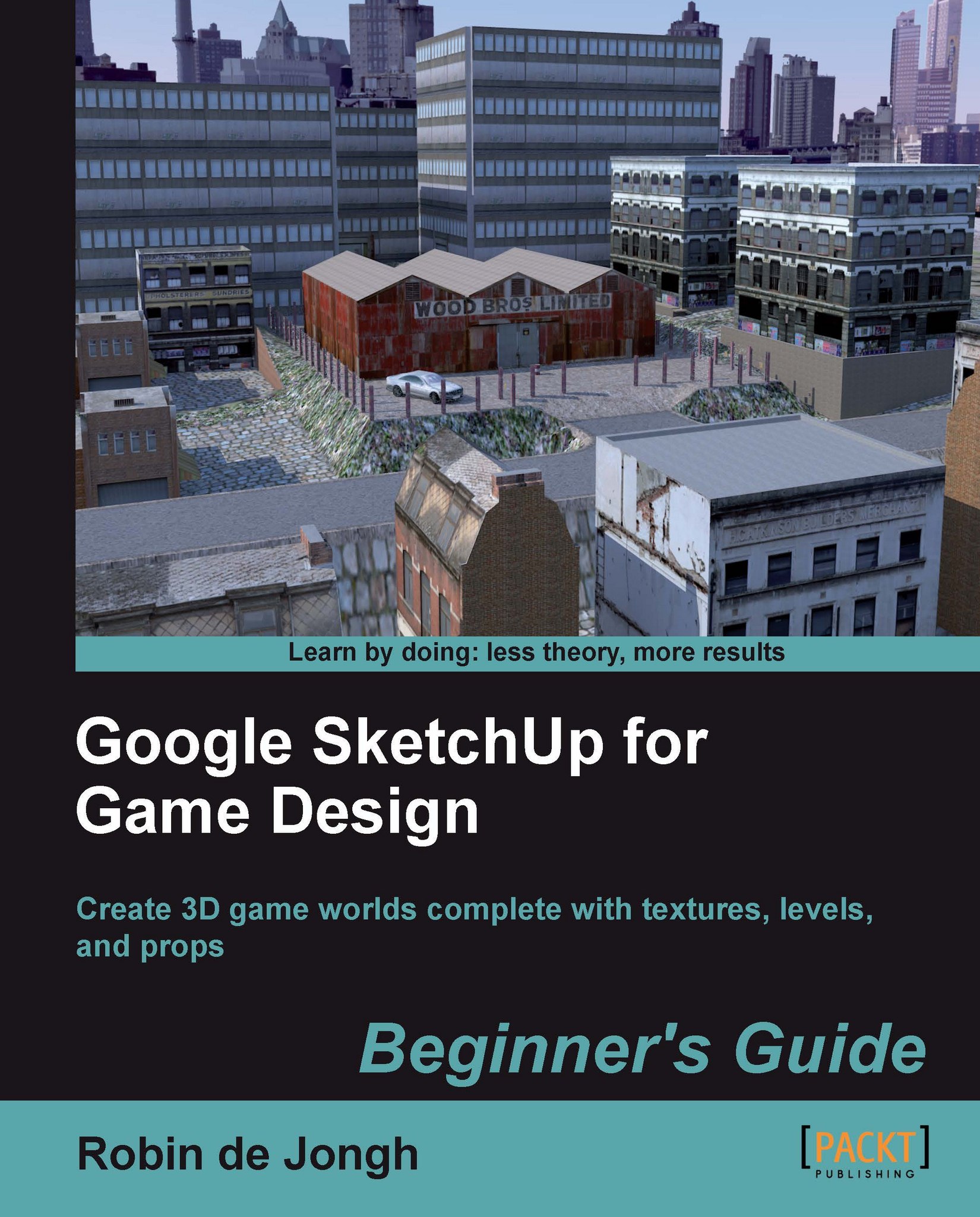
Creating video game environments similar to the best 3D games on the market is now within the capability of hobbyists for the first time, with the free availability of game development software such as Unity 3D, and the ease with which groups of enthusiasts can get together to pool their skills for a game project. The sheer number of these independent game projects springing up means there is a constant need for game art, the physical 3D environment and objects that inhabit these game worlds. Now thanks to Google there is an easy, fun way to create professional game art, levels and props.Google SketchUp is the natural choice for beginners to game design. This book provides you with the workflow to quickly build realistic 3D environments, levels, and props to fill your game world. In simple steps you will model terrain, buildings, vehicles, and much more.Google SketchUp is the ideal entry level modeling tool for game design, allowing you to take digital photographs and turn them into 3D objects for quick, fun, game creation. SketchUp for Game Design takes you through the modeling of a game level with SketchUp and Unity 3D, complete with all game art, textures and props. You will learn how to create cars, buildings, terrain, tools and standard level props such as barrels, fencing and wooden pallets. You will set up your game level in Unity 3D to create a fully functional first person walk-around level to email to your friends or future employers.When you have completed the projects in this book, you will be comfortable creating 3D worlds, whether for games, visualization, or films.
Table of Contents (18 chapters)
Google SketchUp for Game Design


Credits
About the Author
About the Reviewers
www.PacktPub.com
Preface
 Free Chapter
Why Use SketchUp?
Tools that Grow on Trees
Wooden Pallet: Texture Creation
Wooden Pallet: Modeling
Game Levels in SketchUp

Importing to a Professional Game Application: Unity 3D
Quick Standard Assets
Advanced Modeling: Create a Realistic Car in Easy Steps
The Main Building - Inside and Out
MakeHuman
Pop Quiz Answers
Index


