
Sign In Start Free Trial
Account

Add to playlist

Create a Playlist

Modal Close icon
You need to login to use this feature.
  • Book Overview & Buying Unreal Engine 4 Game Development Quick Start Guide
  • Table Of Contents Toc
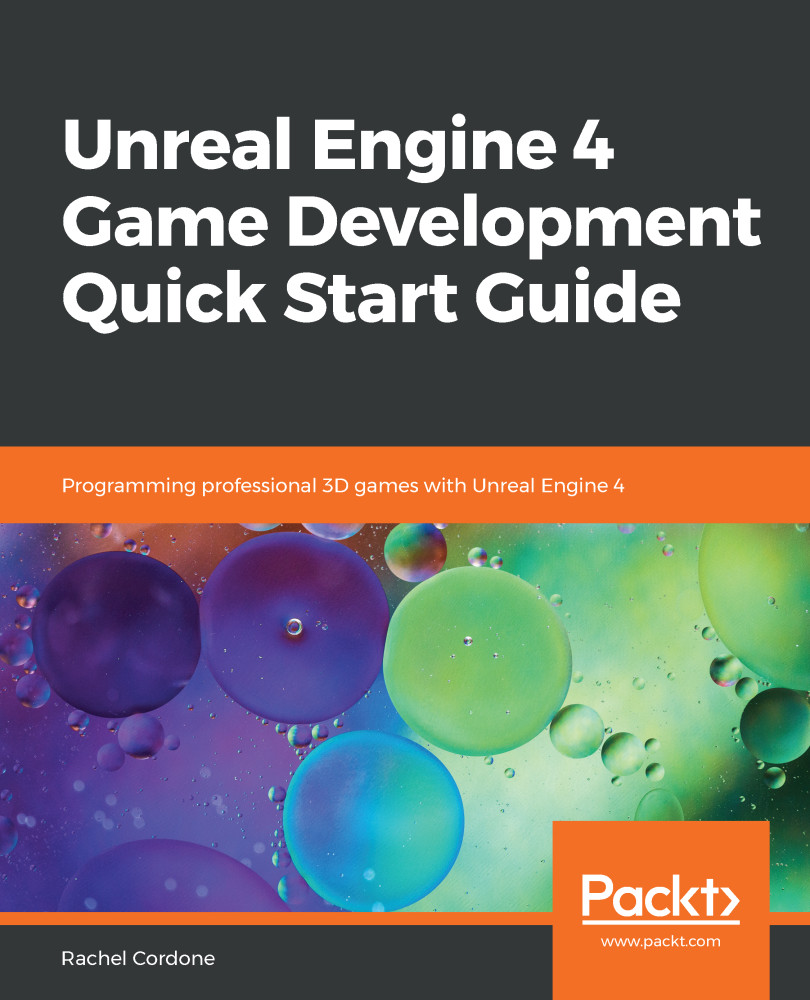
Unreal Engine 4 Game Development Quick Start Guide

Unreal Engine 4 Game Development Quick Start Guide

By : Rachel Cordone
4 (6)
close
close
Unreal Engine 4 Game Development Quick Start Guide

Unreal Engine 4 Game Development Quick Start Guide

4 (6)
By: Rachel Cordone

Overview of this book

Unreal Engine is a popular game engine used by developers for building high-end 2D and 3D games. This book is a practical guide designed to help you get started with Unreal Engine 4 and confidently develop interactive games. You’ll begin with a quick introduction to the Unreal Engine 4 (UE4) ecosystem. Next, you’ll learn how to create Blueprints and C++ code to define your game's functionality. As you progress, you’ll cover the core systems of UE4 such as Unreal Motion Graphics (UMG), Animation Blueprints, and behaviour trees to further build on your game development knowledge. The concluding chapters will then help you learn how to use replication to create multiplayer games. By the end of this book, you will be well-versed with UE4 and have developed the skills you need to use the framework for developing and deploying robust and intuitive games.
Table of Contents (10 chapters)
close
close

Creating a Behavior Tree task

Tasks are created as separate Blueprint assets, and, by default, will be created in the same folder as the Behavior Tree. The easiest way to create them is directly from the Behavior Tree, so let's do that now:

  1. At the top of our EnemyBehavior window, click on the New Task button. This will create the asset and open it up for us.
  2. The names given to new tasks by default are not useful, so let's go into the ThirdPersonBP\Blueprints folder and find the Task. (The icon will be a hollow circle, and its name will start with BTTask_BlueprintBase_New.) Rename it BT_GetRandomLocation.

Back in the task's Blueprint, instead of using an Event, such as BeginPlay, Tasks have their own set of events:

The most common one is Receive Execute AI, which is called each time the Behavior Tree branches onto this task. This event has Owner Controller and...

CONTINUE READING
83
Tech Concepts
36
Programming languages
73
Tech Tools
Icon Unlimited access to the largest independent learning library in tech of over 8,000 expert-authored tech books and videos.
Icon Innovative learning tools, including AI book assistants, code context explainers, and text-to-speech.
Icon 50+ new titles added per month and exclusive early access to books as they are being written.
Unreal Engine 4 Game Development Quick Start Guide
notes
bookmark Notes and Bookmarks search Search in title playlist Add to playlist download Download options font-size Font size

Change the font size

margin-width Margin width

Change margin width

day-mode Day/Sepia/Night Modes

Change background colour

Close icon Search
Country selected

Close icon Your notes and bookmarks

Confirmation

Modal Close icon
claim successful

Buy this book with your credits?

Modal Close icon
Are you sure you want to buy this book with one of your credits?
Close
YES, BUY

Submit Your Feedback

Modal Close icon
Modal Close icon
Modal Close icon