
Sign In Start Free Trial
Account

Add to playlist

Create a Playlist

Modal Close icon
You need to login to use this feature.
  • Book Overview & Buying Unreal Engine 4 Game Development Quick Start Guide
  • Table Of Contents Toc
Unreal Engine 4 Game Development Quick Start Guide

Unreal Engine 4 Game Development Quick Start Guide

By : Rachel Cordone
4 (6)
close
close
Unreal Engine 4 Game Development Quick Start Guide

Unreal Engine 4 Game Development Quick Start Guide

4 (6)
By: Rachel Cordone

Overview of this book

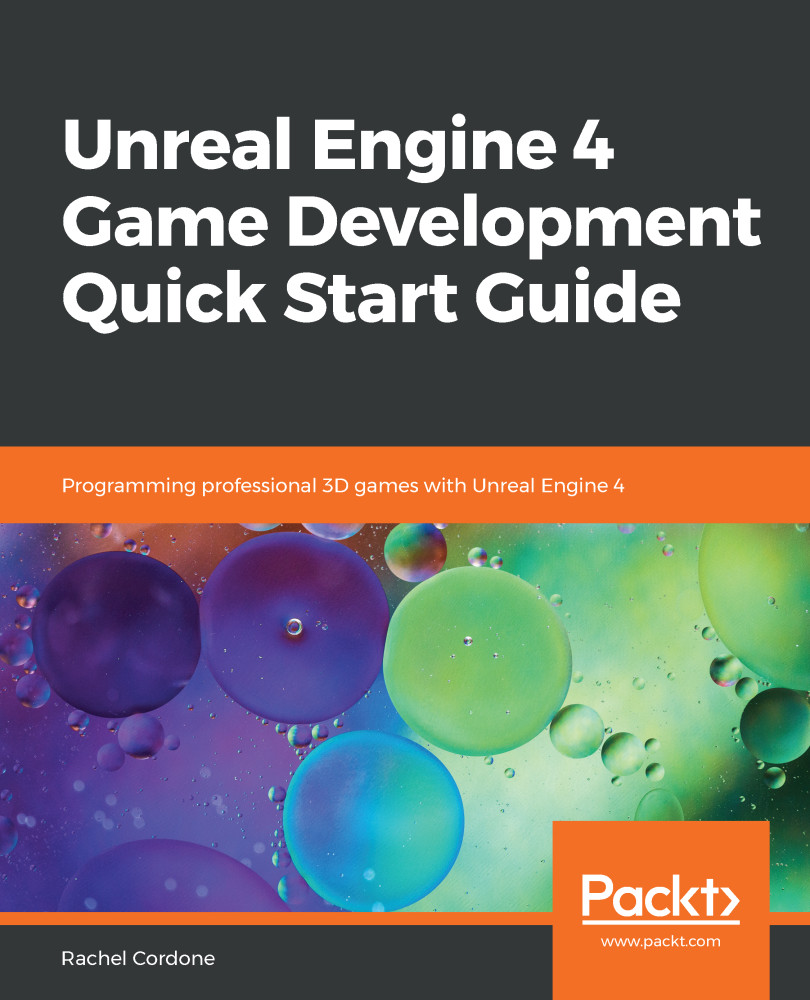
Unreal Engine is a popular game engine used by developers for building high-end 2D and 3D games. This book is a practical guide designed to help you get started with Unreal Engine 4 and confidently develop interactive games. You’ll begin with a quick introduction to the Unreal Engine 4 (UE4) ecosystem. Next, you’ll learn how to create Blueprints and C++ code to define your game's functionality. As you progress, you’ll cover the core systems of UE4 such as Unreal Motion Graphics (UMG), Animation Blueprints, and behaviour trees to further build on your game development knowledge. The concluding chapters will then help you learn how to use replication to create multiplayer games. By the end of this book, you will be well-versed with UE4 and have developed the skills you need to use the framework for developing and deploying robust and intuitive games.
Table of Contents (10 chapters)
close
close

Optimization

Although there are several tools available that we can use to figure out where our performance issues lie, it is still up to us to fix or change the code. Some of that comes down to proper programming techniques. A few things we can do to make sure our game's frame rate doesn't suffer are as follows:

  • Keep Tick code to a minimum: Blueprint objects that use too much code in a Tick can have a devastating impact on performance, since Ticks run every frame. Gameplay code is mostly event-driven, so take advantage of that.
  • Let the engine do the heavy lifting: If we have an object that needs to know if any players were within a certain distance, we could check those distances in a Tick or some quick timer, but this would be inefficient. Adding a sphere collision component to the Blueprint and using the On Actor Begin Overlap event would be much simpler and cleaner...
CONTINUE READING
83
Tech Concepts
36
Programming languages
73
Tech Tools
Icon Unlimited access to the largest independent learning library in tech of over 8,000 expert-authored tech books and videos.
Icon Innovative learning tools, including AI book assistants, code context explainers, and text-to-speech.
Icon 50+ new titles added per month and exclusive early access to books as they are being written.
Unreal Engine 4 Game Development Quick Start Guide
notes
bookmark Notes and Bookmarks search Search in title playlist Add to playlist download Download options font-size Font size

Change the font size

margin-width Margin width

Change margin width

day-mode Day/Sepia/Night Modes

Change background colour

Close icon Search
Country selected

Close icon Your notes and bookmarks

Confirmation

Modal Close icon
claim successful

Buy this book with your credits?

Modal Close icon
Are you sure you want to buy this book with one of your credits?
Close
YES, BUY

Submit Your Feedback

Modal Close icon
Modal Close icon
Modal Close icon