


-
Book Overview & Buying
-
Table Of Contents

How to Build Android Apps with Kotlin
By :


How to Build Android Apps with Kotlin
By:
Overview of this book
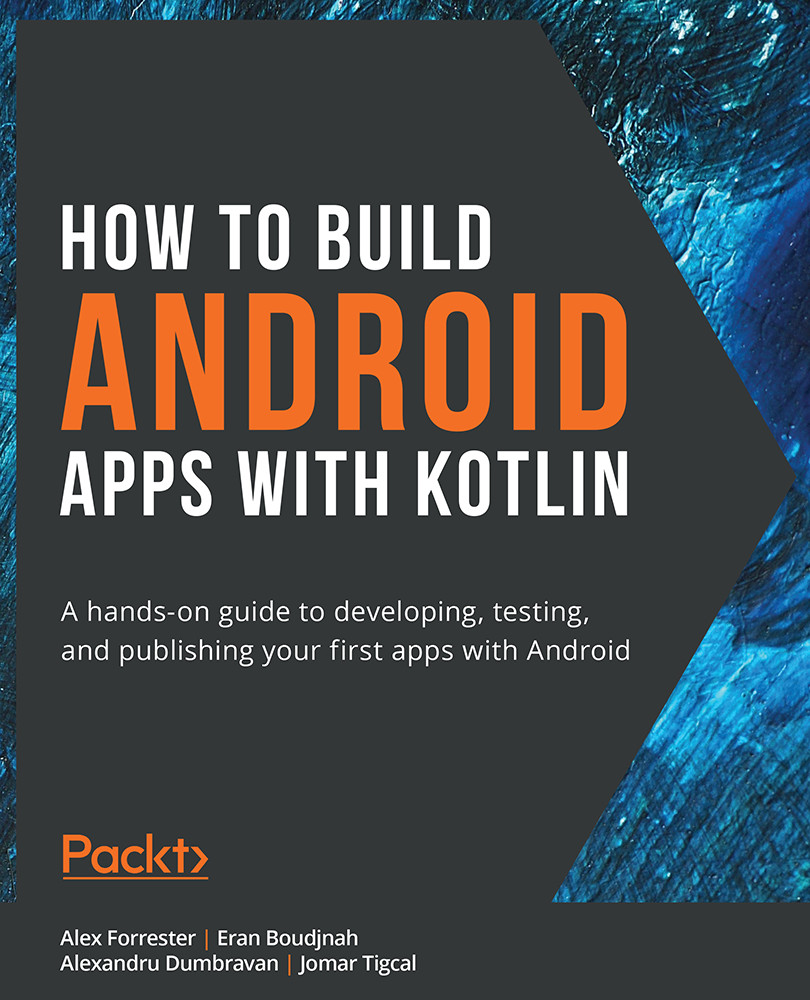
Are you keen to get started building Android 11 apps, but don’t know where to start? How to Build Android Apps with Kotlin is a comprehensive guide that will help kick-start your Android development practice.
This book starts with the fundamentals of app development, enabling you to utilize Android Studio and Kotlin to get started building Android projects. You'll learn how to create apps and run them on virtual devices through guided exercises. Progressing through the chapters, you'll delve into Android’s RecyclerView to make the most of lists, images, and maps, and see how to fetch data from a web service.
Moving ahead, you'll get to grips with testing, learn how to keep your architecture clean, understand how to persist data, and gain basic knowledge of the dependency injection pattern. Finally, you'll see how to publish your apps on the Google Play store.
You'll work on realistic projects that are split up into bitesize exercises and activities, allowing you to challenge yourself in an enjoyable and attainable way. You'll build apps to create quizzes, read news articles, check weather reports, store recipes, retrieve movie information, and remind you where you parked your car.
By the end of this book, you'll have the skills and confidence to build your own creative Android applications using Kotlin.
Table of Contents (17 chapters)
Preface


1. Creating Your First App
 Free Chapter
2. Building User Screen Flows
3. Developing the UI with Fragments
4. Building App Navigation
5. Essential Libraries: Retrofit, Moshi, and Glide
6. RecyclerView
7. Android Permissions and Google Maps
8. Services, WorkManager, and Notifications
9. Unit Tests and Integration Tests with JUnit, Mockito, and Espresso
10. Android Architecture Components
11. Persisting Data
12. Dependency Injection with Dagger and Koin
13. RxJava and Coroutines

14. Architecture Patterns
15. Animations and Transitions with CoordinatorLayout and MotionLayout
16. Launching Your App on Google Play


