
Sign In Start Free Trial
Account

Add to playlist

Create a Playlist

Modal Close icon
You need to login to use this feature.
  • Book Overview & Buying Mastering JavaFX 10
  • Table Of Contents Toc
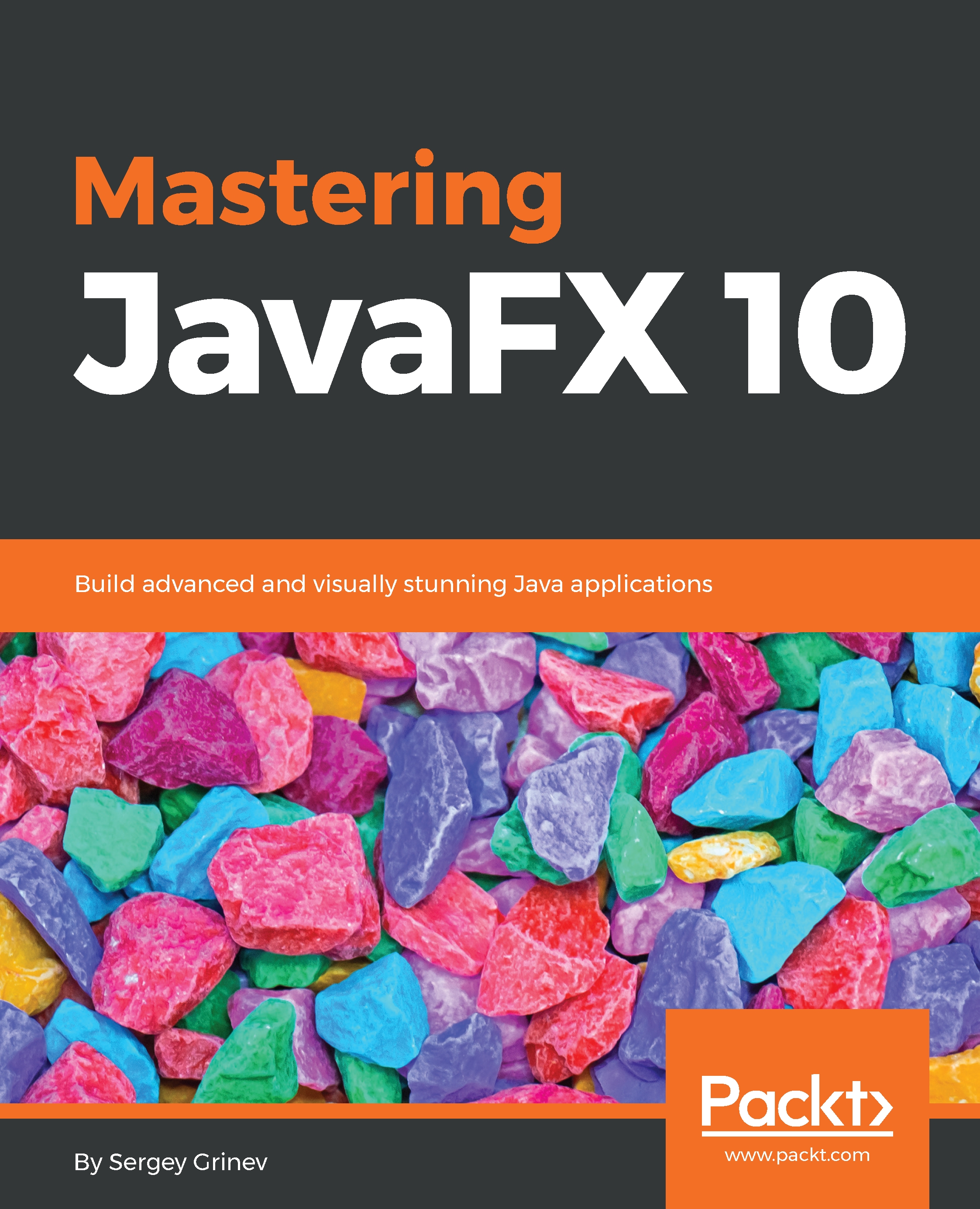
Mastering JavaFX 10

Mastering JavaFX 10

By : Sergey Grinev
3.6 (8)
close
close
Mastering JavaFX 10

Mastering JavaFX 10

3.6 (8)
By: Sergey Grinev

Overview of this book

: JavaFX 10 is used to create media-rich client applications. This book takes you on a journey to use JavaFX 10 to build applications that display information in a high-performance, modern user interface featuring audio, video, graphics, and animation. Mastering JavaFX 10 begins by introducing you to the JavaFX API. You will understand the steps involved in setting up your development environment and build the necessary dependencies. This is followed by exploring how to work with the assets, modules, and APIs of JavaFX. This book is filled with practical examples to guide you through the major features of JavaFX 10. In addition to this, you will acquire a practical understanding of JavaFX custom animations, merging different application layers smoothly, and creating a user-friendly GUI with ease. By the end of the book, you will be able to create a complete, feature-rich Java graphical application using JavaFX.
Table of Contents (15 chapters)
close
close

Stages, Scenes, and Layout

During the last decade, user interfaces have evolved beyond the capabilities of the old Java technologies. Modern users want to work with visually appealing applications and are used to the rich user interfaces brought by Web 2.0 and smartphones.

To address that, JavaFX was envisioned and added to Java a few releases ago. It was created from scratch to avoid any backward compatibility issues, and with a great understanding of the needs of modern user interfaces.

In this book, we will review the most important JavaFX APIs and will look into resolving some of the most common problems that JavaFX developers face, based on my development experience and over 500 questions I've answered in the JavaFX section of stackoverflow.com.

In the first chapter, we will start with the backstage of a JavaFX application, including its windows and content area, and see which API is responsible for each of these main building blocks:

  • Application: This handles the application workflow, initialization, and command-line parameters
  • Stage: The JavaFX term for the window
  • Scene: This is the place for the window's content
  • SceneGraph: The content of the Scene

At the end of the chapter, we will create a clock demo that will demonstrate the concepts from this chapter.

Visually different images
CONTINUE READING
83
Tech Concepts
36
Programming languages
73
Tech Tools
Icon Unlimited access to the largest independent learning library in tech of over 8,000 expert-authored tech books and videos.
Icon Innovative learning tools, including AI book assistants, code context explainers, and text-to-speech.
Icon 50+ new titles added per month and exclusive early access to books as they are being written.
Mastering JavaFX 10
notes
bookmark Notes and Bookmarks search Search in title playlist Add to playlist download Download options font-size Font size

Change the font size

margin-width Margin width

Change margin width

day-mode Day/Sepia/Night Modes

Change background colour

Close icon Search
Country selected

Close icon Your notes and bookmarks

Confirmation

Modal Close icon
claim successful

Buy this book with your credits?

Modal Close icon
Are you sure you want to buy this book with one of your credits?
Close
YES, BUY

Submit Your Feedback

Modal Close icon
Modal Close icon
Modal Close icon