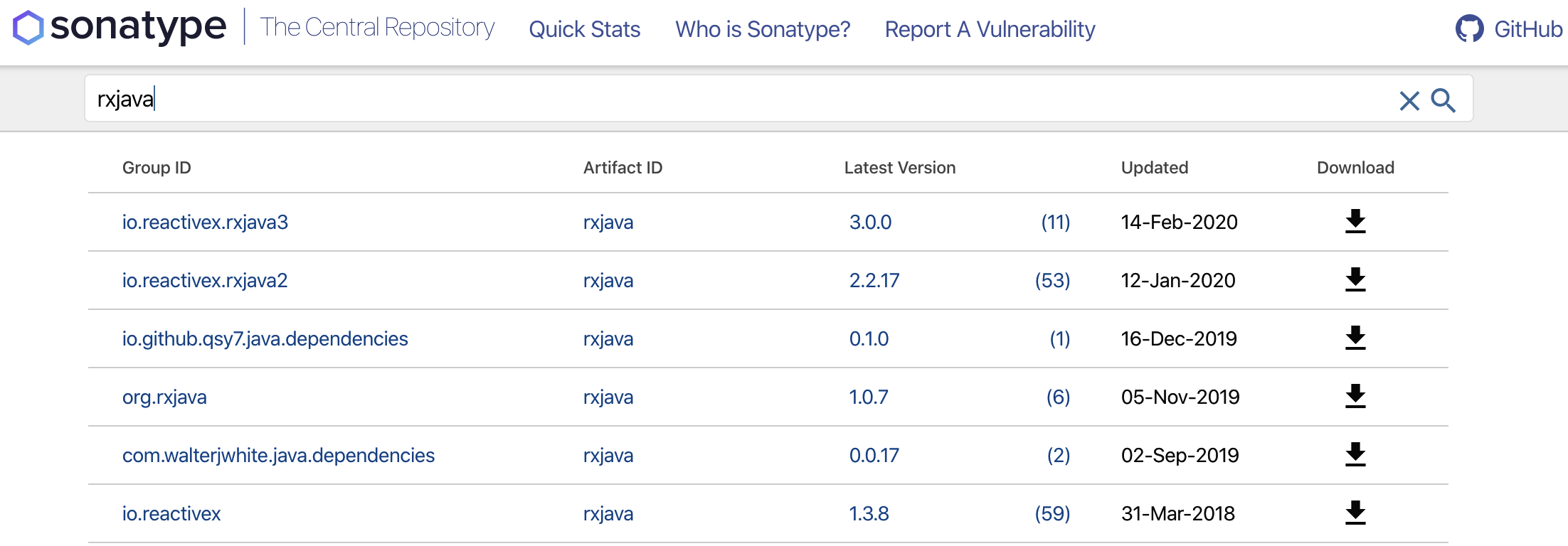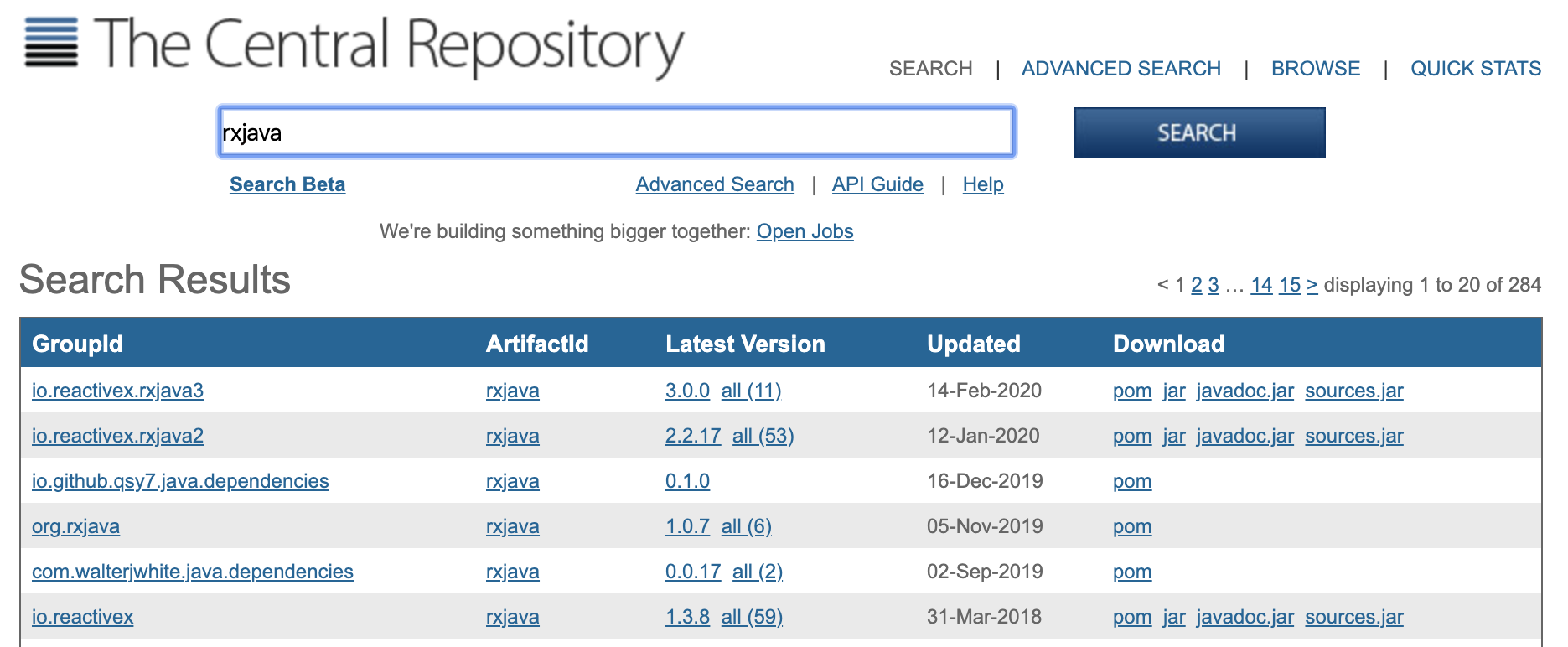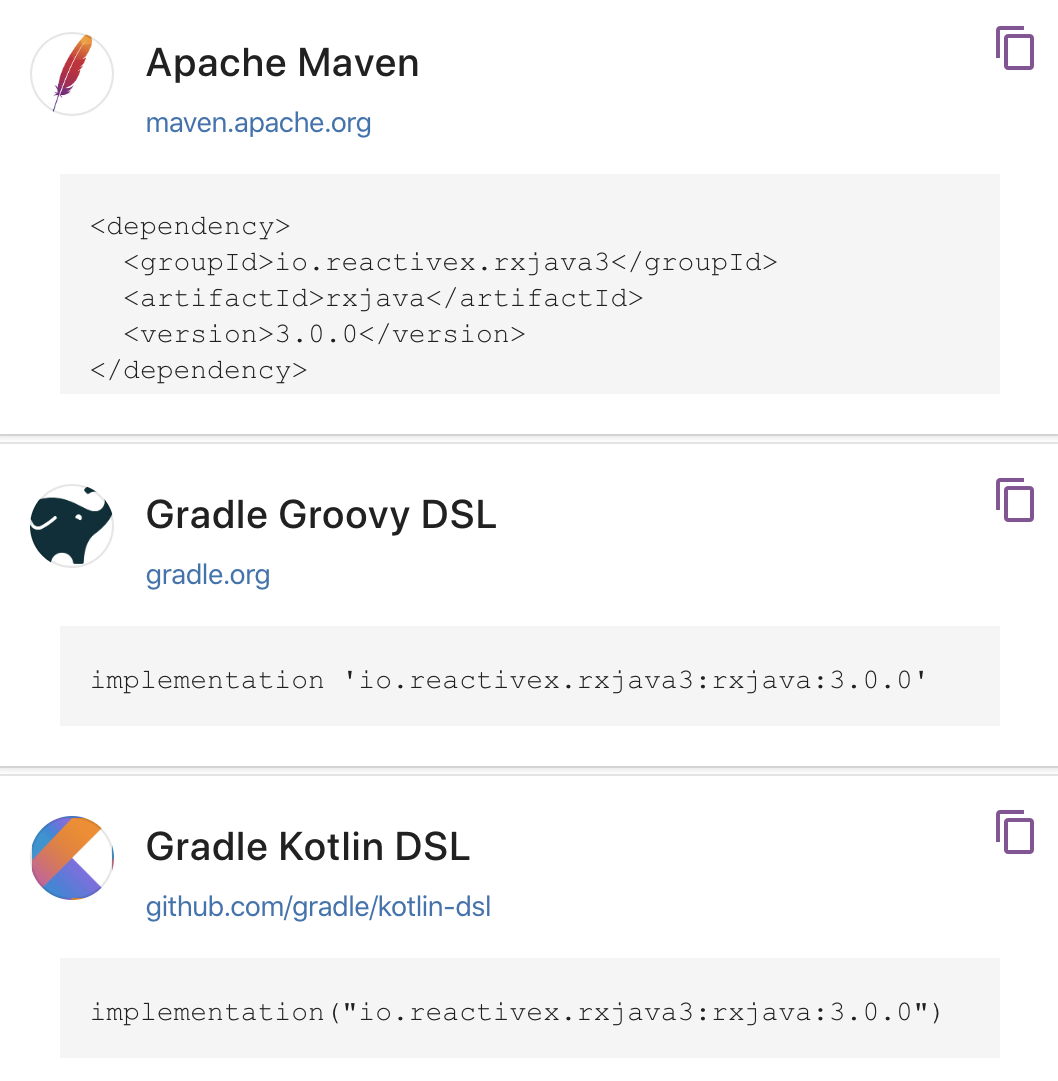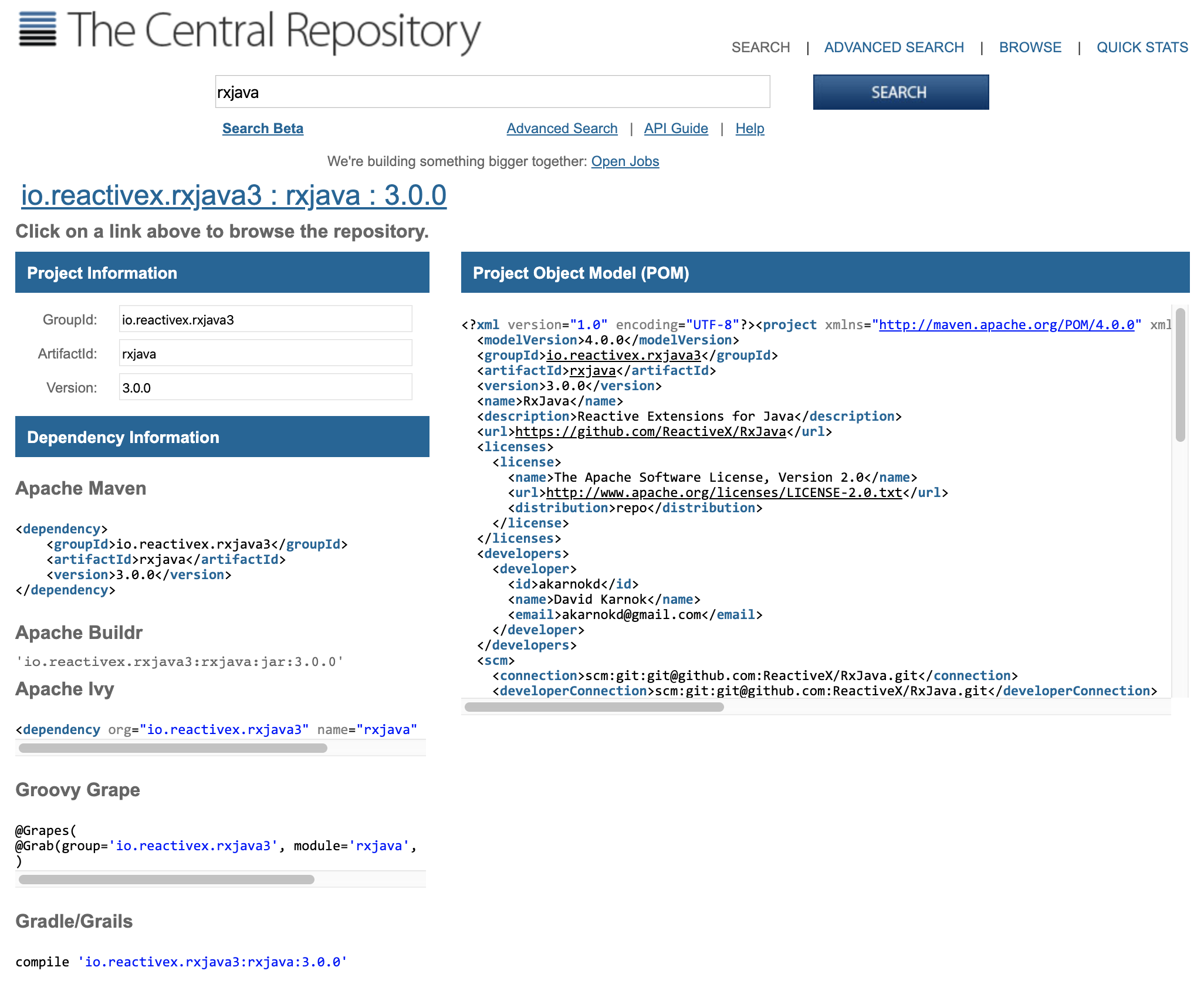


Currently, there are three co-existing versions of RxJava: 1.x, 2.x, and 3.0. We will go through some of the major differences later in the section entitled RxJava 1.x, 2.x, 3.0 – which one do I use? and discuss which version you should use.
RxJava 3.0 is a fairly lightweight library and comes in at fewer than 4 megabytes (MBs) in size. This makes it practical for Android and other projects that require a low dependency overhead. RxJava 3.0 has only one dependency, called Reactive Streams ( http://www.reactive-streams.org/), which is a core library (made by the creators of RxJava) that sets a standard for asynchronous stream implementations, one of which is RxJava 3.0.
RxJava 2x is even smaller—closer to 2 MB—and has only one dependency on Reactive Streams too.
It may be used in other libraries beyond RxJava and is a critical effort in the standardization of reactive programming on the Java platform. Note that RxJava 1.x does not have any dependencies, including Reactive Streams, which was realized after 1.0.
If you are starting a project from scratch, try to use RxJava 3.0. This is the version we will cover in this book, but we will point out significant differences between versions 1.x and 2.x. While RxJava 1.x and 2.x will be supported for a good while due to the countless projects using it, innovation will likely only continue onward in RxJava 3.0. RxJava 1.x reached end-of-life on March 31, 2018, and RxJava 2.x will only be maintained by fixing bugs until February 28, 2021.
All RxJava versions can run on Java 1.6+. In this book, we will use Java 8, and it is recommended that you use a minimum of Java 8 so that you can use lambdas out of the box. For Android, there are ways to leverage lambdas in earlier Java versions that will be addressed later. But due to the fact that Android Nougat uses Java 8 and Java 8 has been out since 2014, we hope that you will not have to do any workarounds to leverage lambdas.