Sign In Start Free Trial
Account

Add to playlist

Create a Playlist

Modal Close icon
You need to login to use this feature.
  • Book Overview & Buying The C# Workshop
  • Table Of Contents Toc
  • Feedback & Rating feedback
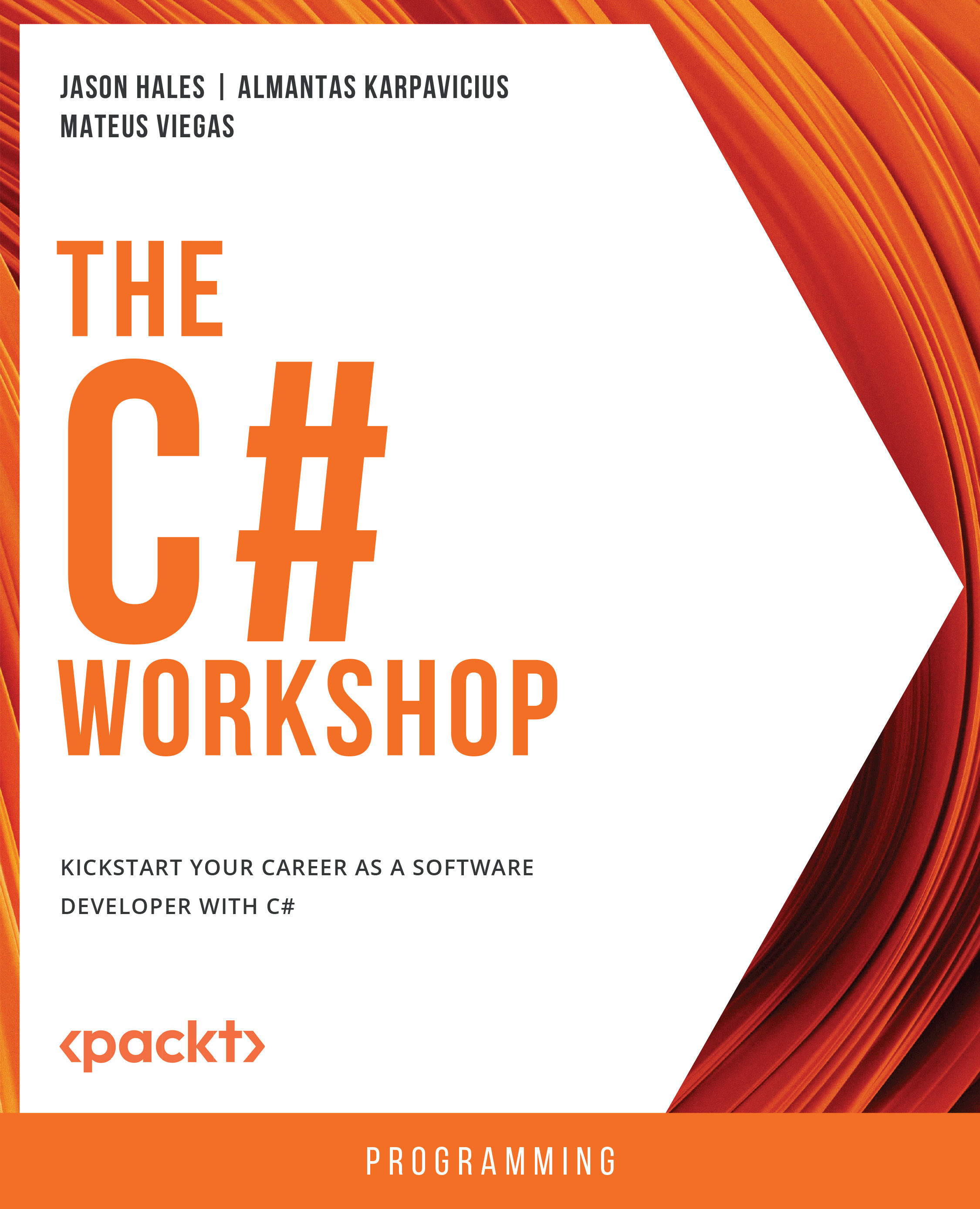
The C# Workshop

The C# Workshop

By : Jason Hales, Almantas Karpavicius, Mateus Viegas
4.5 (14)
close
close
The C# Workshop

The C# Workshop

4.5 (14)
By: Jason Hales, Almantas Karpavicius, Mateus Viegas

Overview of this book

C# is a powerful, versatile language that can unlock a variety of career paths. But, as with any programming language, learning C# can be a challenging process. With a wide range of different resources available, it’s difficult to know where to start. That's where The C# Workshop comes in. Written and reviewed by industry experts, it provides a fast-paced, supportive learning experience that will quickly get you writing C# code and building applications. Unlike other software development books that focus on dry, technical explanations of the underlying theory, this Workshop cuts through the noise and uses engaging examples to help you understand how each concept is applied in the real world. As you work through the book, you'll tackle realistic exercises that simulate the type of problems that software developers work on every day. These mini-projects include building a random-number guessing game, using the publisher-subscriber model to design a web file downloader, creating a to-do list using Razor Pages, generating images from the Fibonacci sequence using async/await tasks, and developing a temperature unit conversion app which you will then deploy to a production server. By the end of this book, you'll have the knowledge, skills, and confidence to advance your career and tackle your own ambitious projects with C#.
Table of Contents (10 chapters)
close
close

ASP.NET Core Web API

In Chapter 8, Creating and Using Web API Clients, you learned how to call RESTful APIs. In this chapter, you will be making one. Web API is a template for creating RESTful Web APIs in .NET. It contains routing, Dependency Injection (DI), an example controller, logging, and other useful components to get you started.

Creating a New Project

In order to create a new Web API, follow these steps:

  1. Create a new directory.
  2. Name it after a project you want to create.
  3. Navigate to that directory using the cd command.
  4. Execute the following at the command line:
    dotnet new webapi

That is all it takes to get started.

  1. To see whether this is executing as expected, run the following and see your application come to life (Figure 9.1):
    dotnet run --urls=https://localhost:7021/

Figure 9.1: Terminal window showing the port the application is hosted on

In Figure 9.1, you will see port 7021 for the https version of the application...

Visually different images
CONTINUE READING
83
Tech Concepts
36
Programming languages
73
Tech Tools
Icon Unlimited access to the largest independent learning library in tech of over 8,000 expert-authored tech books and videos.
Icon Innovative learning tools, including AI book assistants, code context explainers, and text-to-speech.
Icon 50+ new titles added per month and exclusive early access to books as they are being written.
The C# Workshop
notes
bookmark Notes and Bookmarks search Search in title playlist Add to playlist download Download options font-size Font size

Change the font size

margin-width Margin width

Change margin width

day-mode Day/Sepia/Night Modes

Change background colour

Close icon Search
Country selected

Close icon Your notes and bookmarks

Confirmation

Modal Close icon
claim successful

Buy this book with your credits?

Modal Close icon
Are you sure you want to buy this book with one of your credits?
Close
YES, BUY

Submit Your Feedback

Modal Close icon
Modal Close icon
Modal Close icon