


-
Book Overview & Buying
-
Table Of Contents

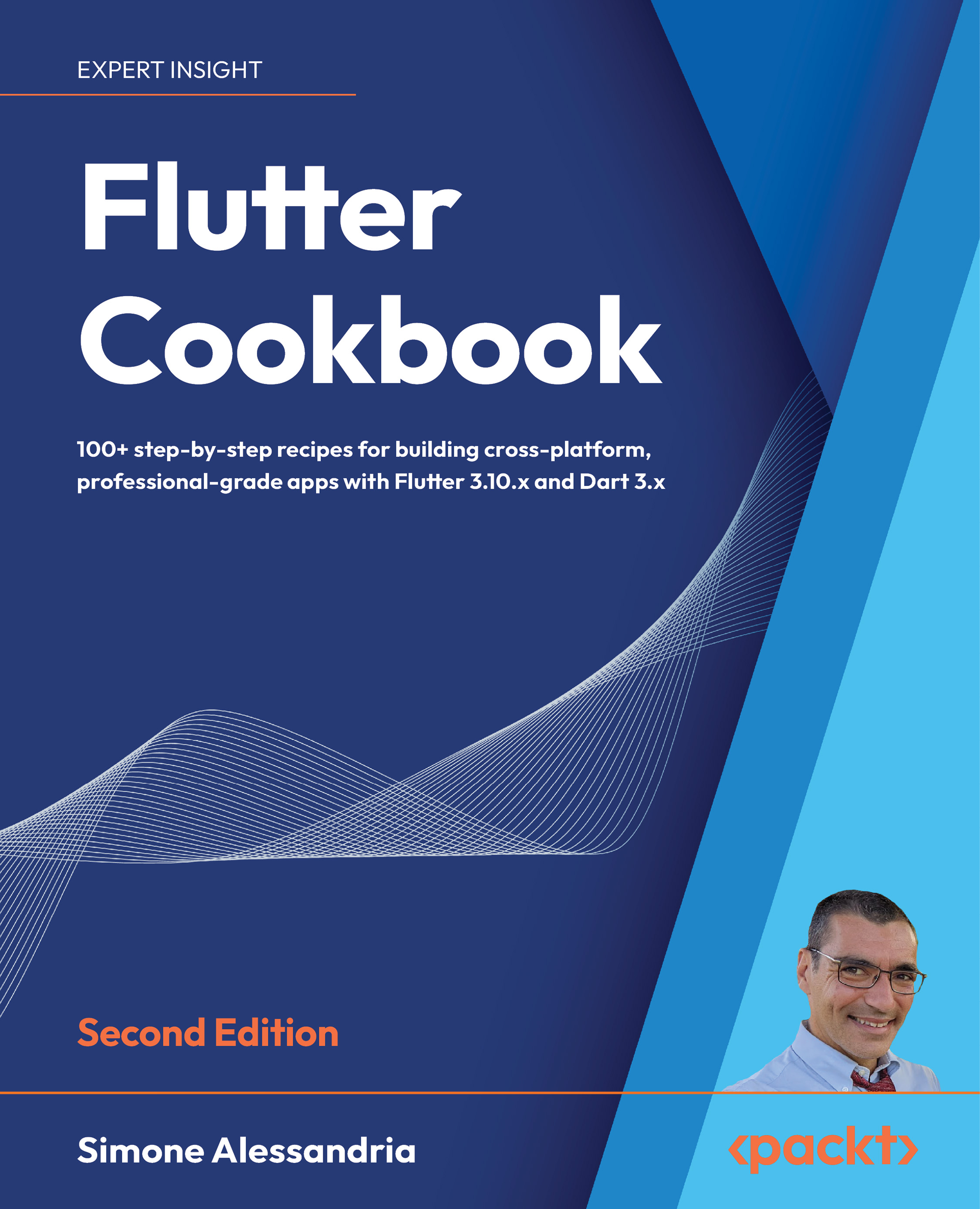
Flutter Cookbook - Second Edition
By :


Flutter Cookbook
By:
Overview of this book
Are you ready to tap into the immense potential of Flutter?
With over 1,000 new mobile apps published every day on the Apple and Google Play stores, Flutter is transforming the landscape of app development. It's time for you to join the revolution.
Introducing the second edition of Flutter Cookbook, a step-by-step guide designed exclusively for you. Whether you're a seasoned developer or just starting your coding journey, this book is your ultimate companion. Dive into the latest features of Flutter 3.10 and unlock the secrets to building professional-grade, cross-platform applications.
With our recipe-based approach, we'll not only show you how to implement Flutter's features but also explain why they work. Through practical examples and real-world execution, you'll gain a deeper understanding of Flutter's inner workings. From crafting stunning UI/UX with widgets to leveraging hot reload and restart techniques, we'll equip you with best practices and invaluable knowledge.
As you progress, you'll learn to efficiently manage data, add interactivity and animations, and integrate essential Flutter plugins like maps, camera, voice recognition and more. And let's not forget the dedicated chapter on implementing MLkit powered by TensorFlow Lite. We'll guide you through building custom machine learning solutions, expanding the capabilities of your apps.
By the time you reach the end of this comprehensive Flutter book, you'll have the skills and confidence to write and deliver fully functional apps.
Table of Contents (19 chapters)
Preface


Getting Started with Flutter
 Free Chapter
Creating Your First Flutter App
Dart: A Language You Already Know
Introduction to Widgets
Mastering Layout and Taming the Widget Tree
Adding Interactivity and Navigation to Your App
Basic State Management
The Future is Now: Introduction to Asynchronous Programming
Data Persistence and Communicating with the Internet
Advanced State Management with Streams

Using Flutter Packages
Adding Animations to Your App
Using Firebase
Firebase Machine Learning
Flutter Web and Desktop
Distributing Your Mobile App
Other Books You May Enjoy
Index


