Sign In Start Free Trial
Account

Add to playlist

Create a Playlist

Modal Close icon
You need to login to use this feature.
  • Book Overview & Buying Instant Edmodo How-to
  • Table Of Contents Toc
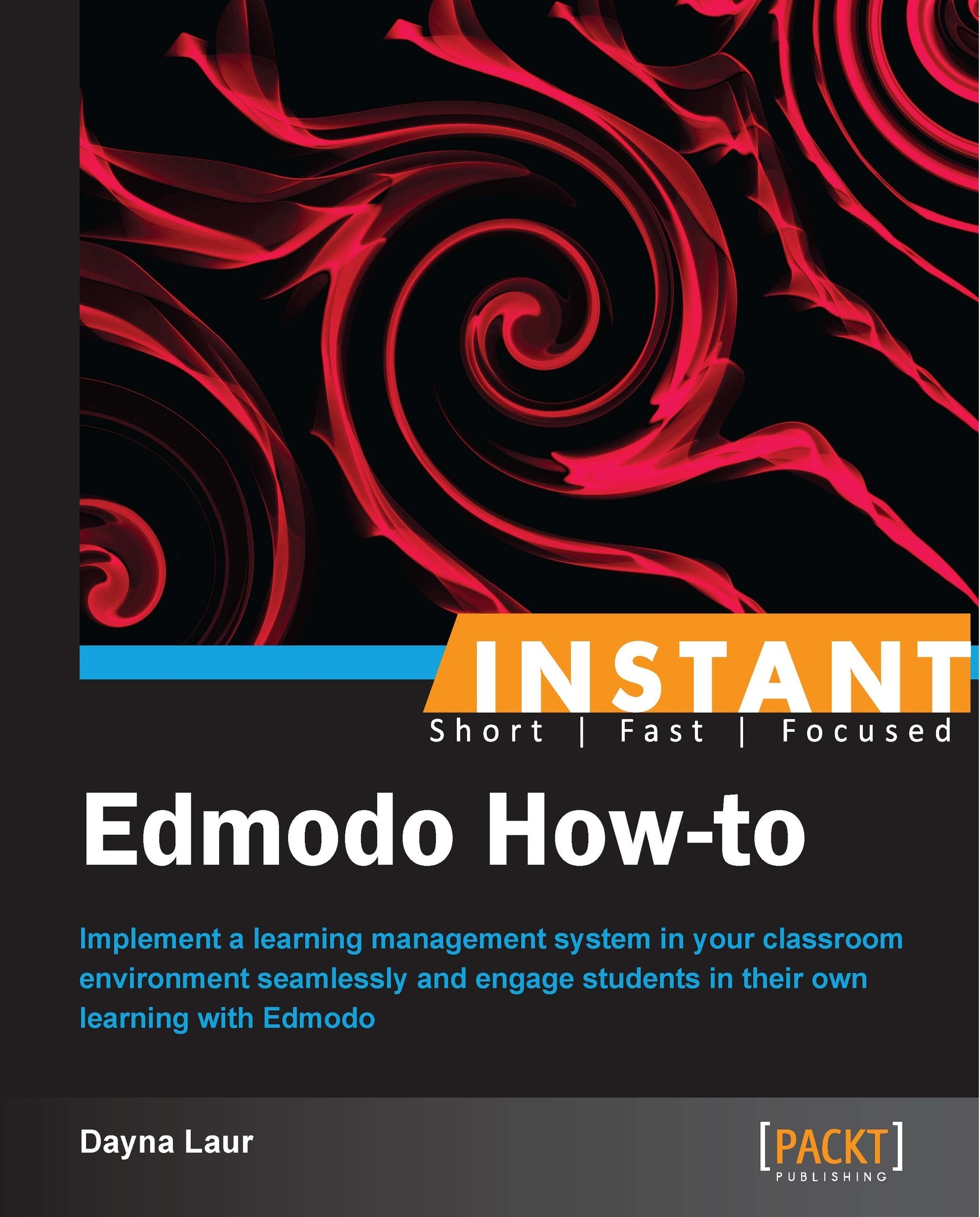
Instant Edmodo How-to

Instant Edmodo How-to

By : Dayna Laur
3 (2)
close
close
Instant Edmodo How-to

Instant Edmodo How-to

3 (2)
By: Dayna Laur

Overview of this book

As classrooms make the push toward a paperless environment, Edmodo provides you with an easy-to-use system to manage your classes, and creates an opportunity for you to participate in and create a space for your own personal learning network. A practical, guided instructional set to implement the full capabilities of Edmodo in a more engaging and connected online classroom environment. Whether you are a new or veteran Edmodo user, this guide will provide the instructions necessary to navigate the simplest and most advanced features of this system. You will learn how to turn your classroom into a paperless environment that can be managed from anywhere and at anytime. The space that you create for your students on Edmodo will provide you and your students with the ability to access class content and engage in online discussions long after the bell rings. Instant Edmodo How-to will help you establish a more connected classroom that links your face-to-face environment with a more global personal learning network that challenges you to grow as an educator.
Table of Contents (7 chapters)
close
close

Preface

Welcome to Instant Edmodo How-to. In this book, we will navigate the steps needed to seamlessly implement this learning management system in your classroom environment. Whether you are a novice or have dabbled with Edmodo, this book will teach you the tips and tricks to successfully use all the features of the system. You will walk away with the tools necessary to better engage your students in their own learning.

What this book covers

Setting up your profile (Simple) explains why setting up your profile is one of the most important steps in starting your Edmodo experience. This recipe also covers how your profile gives others insight into the professional you, as you will want to provide a snapshot of your educational expertise.

Creating Edmodo groups (Simple) covers the process to create groups in Edmodo. This recipe also talks about organizing your students into manageable groups, which can be maintained, archived, or deleted in future school years.

Creating student accounts (Simple) explains the process to create student accounts once the groups have been created.

Maintaining Edmodo online safety (Simple) explains the importance of maintaining online safety of students, although online classroom environments are perfect for teaching digital safety. This recipe also discusses a few tips to ensure students' Edmodo experience is a safe one.

Creating small groups (Intermediate) explains the necessity to break a full class into smaller sections for a variety of tasks, which will allow you to quickly and easily maneuver students into an array of smaller groups.

Posting on the Edmodo wall (Simple) explains the importance of wall feeds. The feed on Edmodo is similar to that of Facebook. If you are a Facebook user, you will find Edmodo to be an easy transition.

Creating and editing assignments (Intermediate) covers the importance of paperless assignments. You can upload documents, link videos, and assign due dates to help keep your students on track.

Creating quizzes (Intermediate) explains how to create a multiple choice, short answer, true or false, fill in the blank, or matching quiz that can be shared to multiple classes and scored by Edmodo. The results will be displayed as a graph to help you determine any deficient areas of learning.

Using the Edmodo gradebook (Intermediate) explains Edmodo gradebook, which is a scoring method in Edmodo. The use of the Edmodo gradebook will give parents and students immediate online access to their class standings and progress.

Managing your Edmodo planner (Simple) talks about Edmodo's easy-to-reference calendar for teachers, student, and parents. You don't have to worry about students forgetting to write assignment due dates in their planner anymore.

Managing your Edmodo Library (Intermediate) talks about the Edmodo Library that maintains a virtual record of all of your documents, links, and videos. This recipe also explains how to organize your content and share it with others.

Creating parent accounts in Edmodo (Intermediate) talks about giving parents access to your classroom group, which creates a connected experience for them. Parent accounts are automatically linked to the appropriate students by Edmodo, so take advantage of this feature.

Participating in Edmodo communities (Intermediate) talks about using Edmodo to help you grow your personal learning network. Connect with your subject area and then find additional communities of interest with which you can engage to find resources, share ideas, and receive feedback on your work.

Using Edmodo apps (Advanced) discusses the apps available on the Edmodo app store. The basic functions of Edmodo are free. Once you've mastered the ins and outs of the tools, you may be ready for the more advanced, paid offerings that can be downloaded from the Edmodo app store.

What you need for this book

To use Edmodo, you simply need an Internet connection. Edmodo is a Web 2.0 tool designed for educators, so you also need to have an affiliation with an educational organization in order to create a valid Edmodo account.

Who this book is for

This book is for educators who intend to use Edmodo for instructional support in classrooms or in professional development sessions.

Conventions

In this book, you will find a number of styles of text that distinguish between different kinds of information. Here are some examples of these styles, and an explanation of their meaning.

Code words in text are shown as follows: "If you are going to leave the newly restored group open for any length of time, you may wish to change the group name by simply adding the word Closed."

New terms and important words are shown in bold. Words that you see on the screen, in menus or dialog boxes for example, appear in the text like this: "Click on I'm a Teacher."

Note

Warnings or important notes appear in a box like this.

Tip

Tips and tricks appear like this.

Reader feedback

Feedback from our readers is always welcome. Let us know what you think about this book—what you liked or may have disliked. Reader feedback is important for us to develop titles that you really get the most out of.

To send us general feedback, simply send an e-mail to , and mention the book title via the subject of your message.

If there is a topic that you have expertise in and you are interested in either writing or contributing to a book, see our author guide on www.packtpub.com/authors.

Customer support

Now that you are the proud owner of a Packt book, we have a number of things to help you to get the most from your purchase.

Errata

Although we have taken every care to ensure the accuracy of our content, mistakes do happen. If you find a mistake in one of our books—maybe a mistake in the text or the code—we would be grateful if you would report this to us. By doing so, you can save other readers from frustration and help us improve subsequent versions of this book. If you find any errata, please report them by visiting http://www.packtpub.com/submit-errata, selecting your book, clicking on the errata submission form link, and entering the details of your errata. Once your errata are verified, your submission will be accepted and the errata will be uploaded on our website, or added to any list of existing errata, under the Errata section of that title. Any existing errata can be viewed by selecting your title from http://www.packtpub.com/support.

Piracy

Piracy of copyright material on the Internet is an ongoing problem across all media. At Packt, we take the protection of our copyright and licenses very seriously. If you come across any illegal copies of our works, in any form, on the Internet, please provide us with the location address or website name immediately so that we can pursue a remedy.

Please contact us at with a link to the suspected pirated material.

We appreciate your help in protecting our authors, and our ability to bring you valuable content.

Questions

You can contact us at if you are having a problem with any aspect of the book, and we will do our best to address it.

CONTINUE READING
83
Tech Concepts
36
Programming languages
73
Tech Tools
Icon Unlimited access to the largest independent learning library in tech of over 8,000 expert-authored tech books and videos.
Icon Innovative learning tools, including AI book assistants, code context explainers, and text-to-speech.
Icon 50+ new titles added per month and exclusive early access to books as they are being written.
Instant Edmodo How-to
notes
bookmark Notes and Bookmarks search Search in title playlist Add to playlist font-size Font size

Change the font size

margin-width Margin width

Change margin width

day-mode Day/Sepia/Night Modes

Change background colour

Close icon Search
Country selected

Close icon Your notes and bookmarks

Confirmation

Modal Close icon
claim successful

Buy this book with your credits?

Modal Close icon
Are you sure you want to buy this book with one of your credits?
Close
YES, BUY

Submit Your Feedback

Modal Close icon
Modal Close icon
Modal Close icon