Sign In Start Free Trial
Account

Add to playlist

Create a Playlist

Modal Close icon
You need to login to use this feature.
  • Book Overview & Buying Becoming an Enterprise Django Developer
  • Table Of Contents Toc
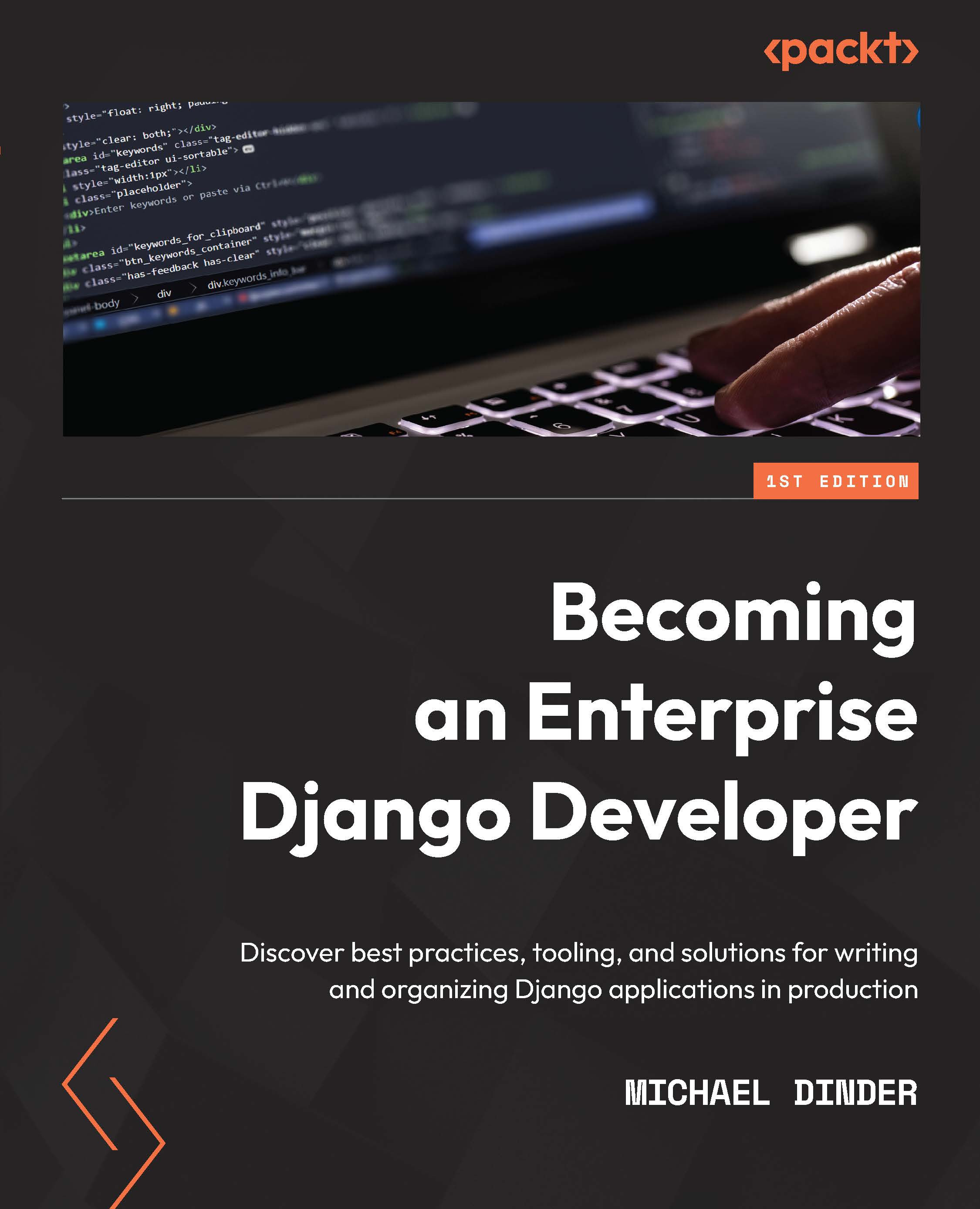
Becoming an Enterprise Django Developer

Becoming an Enterprise Django Developer

By : Dinder, Michael Dinder
4.2 (9)
close
close
Becoming an Enterprise Django Developer

Becoming an Enterprise Django Developer

4.2 (9)
By: Dinder, Michael Dinder

Overview of this book

Django is a powerful framework but choosing the right add-ons that match the scale and scope of your enterprise projects can be tricky. This book will help you explore the multifarious options available for enterprise Django development. Countless organizations are already using Django and more migrating to it, unleashing the power of Python with many different packages and dependencies, including AI technologies. This practical guide will help you understand practices, blueprints, and design decisions to put Django to work the way you want it to. You’ll learn various ways in which data can be rendered onto a page and discover the power of Django for large-scale production applications. Starting with the basics of getting an enterprise project up and running, you'll get to grips with maintaining the project throughout its lifecycle while learning what the Django application lifecycle is. By the end of this book, you'll have learned how to build and deploy a Django project to the web and implement various components into the site.
Table of Contents (15 chapters)
close
close
1
Part 1 – Starting a Project
5
Part 2 – Django Components
10
Part 3 – Advanced Django Components

Using the Django shell

The Django shell is a powerful tool to add to any toolbox. It will activate the Python interactive interpreter and uses the Django database abstraction API to let us connect directly to the database(s) configured in a project. With this, we can write Python and perform queries directly from a terminal or command-line window.

To activate the Django shell, follow these steps:

  1. Open your terminal or command-line window and navigate to the root of your project. Make sure your virtual environment has been activated and then execute the following command:
    (virtual_env) PS > python3 manage.py shell
  2. You should see it print out the following information about the InteractiveConsole that was launched:
    Python 3.7.8 (tags/v3.7.8:4b47a5b6ba, Jun 28 2020, 08:53:46) [MSC v.1916 64 bit (AMD64)] on win32
    Type "help", "copyright", "credits" or "license" for more information.
    (InteractiveConsole)
    >>>
  3. Your console...
CONTINUE READING
83
Tech Concepts
36
Programming languages
73
Tech Tools
Icon Unlimited access to the largest independent learning library in tech of over 8,000 expert-authored tech books and videos.
Icon Innovative learning tools, including AI book assistants, code context explainers, and text-to-speech.
Icon 50+ new titles added per month and exclusive early access to books as they are being written.
Becoming an Enterprise Django Developer
notes
bookmark Notes and Bookmarks search Search in title playlist Add to playlist download Download options font-size Font size

Change the font size

margin-width Margin width

Change margin width

day-mode Day/Sepia/Night Modes

Change background colour

Close icon Search
Country selected

Close icon Your notes and bookmarks

Confirmation

Modal Close icon
claim successful

Buy this book with your credits?

Modal Close icon
Are you sure you want to buy this book with one of your credits?
Close
YES, BUY

Submit Your Feedback

Modal Close icon
Modal Close icon
Modal Close icon