


-
Book Overview & Buying
-
Table Of Contents

Learn Three.js - Fourth Edition
By :


Learn Three.js
By:
Overview of this book
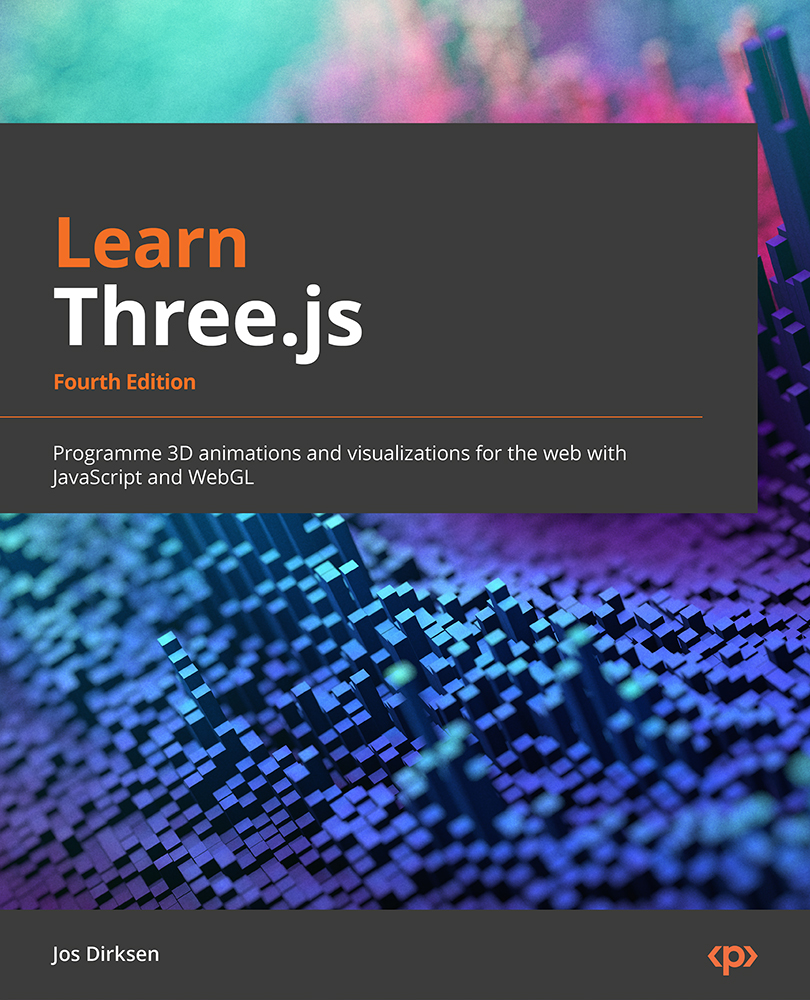
Three.js has become the industry standard for creating stunning 3D WebGL content. In this edition, you’ll learn about all the features of Three.js and understand how to integrate it with the newest physics engines. You'll also develop a strong grip on creating and animating immersive 3D scenes directly in your browser, reaping the full potential of WebGL and modern browsers.
The book starts with the basic concepts and building blocks used in Three.js and helps you explore these essential topics in detail through extensive examples and code samples. You'll learn how to create realistic-looking 3D objects using textures and materials and how to load existing models from an external source. Next, you'll understand how to control the camera using the Three.js built-in camera controls, which will enable you to fly or walk around the 3D scene you've created. Later chapters will cover the use of HTML5 video and canvas elements as materials for your 3D objects to animate your models. You’ll learn how to use morph targets and skeleton-based animation, before understanding how to add physics, such as gravity and collision detection, to your scene. Finally, you’ll master combining Blender with Three.js and creating VR and AR scenes.
By the end of this book, you'll be well-equipped to create 3D-animated graphics using Three.js.
Table of Contents (21 chapters)
Preface


Part 1: Getting Up and Running
 Free Chapter
Chapter 1: Creating Your First 3D Scene with Three.js
Chapter 2: The Basic Components that Make up a Three.js Application
Chapter 3: Working with Light Sources in Three.js
Part 2: Working with the Three.js Core Components
Chapter 4: Working with Three.js Materials
Chapter 5: Learning to Work with Geometries
Chapter 6: Exploring Advanced Geometries
Chapter 7: Points and Sprites
Part 3: Particle Clouds, Loading and Animating Models
Chapter 8: Creating and Loading Advanced Meshes and Geometries
Chapter 9: Animation and Moving the Camera
Chapter 10: Loading and Working with Textures
Part 4: Post-Processing, Physics, and Sounds
Chapter 11: Render Postprocessing
Chapter 12: Adding Physics and Sounds to Your Scene
Chapter 13: Working with Blender and Three.js
Chapter 14: Three.js Together with React, TypeScript, and Web-XR

Index
Other Books You May Enjoy


