


-
Book Overview & Buying
-
Table Of Contents

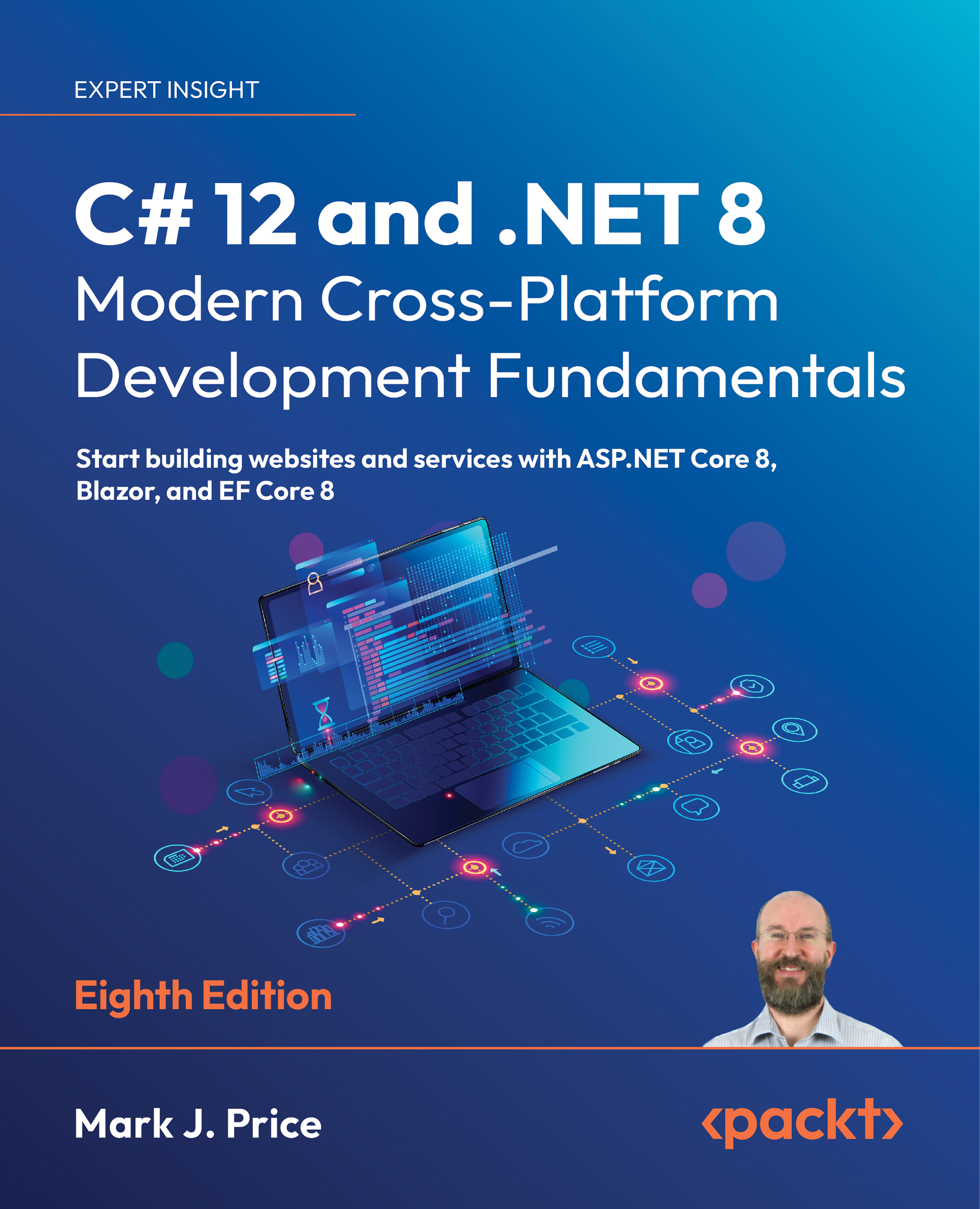
C# 12 and .NET 8 – Modern Cross-Platform Development Fundamentals - Eighth Edition
By :


C# 12 and .NET 8 – Modern Cross-Platform Development Fundamentals
By:
Overview of this book
This latest edition of the bestselling Packt series will give you a solid foundation to start building projects using modern C# and .NET with confidence.
You'll learn about object-oriented programming; writing, testing, and debugging functions; and implementing interfaces. You'll take on .NET APIs for managing and querying data, working with the fi lesystem, and serialization. As you progress, you'll explore examples of cross-platform projects you can build and deploy, such as websites and services using ASP.NET Core.
This latest edition integrates .NET 8 enhancements into its examples: type aliasing and primary constructors for concise and expressive code. You'll handle errors robustly through the new built-in guard clauses and explore a simplified implementation of caching in ASP.NET Core 8.
If that's not enough, you'll also see how native ahead-of-time (AOT) compiler publish lets web services reduce memory use and run faster. You'll work with the seamless new HTTP editor in Visual Studio 2022 to enhance the testing and debugging process. You'll even get introduced to Blazor Full Stack with its new unified hosting model for unparalleled web development flexibility.
Table of Contents (18 chapters)
Preface


Hello, C#! Welcome, .NET!
 Free Chapter
Speaking C#
Controlling Flow, Converting Types, and Handling Exceptions

Writing, Debugging, and Testing Functions
Building Your Own Types with Object-Oriented Programming
Implementing Interfaces and Inheriting Classes
Packaging and Distributing .NET Types
Working with Common .NET Types
Working with Files, Streams, and Serialization
Working with Data Using Entity Framework Core
Querying and Manipulating Data Using LINQ
Introducing Web Development Using ASP.NET Core
Building Websites Using ASP.NET Core Razor Pages
Building and Consuming Web Services
Building User Interfaces Using Blazor
Epilogue
Index


