
Sign In Start Free Trial
Account

Add to playlist

Create a Playlist

Modal Close icon
You need to login to use this feature.
  • Book Overview & Buying Learn SwiftUI
  • Table Of Contents Toc
Learn SwiftUI

Learn SwiftUI

By : Chris Barker
2.6 (5)
close
close
Learn SwiftUI

Learn SwiftUI

2.6 (5)
By: Chris Barker

Overview of this book

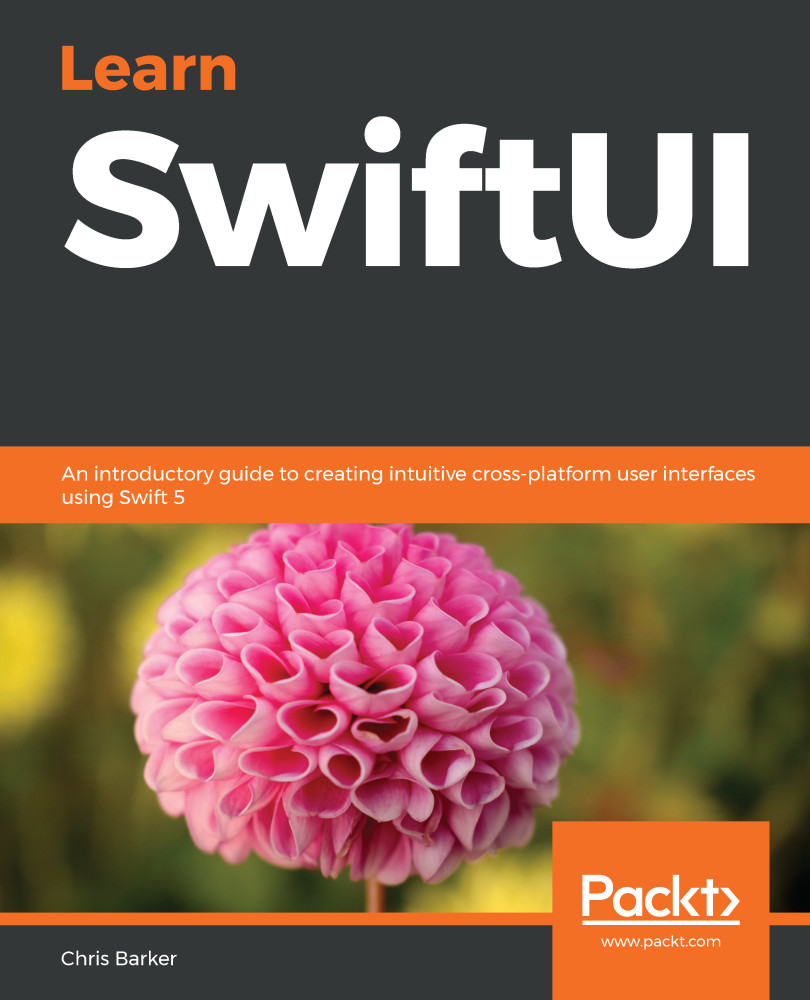
SwiftUI is the new and powerful interface toolkit that lets you design and build iOS, iPadOS, and macOS apps using declarative syntax. It is a powerful way to develop the UI elements of applications, which would normally be tightly coupled to application logic. Learn SwiftUI will get you up to speed with the framework and cross-device UI development in no time. Complete with detailed explanations and practical examples, this easy-to-follow guide will teach you the fundamentals of the SwiftUI toolkit. You'll learn how to build a powerful iOS and iPadOS application that can be reused for deployment on watchOS. As you progress, you'll delve into UI and unit testing in iOS apps, along with learning how to test your SwiftUI code for multiple devices. The book will also show you how to integrate SwiftUI features such as data binding and network requests into your current application logic. By the end of this book, you will have learned how to build a cross-device application using the SwiftUI framework and Swift programming.
Table of Contents (17 chapters)
close
close

Introducing Swift as a programming language

Whether you're a seasoned Mac/iOS developer or brand new to the scene, one way or another you'll have heard of Swift. The Swift programming language was first announced by Apple at the Apple Worldwide Developers Conference (WWDC) in 2014 and was intended to bring to the table numerous features from a multitude of other programming languages. Although not labeled as a successor, some feel that Swift was brought in to replace Apple's currently used programming language, Objective-C.

Apple had actually been developing Swift since 2010, a project originally started by Chris Lattner, who joined Apple in 2005 to work on the Low-Level Virtual Machine (LLVM) toolchain project.

Since its announcement in 2014, Swift has taken on many iterations, with the current release at the time of writing being version 5.1.

However, the first major milestone for Swift came just after the announcement of version 2 at WWDC 2015, when Apple announced that version 2.2 was being open-sourced in December of that year. This decision was met with great enthusiasm by the community, with the ability to build, modify, and contribute to the Swift programming language. This kick-started many projects, including server-side Swift.

Open source software—Software that is created and distributed by developers under specific licenses, such as Apache 2.0 GNU General Public License (GPL) and Massachusetts Institute of Technology (MIT). The different flavors of licenses determine how developers can use and distribute the software.

As mentioned previously, Swift was created with the idea of taking the best bits of other programming languages and rolling them into one.

Swift is known for providing benefits, such as being a type-safe language and its functional programming properties. For current macOS/iOS developers, one of the benefits of Swift is its ability to bridge and be used in conjunction with Objective-C, the benefit being that both languages use the LLVM compiler. The following screenshot shows an example of the type interface in Swift. As you can see, from line 4, there is no declaration of the type String; it is simply inferred by the value given:

Another big win for Swift is that it allows developers to write safe code. If written correctly and by implementing the correct safeguards made available in Swift, a developer shouldn't have to worry about their application ever throwing errors. Safeguarding in Swift lets you validate against objects that could be nil, with a very simple and easy-to-read syntax, which can be seen in the following example:

If you take a look at line 18 in the preceding screenshot, you'll see that we check variableString to see if it's not nil—if so, then it's assigned to the newString constant and is now safely available for use within the if statement.

In this section, we learned about the history of the Swift programming language and some of its core features. Next, we'll learn about existing user interface (UI) frameworks made available to us in Swift.

CONTINUE READING
83
Tech Concepts
36
Programming languages
73
Tech Tools
Icon Unlimited access to the largest independent learning library in tech of over 8,000 expert-authored tech books and videos.
Icon Innovative learning tools, including AI book assistants, code context explainers, and text-to-speech.
Icon 50+ new titles added per month and exclusive early access to books as they are being written.
Learn SwiftUI
notes
bookmark Notes and Bookmarks search Search in title playlist Add to playlist download Download options font-size Font size

Change the font size

margin-width Margin width

Change margin width

day-mode Day/Sepia/Night Modes

Change background colour

Close icon Search
Country selected

Close icon Your notes and bookmarks

Confirmation

Modal Close icon
claim successful

Buy this book with your credits?

Modal Close icon
Are you sure you want to buy this book with one of your credits?
Close
YES, BUY

Submit Your Feedback

Modal Close icon
Modal Close icon
Modal Close icon