




Congratulations on learning your first Linux command (date). Now let's keep learning more!
One would usually display the calendar after displaying that date, right? To display the calendar of the current month, you can run the cal command:
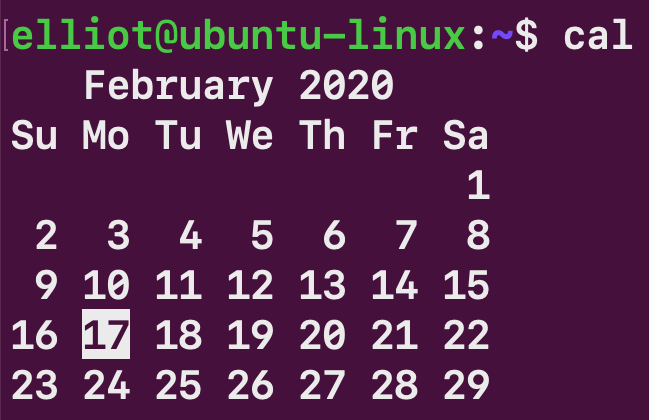
Figure 18 : The cal command
You can also display the calendar of the whole year, for example, to get the full 2022 calendar, you can run:
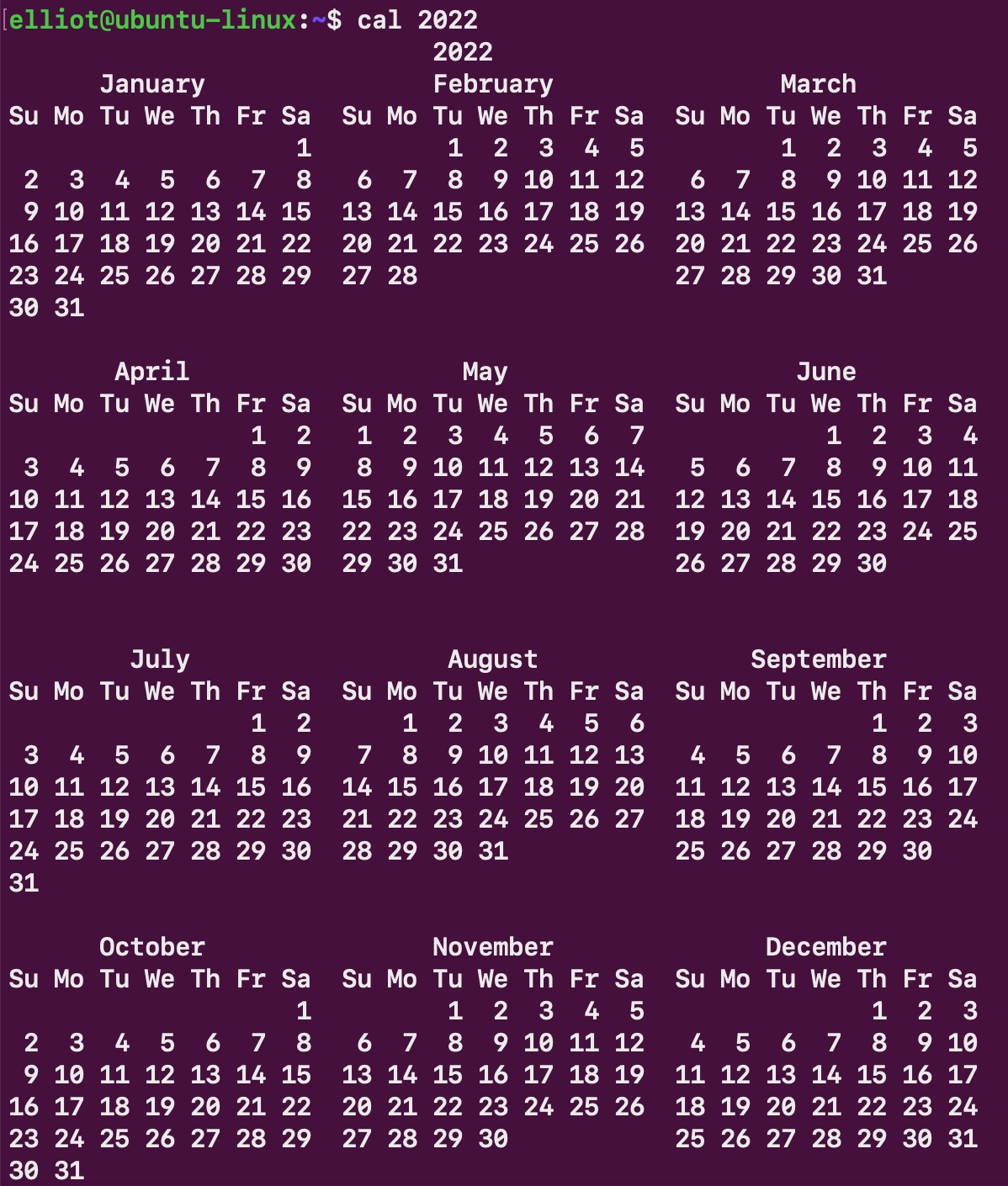
Figure 19: The cal command for the year 2022
You can also specify a month, for example, to display the calendar of February 1993, you can run the command:
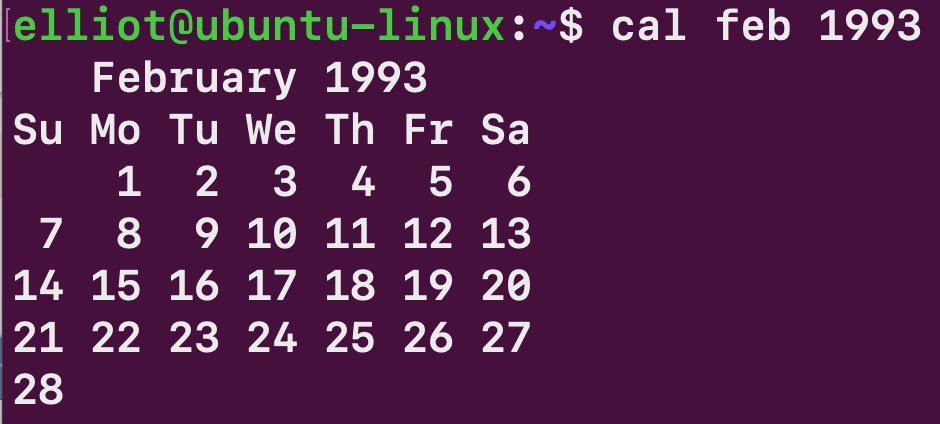
Figure 20: The cal command for February 1993
You now have a lot of output on your Terminal. You can run the clear command to clear the Terminal screen:
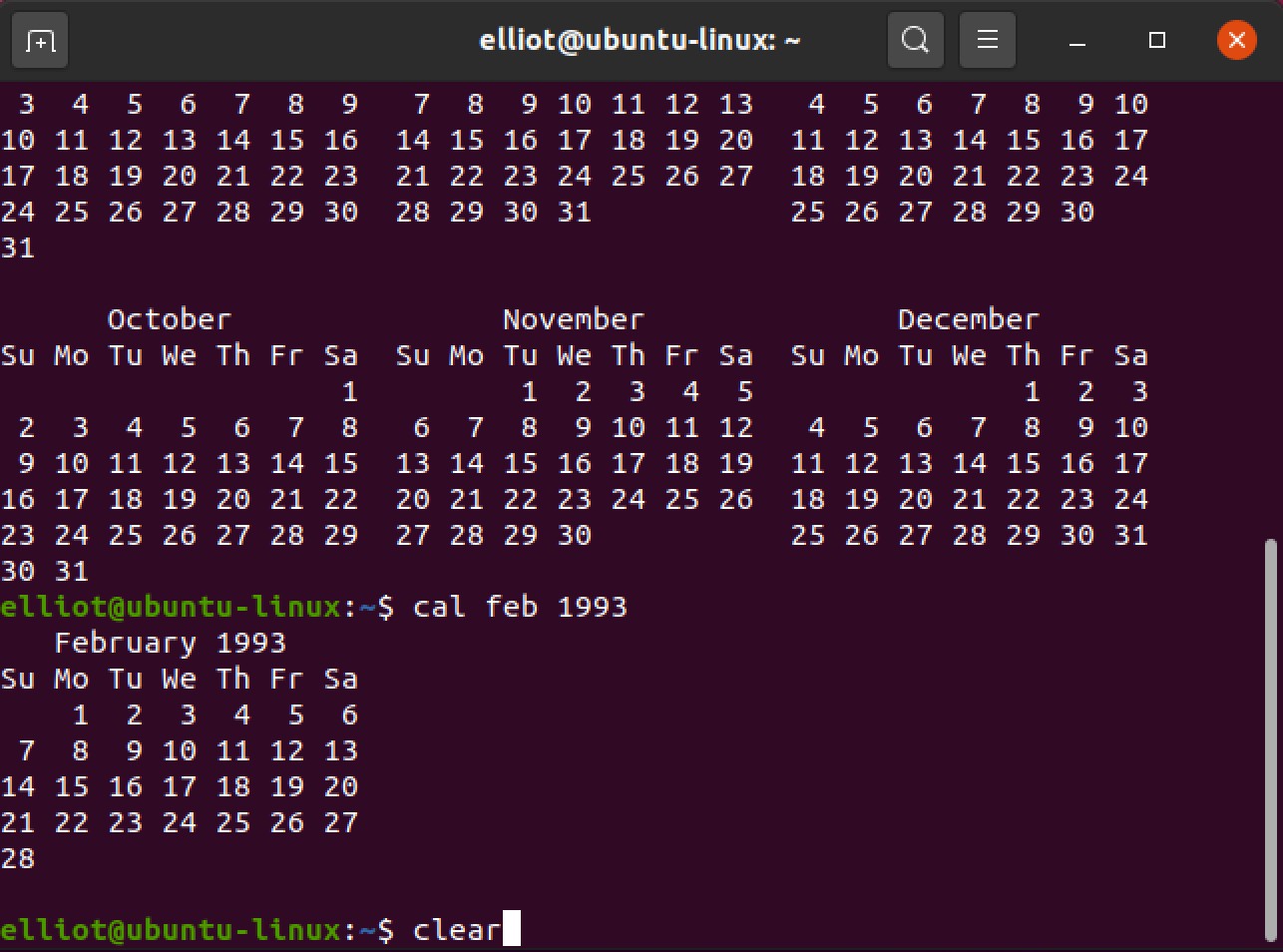
Figure 21: Before clear
This is how your Terminal will look after running the clear command:
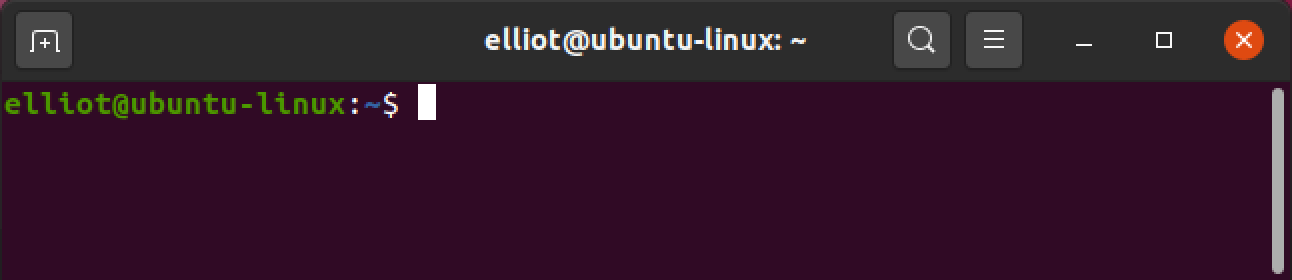
Figure 22: After clear
You can use the lscpu command, which is short for List CPU, to display your CPU architecture information:
elliot©ubuntu-linux:-$ lscpu
Architecture:          x86_64...



