


-
Book Overview & Buying
-
Table Of Contents

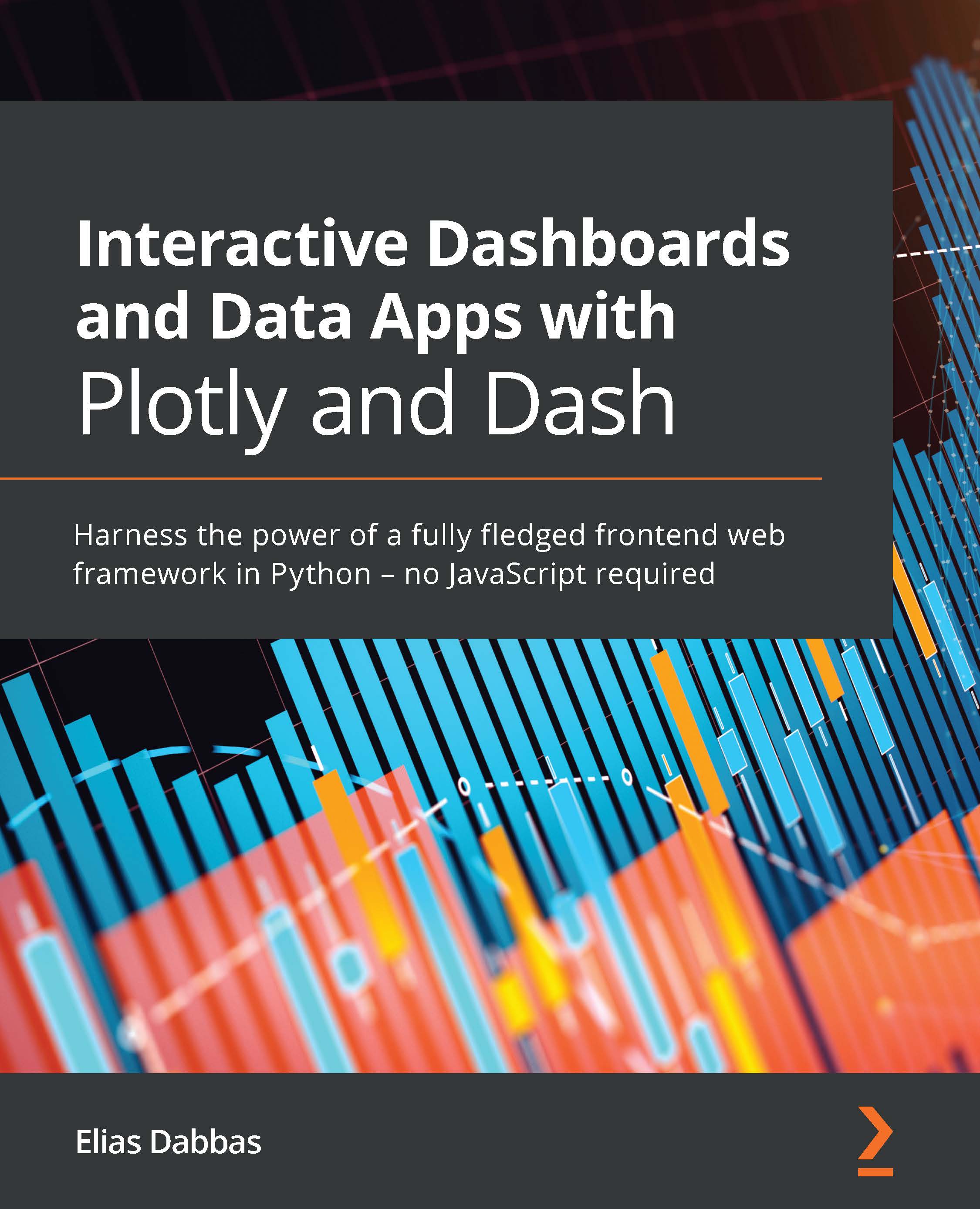
Interactive Dashboards and Data Apps with Plotly and Dash
By :


Interactive Dashboards and Data Apps with Plotly and Dash
By:
Overview of this book
Plotly's Dash framework is a life-saver for Python developers who want to develop complete data apps and interactive dashboards without JavaScript, but you'll need to have the right guide to make sure you’re getting the most of it. With the help of this book, you'll be able to explore the functionalities of Dash for visualizing data in different ways.
Interactive Dashboards and Data Apps with Plotly and Dash will first give you an overview of the Dash ecosystem, its main packages, and the third-party packages crucial for structuring and building different parts of your apps. You'll learn how to create a basic Dash app and add different features to it.
Next, you’ll integrate controls such as dropdowns, checkboxes, sliders, date pickers, and more in the app and then link them to charts and other outputs. Depending on the data you are visualizing, you'll also add several types of charts, including scatter plots, line plots, bar charts, histograms, and maps, as well as explore the options available for customizing them.
By the end of this book, you'll have developed the skills you need to create and deploy an interactive dashboard, handle complexities and code refactoring, and understand the process of improving your application.
Table of Contents (18 chapters)
Preface


Section 1: Building a Dash App
 Free Chapter
Chapter 1: Overview of the Dash Ecosystem
Chapter 2: Exploring the Structure of a Dash App
Chapter 3: Working with Plotly's Figure Objects
Chapter 4: Data Manipulation and Preparation, Paving the Way to Plotly Express
Section 2: Adding Functionality to Your App with Real Data
Chapter 5: Interactively Comparing Values with Bar Charts and Dropdown Menus
Chapter 6: Exploring Variables with Scatter Plots and Filtering Subsets with Sliders
Chapter 7: Exploring Map Plots and Enriching Your Dashboards with Markdown
Chapter 8: Calculating the Frequency of Your Data with Histograms and Building Interactive Tables
Section 3: Taking Your App to the Next Level
Chapter 9: Letting Your Data Speak for Itself with Machine Learning
Chapter 10: Turbo-charge Your Apps with Advanced Callbacks
Chapter 11: URLs and Multi-Page Apps

Chapter 12: Deploying Your App
Chapter 13: Next Steps


