Sign In Start Free Trial
Account

Add to playlist

Create a Playlist

Modal Close icon
You need to login to use this feature.
  • Book Overview & Buying Data Modeling with Tableau
  • Table Of Contents Toc
Data Modeling with Tableau

Data Modeling with Tableau

By : Kirk Munroe
4.5 (14)
close
close
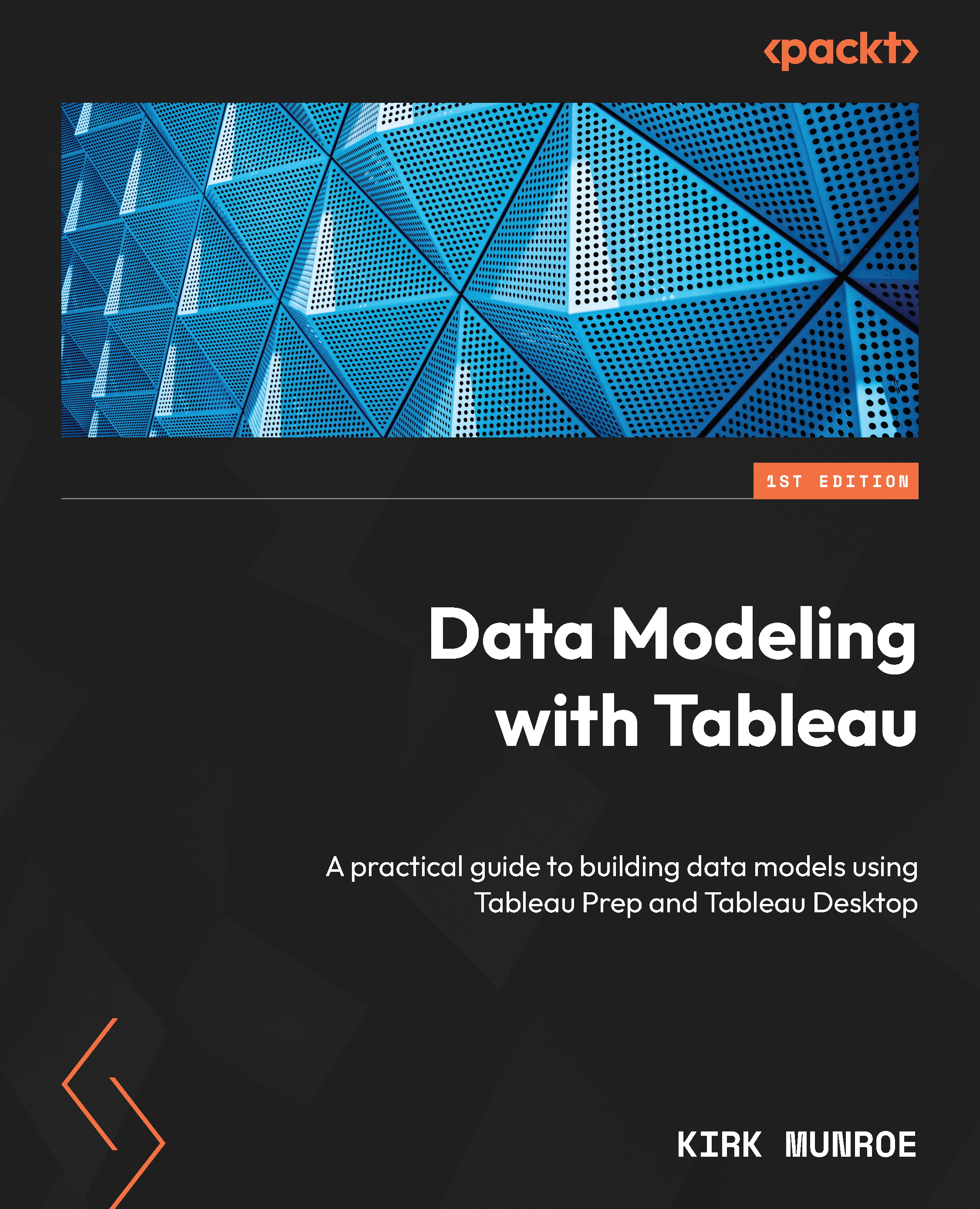
Data Modeling with Tableau

Data Modeling with Tableau

4.5 (14)
By: Kirk Munroe

Overview of this book

Tableau is unlike most other BI platforms that have a single data modeling tool and enterprise data model (for example, LookML from Google’s Looker). That doesn’t mean Tableau doesn’t have enterprise data governance; it is both robust and highly flexible. This book will help you effectively use Tableau governance models to build a data-driven organization. Data Modeling with Tableau is an extensive guide, complete with step-by-step explanations of essential concepts, practical examples, and hands-on exercises. As you progress through the chapters, you’ll learn the role that Tableau Prep Builder and Tableau Desktop each play in data modeling. You’ll also explore the components of Tableau Server and Tableau Cloud that make data modeling more robust, secure, and performant. Moreover, by extending data models for Ask and Explain Data, you’ll gain the knowledge required to extend analytics to more people in their organizations, leading to better data-driven decisions. Finally, this book will guide you through the entire Tableau stack and the techniques required to build the right level of governance into Tableau data models for the correct use cases. By the end of this Tableau book, you’ll have a firm understanding of how to leverage data modeling in Tableau to benefit your organization.
Table of Contents (22 chapters)
close
close
1
Part 1: Data Modeling on the Tableau Platform
4
Part 2: Tableau Prep Builder for Data Modeling
9
Part 3: Tableau Desktop for Data Modeling
14
Part 4: Data Modeling with Tableau Server and Online

Preface

Tableau is powered by a proprietary language, called VizQL. VizQL combines querying, analysis, and visualization into a single framework. Other BI tools offer querying (SQL, MDX), arranging the data through analysis, and then charting the data in three distinct steps. VizQL is what makes Tableau so quick and easy for analysts.

For VizQL to work properly, the underlying data needs to be in a very neat, tabular format with the following characteristics:

  • Every column needs to contain values representing a distinct field, ideally free from null values
  • The data needs to be at the lowest level of aggregation that the analyst needs to answer questions with no missing rows

From Tableau’s release in 2005 to the release of Tableau Prep Builder in 2018, Tableau mostly left the shaping of data to other technologies. In other words, Tableau assumed you, the analyst, would connect to data that was already in the ideal format. Tableau did however let you add rows from more than one table through unions, add additional columns through joins, and adjust the metadata of your data model by renaming fields, changing field types, and creating hierarchies, groups, and folders.

Tableau Prep Builder was released in the first half of 2018. It brought robust data cleaning and shaping to the Tableau platform. Tableau has gained many more data modeling capabilities since that time including relationships, data catalogs and lineage, and virtual connections. Tableau also released artificial intelligence and machine learning features in the form of Ask Data and Explain Data. Each of these has an impact on how we best model our data for Tableau.

This book explores all the data modeling components and considerations of the Tableau platform. It provides step-by-step explanations of essential concepts, practical examples, and hands-on exercises. You will learn the role that Tableau Prep Builder and Tableau Desktop each play in data modeling. The book also explores the components of Tableau Server and Cloud that make data modeling more robust, secure, and performant. Moreover, by extending data models for Ask Data and Explain Data, you will gain the knowledge required to extend analytics to more people in their organizations, leading to better data-driven decisions.

The book wraps up with a final chapter that explains when it is best to use Tableau Desktop and when it is best to use Tableau Prep Builder. To complete your understanding of the topic, the final chapter also goes through four real-world scenarios and the data modeling components needed in each case. This is a practical guide that will help you put your knowledge to the test.

CONTINUE READING
83
Tech Concepts
36
Programming languages
73
Tech Tools
Icon Unlimited access to the largest independent learning library in tech of over 8,000 expert-authored tech books and videos.
Icon Innovative learning tools, including AI book assistants, code context explainers, and text-to-speech.
Icon 50+ new titles added per month and exclusive early access to books as they are being written.
Data Modeling with Tableau
notes
bookmark Notes and Bookmarks search Search in title playlist Add to playlist download Download options font-size Font size

Change the font size

margin-width Margin width

Change margin width

day-mode Day/Sepia/Night Modes

Change background colour

Close icon Search
Country selected

Close icon Your notes and bookmarks

Confirmation

Modal Close icon
claim successful

Buy this book with your credits?

Modal Close icon
Are you sure you want to buy this book with one of your credits?
Close
YES, BUY

Submit Your Feedback

Modal Close icon
Modal Close icon
Modal Close icon