Sign In Start Free Trial
Account

Add to playlist

Create a Playlist

Modal Close icon
You need to login to use this feature.
  • Book Overview & Buying Getting Started with Unity 5
  • Table Of Contents Toc
Getting Started with Unity 5

Getting Started with Unity 5

By : Dr. Edward Lavieri Jr.
2.7 (7)
close
close
Getting Started with Unity 5

Getting Started with Unity 5

2.7 (7)
By: Dr. Edward Lavieri Jr.

Overview of this book

If you are a game developer interested in learning Unity 3D from scratch and becoming familiar with its core features, then this book is for you. No prior knowledge of Unity 3D is required.
Table of Contents (16 chapters)
close
close

Preface

With the pervasiveness of games and the use of gamification in nearly every industry, the desire to discover how to use state of the art development software has never been so great. There is an increasing number of software tools available to help developers create amazing games for consoles, the Web, desktop computers, and mobile devices. Game engines are among the most powerful of these tools available. The Unity 3D game engine is one of the elite game engines. It has been used to create popular 2D and 3D games by large game studios and indie developers. With a free version available, and the release of Unity 5, the time has never been better to start using Unity.

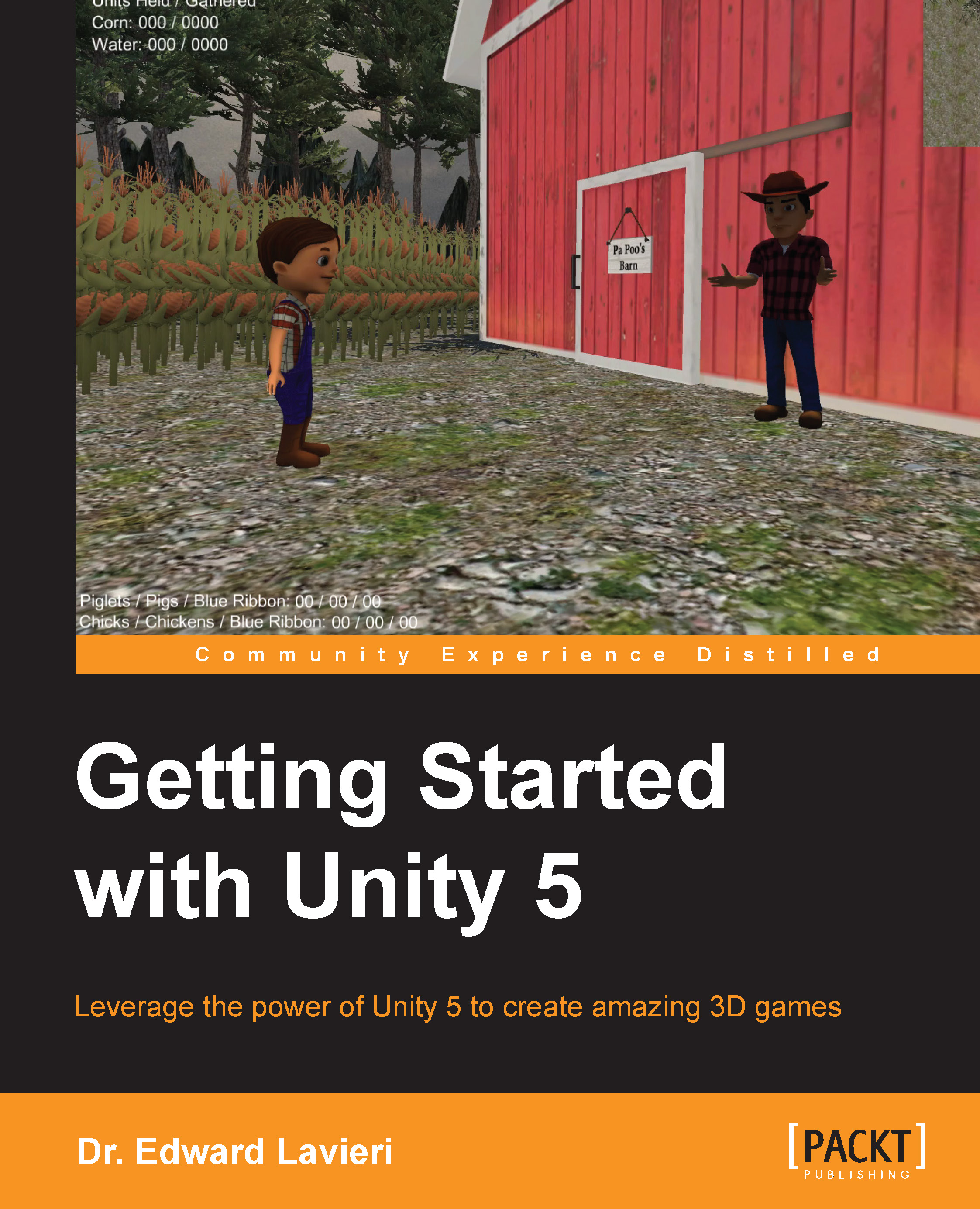
Getting Started with Unity 5 covers one of the most popular game engines available. This book will guide you through the entire process of creating a 3D game, from downloading the Unity game engine to publishing your game. You will enjoy having complete coverage of exciting topics including player-controlled characters and animation. Whether you are just getting started as a game developer or have experience with Unity or other game engines, this book will provide you with a guided tour of developing games with Unity 5. With clear explanations, tips, and ample screenshots, you will be provided with detailed steps to develop your game.

This book takes a practice hands-on approach to learning Unity 5. As you progress through each chapter, you will build a 3D interactive game called Little Farmer Colt. As you create the game, you'll learn key features of Unity 5 including creating a game environment, animating characters, scripting, and more. All meshes, models, textures, animations, and other assets are available on the book's website.

By the time you complete the lessons in this book, you'll have full confidence to start using Unity 5 to create your own games.

CONTINUE READING
83
Tech Concepts
36
Programming languages
73
Tech Tools
Icon Unlimited access to the largest independent learning library in tech of over 8,000 expert-authored tech books and videos.
Icon Innovative learning tools, including AI book assistants, code context explainers, and text-to-speech.
Icon 50+ new titles added per month and exclusive early access to books as they are being written.
Getting Started with Unity 5
notes
bookmark Notes and Bookmarks search Search in title playlist Add to playlist font-size Font size

Change the font size

margin-width Margin width

Change margin width

day-mode Day/Sepia/Night Modes

Change background colour

Close icon Search
Country selected

Close icon Your notes and bookmarks

Confirmation

Modal Close icon
claim successful

Buy this book with your credits?

Modal Close icon
Are you sure you want to buy this book with one of your credits?
Close
YES, BUY

Submit Your Feedback

Modal Close icon
Modal Close icon
Modal Close icon