


-
Book Overview & Buying
-
Table Of Contents

Game Development Projects with Unreal Engine
By :


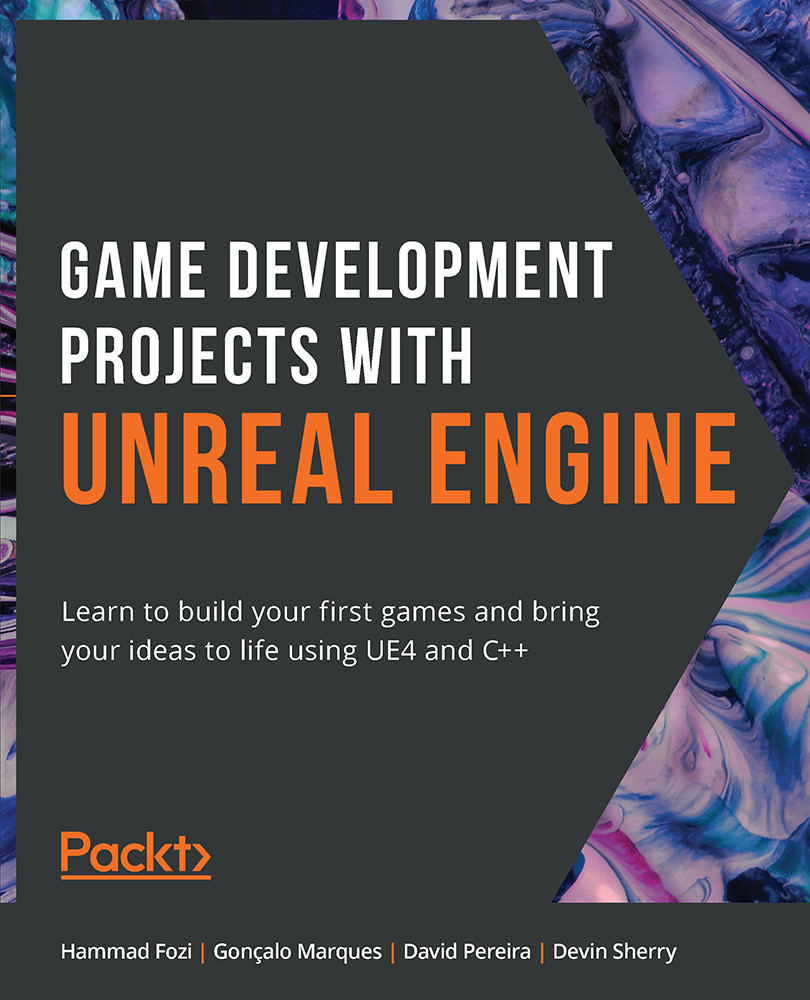
Game Development Projects with Unreal Engine
By:
Overview of this book
Game development can be both a creatively fulfilling hobby and a full-time career path. It's also an exciting way to improve your C++ skills and apply them in engaging and challenging projects.
Game Development Projects with Unreal Engine starts with the basic skills you'll need to get started as a game developer. The fundamentals of game design will be explained clearly and demonstrated practically with realistic exercises. You’ll then apply what you’ve learned with challenging activities.
The book starts with an introduction to the Unreal Editor and key concepts such as actors, blueprints, animations, inheritance, and player input. You'll then move on to the first of three projects: building a dodgeball game. In this project, you'll explore line traces, collisions, projectiles, user interface, and sound effects, combining these concepts to showcase your new skills.
You'll then move on to the second project; a side-scroller game, where you'll implement concepts including animation blending, enemy AI, spawning objects, and collectibles. The final project is an FPS game, where you will cover the key concepts behind creating a multiplayer environment.
By the end of this Unreal Engine 4 game development book, you'll have the confidence and knowledge to get started on your own creative UE4 projects and bring your ideas to life.
Table of Contents (19 chapters)
Preface


1. Unreal Engine Introduction
 Free Chapter
2. Working with Unreal Engine
3. Character Class Components and Blueprint Setup
4. Player Input
5. Line Traces
6. Collision Objects
7. UE4 Utilities
8. User Interfaces
9. Audio-Visual Elements
10. Creating a SuperSideScroller Game
11. Blend Spaces 1D, Key Bindings, and State Machines
12. Animation Blending and Montages
13. Enemy Artificial Intelligence
14. Spawning the Player Projectile

15. Collectibles, Power-Ups, and Pickups
16. Multiplayer Basics
17. Remote Procedure Calls
18. Gameplay Framework Classes in Multiplayer


