


-
Book Overview & Buying
-
Table Of Contents

Hands-On Unity Game Development - Fourth Edition
By :


Hands-On Unity Game Development
By:
Overview of this book
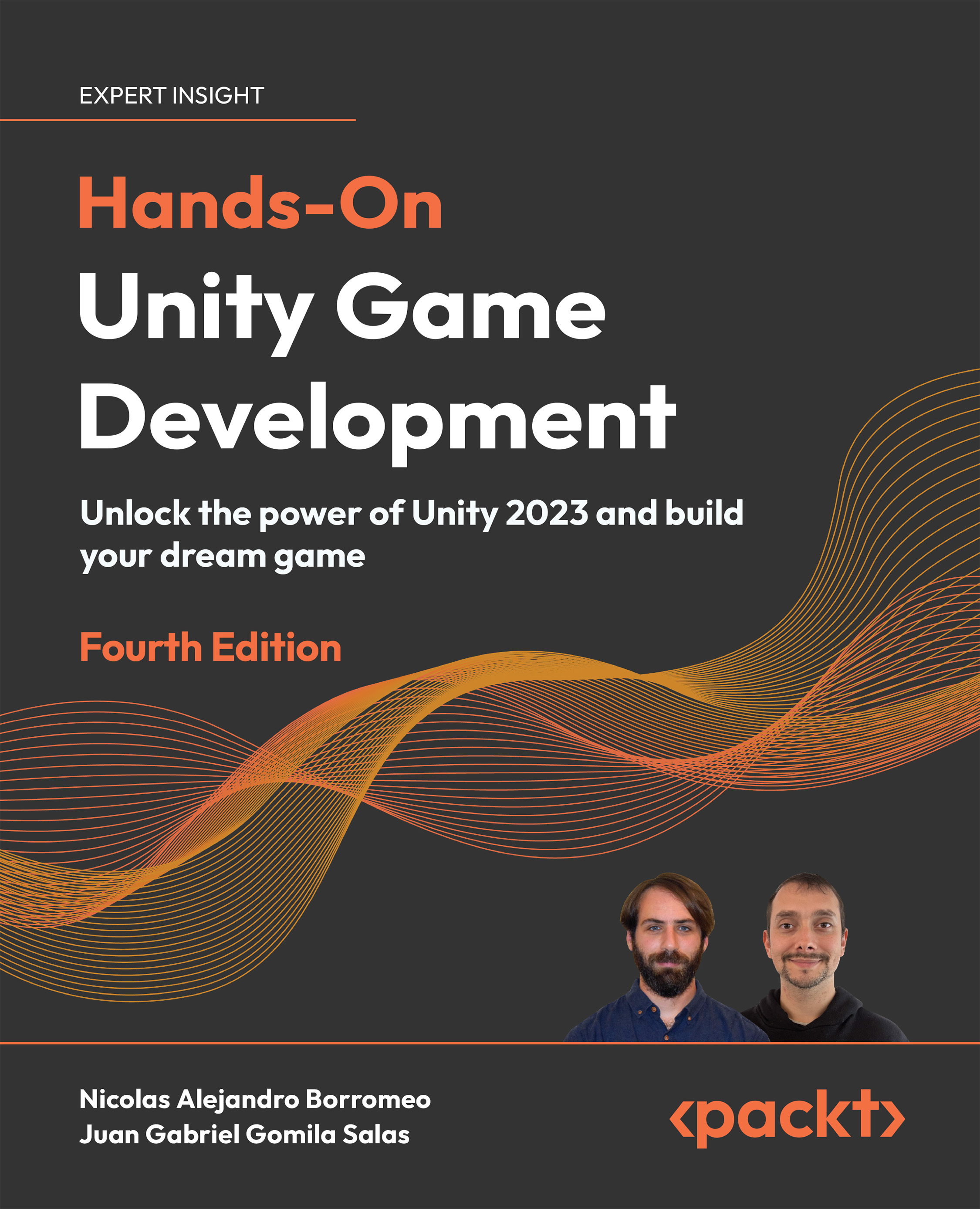
Take your game development skills to the next level. Dive into the world of game creation confidently by elevating your game development skills. This book is your definitive and practical guide to unlocking the full potential of Unity 2023. Every chapter is designed to empower you to customize your own game, not just replicate what's in the book. This new edition includes immersive Augmented Reality (AR) experiences and performance optimization with Data-Oriented Technology Stack (DOTS).
From Scene Creation to seamless Assert Integration, dive into C# programming and Visual Scripting with step-by-step guidance for beginners. Implement dynamic gameplay elements, including movement, spawning, physics, and health systems. Delve deeper into the magic of Game AI through sensor-driven decision-making with Finite State Machines (FSMs). Elevate your visuals with materials, shaders, textures, and particle systems. Optimize performance with Profiler insights and debug your game for a polished final product.
Whether you're a beginner or a seasoned pro, this book will equip you with the skills needed to bring your game ideas to life.
Table of Contents (28 chapters)
Preface


Embark on Your Unity Journey
Crafting Scenes and Game Elements
From Blueprint to Reality: Building with Terrain and ProBuilder
Seamless Integration: Importing and Integrating Assets
Section 2: Mastering Programming and Gameplay Mechanics
Unleashing the Power of C# and Visual Scripting
Dynamic Motion: Implementing Movement and Spawning
Collisions and Health: Detecting Collisions Accurately
Victory or Defeat: Win and Lose Conditions
Starting Your AI Journey: Building Intelligent Enemies for Your Game
Section 3: Elevating Visuals, Effects, and Audio
Material Alchemy: Using URP and Shader Graph for Stunning Visuals
Captivating Visual Effects: Harnessing Particle Systems and Visual Effect Graph
Enlightening Worlds: Illuminating Scenes with the Universal Render Pipeline
Immersive Realism: Achieving Fullscreen Effects with Post-Processing
Harmonious Soundscapes: Integrating Audio and Music
Section 4: Designing User Interfaces, Animations and Advanced Concepts
Interface Brilliance: Designing User-Friendly UI
Next-Gen UI: Creating Dynamic Interfaces with UI Toolkit
Animated Realities: Creating Animations with Animator, Cinemachine, and Timeline
Performance Wizardry: Optimizing Your Game with Profiler Tools
From Prototype to Executable: Generating and Debugging Your Game
Massive Worlds: Introduction to DOTS
Other Books You May Enjoy
Index


