Sign In Start Free Trial
Account

Add to playlist

Create a Playlist

Modal Close icon
You need to login to use this feature.
  • Book Overview & Buying Beginning C++ Game Programming
  • Table Of Contents Toc
Beginning C++ Game Programming

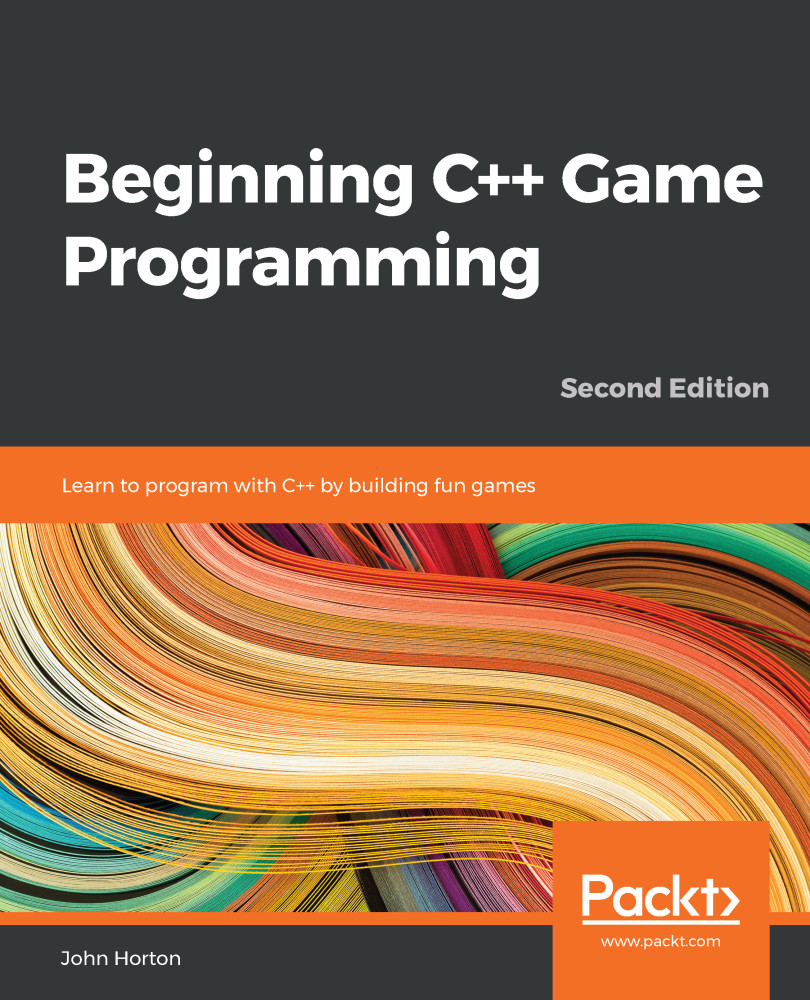
Beginning C++ Game Programming - Second Edition

By : John Horton
4.2 (10)
close
close
Beginning C++ Game Programming

Beginning C++ Game Programming

4.2 (10)
By: John Horton

Overview of this book

The second edition of Beginning C++ Game Programming is updated and improved to include the latest features of Visual Studio 2019, SFML, and modern C++ programming techniques. With this book, you’ll get a fun introduction to game programming by building five fully playable games of increasing complexity. You’ll learn to build clones of popular games such as Timberman, Pong, a Zombie survival shooter, a coop puzzle platformer and Space Invaders. The book starts by covering the basics of programming. You’ll study key C++ topics, such as object-oriented programming (OOP) and C++ pointers, and get acquainted with the Standard Template Library (STL). The book helps you learn about collision detection techniques and game physics by building a Pong game. As you build games, you’ll also learn exciting game programming concepts such as particle effects, directional sound (spatialization), OpenGL programmable shaders, spawning objects, and much more. Finally, you’ll explore game design patterns to enhance your C++ game programming skills. By the end of the book, you’ll have gained the knowledge you need to build your own games with exciting features from scratch.
Table of Contents (25 chapters)
close
close
23
Chapter 23: Before You Go...

Handling errors

There will always be problems and errors in every project you make. This is guaranteed! The tougher the problem, the more satisfying it is when you solve it. When, after hours of struggling, a new game feature finally bursts into life, it can cause a genuine high. Without this struggle, it would somehow be less worthwhile.

At some point in this book, there will probably be some struggle. Remain calm, be confident that you will overcome it, and then get to work.

Remember that, whatever your problem, it is very likely you are not the first person in the world to have ever had this same problem. Think of a concise sentence that describes your problem or error and then type it into Google. You will be surprised how quickly, precisely, and often, someone else will have already solved your problem for you.

Having said that, here are a few pointers (pun intended; see Chapter 10, Pointers, the Standard Template Library, and Texture Management) to get you started in case you are struggling with making this first chapter work.

Configuration errors

The most likely cause of problems in this chapter will be configuration errors. As you probably noticed during the process of setting up Visual Studio, SFML and the project itself, there’s an awful lot of filenames, folders, and settings that need to be just right. Just one wrong setting could cause one of a number of errors, whose text don’t make it clear exactly what is wrong.

If you can’t get the empty project with the black screen working, it might be easier to start again. Make sure all the filenames and folders are appropriate for your specific setup and then get the simplest part of the code running. This is the part where the screen flashes black and then closes. If you can get to this stage, then configuration is probably not the issue.

Compile errors

Compile errors are probably the most common error we will experience going forward. Check that your code is identical to mine, especially semicolons on the ends of lines and subtle changes in upper and lower case for class and object names. If all else fails, open the code files in the download bundle and copy and paste it in. While it is always possible that a code typo made it into this book, the code files were made from actual working projects – they definitely work!

Link errors

Link errors are most likely caused by missing SFML .dll files. Did you copy all of them into the project folder?

Bugs

Bugs are what happen when your code works, but not as you expect it to. Debugging can actually be fun. The more bugs you squash, the better your game and the more satisfying your day’s work will be. The trick to solving bugs is to find them early! To do this, I recommend running and playing your game every time you implement something new. The sooner you find the bug, the more likely the cause will be fresh in your mind. In this book, we will run the code to see the results at every possible stage.

CONTINUE READING
83
Tech Concepts
36
Programming languages
73
Tech Tools
Icon Unlimited access to the largest independent learning library in tech of over 8,000 expert-authored tech books and videos.
Icon Innovative learning tools, including AI book assistants, code context explainers, and text-to-speech.
Icon 50+ new titles added per month and exclusive early access to books as they are being written.
Beginning C++ Game Programming
notes
bookmark Notes and Bookmarks search Search in title playlist Add to playlist download Download options font-size Font size

Change the font size

margin-width Margin width

Change margin width

day-mode Day/Sepia/Night Modes

Change background colour

Close icon Search
Country selected

Close icon Your notes and bookmarks

Confirmation

Modal Close icon
claim successful

Buy this book with your credits?

Modal Close icon
Are you sure you want to buy this book with one of your credits?
Close
YES, BUY

Submit Your Feedback

Modal Close icon
Modal Close icon
Modal Close icon