Sign In Start Free Trial
Account

Add to playlist

Create a Playlist

Modal Close icon
You need to login to use this feature.
  • Book Overview & Buying WebGL Beginner's Guide
  • Table Of Contents Toc
WebGL Beginner's Guide

WebGL Beginner's Guide

4.2 (9)
close
close
WebGL Beginner's Guide

WebGL Beginner's Guide

4.2 (9)

Overview of this book

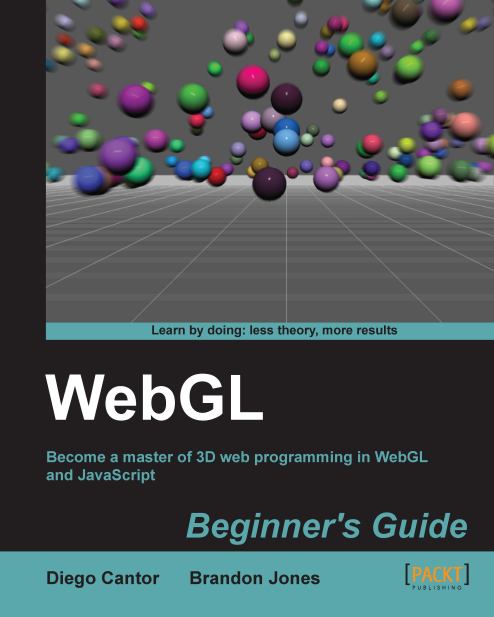
WebGL is a new web technology that brings hardware-accelerated 3D graphics to the browser without installing additional software. As WebGL is based on OpenGL and brings in a new concept of 3D graphics programming to web development, it may seem unfamiliar to even experienced Web developers.Packed with many examples, this book shows how WebGL can be easy to learn despite its unfriendly appearance. Each chapter addresses one of the important aspects of 3D graphics programming and presents different alternatives for its implementation. The topics are always associated with exercises that will allow the reader to put the concepts to the test in an immediate manner.WebGL Beginner's Guide presents a clear road map to learning WebGL. Each chapter starts with a summary of the learning goals for the chapter, followed by a detailed description of each topic. The book offers example-rich, up-to-date introductions to a wide range of essential WebGL topics, including drawing, color, texture, transformations, framebuffers, light, surfaces, geometry, and more. With each chapter, you will "level up"ù your 3D graphics programming skills. This book will become your trustworthy companion filled with the information required to develop cool-looking 3D web applications with WebGL and JavaScript.
Table of Contents (18 chapters)
close
close
WebGL Beginner's Guide
Credits
About the Authors
Acknowledgement
About the Reviewers
www.PacktPub.com
Preface
1
Index

Advanced geometry loading techniques: JavaScript Object Notation (JSON) and AJAX


So far, we have rendered very simple objects. Now let's study a way to load the geometry (vertices and indices) from a file instead of declaring the vertices and the indices every time we call initBuffers. To achieve this, we will make asynchronous calls to the web server using AJAX. We will retrieve the file with our geometry from the web server and then we will use the built-in JSON parser to convert the context of our files into JavaScript objects. In our case, these objects will be the vertices and indices array.

Introduction to JSON – JavaScript Object Notation

JSON stands for JavaScript Object Notation. It is a lightweight, text-based, open format used for data interchange. JSON is commonly used as an alternative to XML.

The JSON format is language-agnostic. This means that there are parsers in many languages to read and interpret JSON objects. Also, JSON is a subset of the object literal notation of JavaScript...

CONTINUE READING
83
Tech Concepts
36
Programming languages
73
Tech Tools
Icon Unlimited access to the largest independent learning library in tech of over 8,000 expert-authored tech books and videos.
Icon Innovative learning tools, including AI book assistants, code context explainers, and text-to-speech.
Icon 50+ new titles added per month and exclusive early access to books as they are being written.
WebGL Beginner's Guide
notes
bookmark Notes and Bookmarks search Search in title playlist Add to playlist font-size Font size

Change the font size

margin-width Margin width

Change margin width

day-mode Day/Sepia/Night Modes

Change background colour

Close icon Search
Country selected

Close icon Your notes and bookmarks

Confirmation

Modal Close icon
claim successful

Buy this book with your credits?

Modal Close icon
Are you sure you want to buy this book with one of your credits?
Close
YES, BUY

Submit Your Feedback

Modal Close icon
Modal Close icon
Modal Close icon