
Sign In Start Free Trial
Account

Add to playlist

Create a Playlist

Modal Close icon
You need to login to use this feature.
  • Book Overview & Buying Blender 3D By Example
  • Table Of Contents Toc
Blender 3D By Example

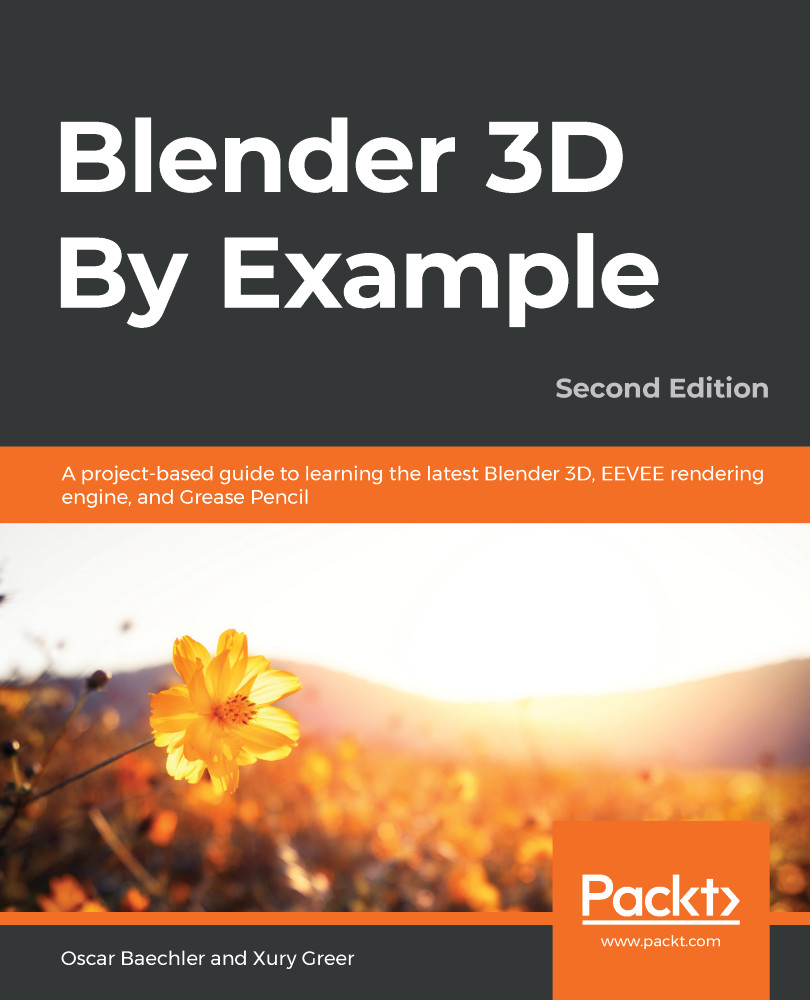
Blender 3D By Example - Second Edition

By : Oscar Baechler, Xury Greer
3.5 (30)
close
close
Blender 3D By Example

Blender 3D By Example

3.5 (30)
By: Oscar Baechler, Xury Greer

Overview of this book

Blender is a powerful 3D creation package that supports every aspect of the 3D pipeline. With this book, you'll learn about modeling, rigging, animation, rendering, and much more with the help of some interesting projects. This practical guide, based on the Blender 2.83 LTS version, starts by helping you brush up on your basic Blender skills and getting you acquainted with the software toolset. You’ll use basic modeling tools to understand the simplest 3D workflow by customizing a Viking themed scene. You'll get a chance to see the 3D modeling process from start to finish by building a time machine based on provided concept art. You will design your first 2D character while exploring the capabilities of the new Grease Pencil tools. The book then guides you in creating a sleek modern kitchen scene using EEVEE, Blender’s new state-of-the-art rendering engine. As you advance, you'll explore a variety of 3D design techniques, such as sculpting, retopologizing, unwrapping, baking, painting, rigging, and animating to bring a baby dragon to life. By the end of this book, you'll have learned how to work with Blender to create impressive computer graphics, art, design, and architecture, and you'll be able to use robust Blender tools for your design projects and video games.
Table of Contents (18 chapters)
close
close

Creating a Baby Dragon - Part 2: Retopology

We have finished sculpting the baby dragon, but there are a handful of things that still need to be done before it's ready for production, and right now this model is not optimized for any of the upcoming steps: texturing, rigging, and animating.

During the sculpting process, we had the luxury of ignoring the technical parts of three-dimensional modeling. We got to use organic and artistic workflows to create the shape of the model without having to get caught up on technical things such as the individual placement of polygons, edge flow, or valence of vertices.

This is a typical workflow when it comes to sculpting, especially while using the Dynamic Topology feature as we did in the previous chapter. However, generating polygons dynamically turns the model's topology into an uncontrolled mess. Topology is a broad term we...

CONTINUE READING
83
Tech Concepts
36
Programming languages
73
Tech Tools
Icon Unlimited access to the largest independent learning library in tech of over 8,000 expert-authored tech books and videos.
Icon Innovative learning tools, including AI book assistants, code context explainers, and text-to-speech.
Icon 50+ new titles added per month and exclusive early access to books as they are being written.
Blender 3D By Example
notes
bookmark Notes and Bookmarks search Search in title playlist Add to playlist download Download options font-size Font size

Change the font size

margin-width Margin width

Change margin width

day-mode Day/Sepia/Night Modes

Change background colour

Close icon Search
Country selected

Close icon Your notes and bookmarks

Confirmation

Modal Close icon
claim successful

Buy this book with your credits?

Modal Close icon
Are you sure you want to buy this book with one of your credits?
Close
YES, BUY

Submit Your Feedback

Modal Close icon
Modal Close icon
Modal Close icon