


-
Book Overview & Buying
-
Table Of Contents

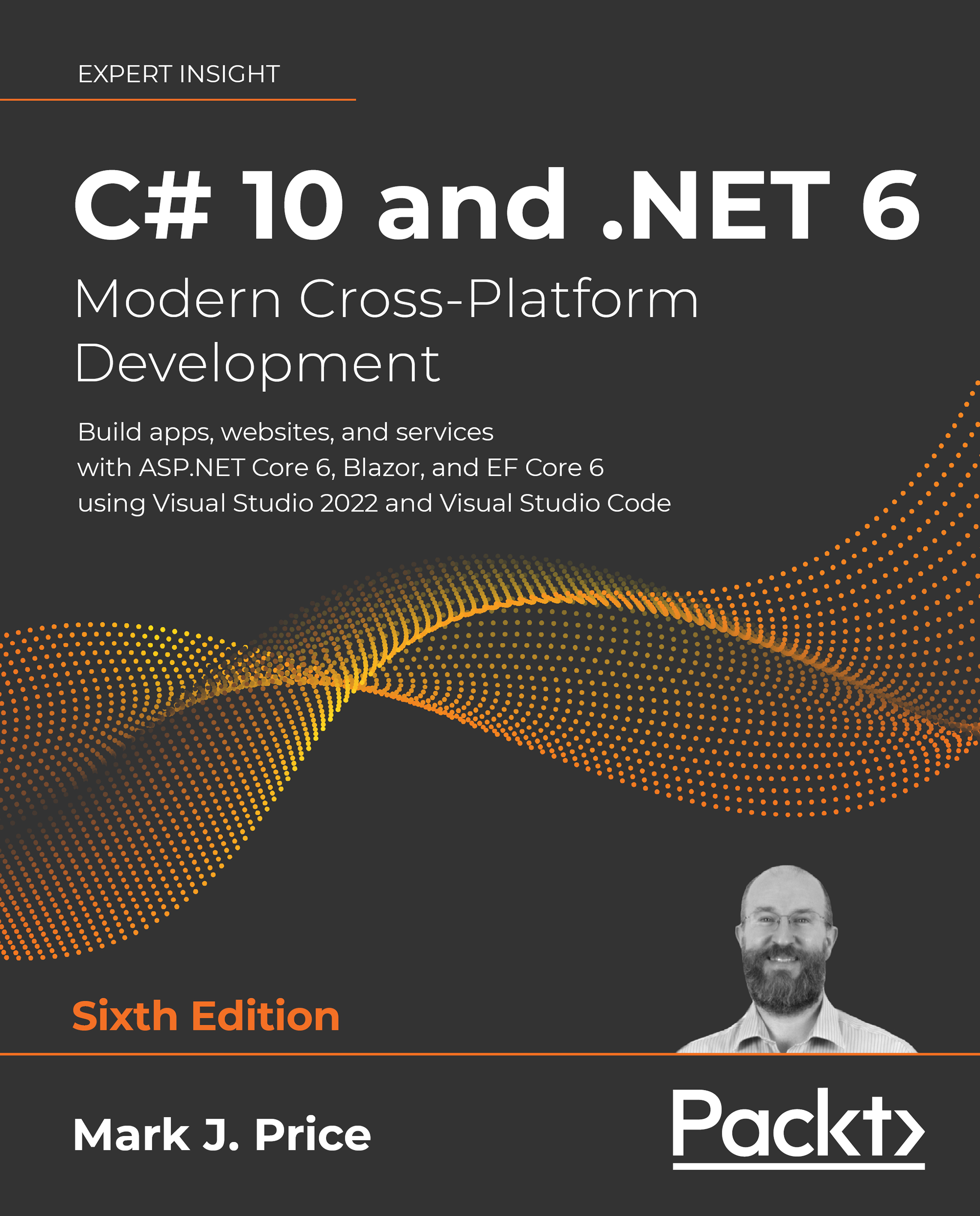
C# 10 and .NET 6 – Modern Cross-Platform Development - Sixth Edition
By :


C# 10 and .NET 6 – Modern Cross-Platform Development
By:
Overview of this book
Extensively revised to accommodate all the latest features that come with C# 10 and .NET 6, this latest edition of our comprehensive guide will get you coding in C# with confidence.
You’ll learn object-oriented programming, writing, testing, and debugging functions, implementing interfaces, and inheriting classes. The book covers the .NET APIs for performing tasks like managing and querying data, monitoring and improving performance, and working with the filesystem, async streams, and serialization. You’ll build and deploy cross-platform apps, such as websites and services using ASP.NET Core.
Instead of distracting you with unnecessary application code, the first twelve chapters will teach you about C# language constructs and many of the .NET libraries through simple console applications. In later chapters, having mastered the basics, you’ll then build practical applications and services using ASP.NET Core, the Model-View-Controller (MVC) pattern, and Blazor.
Table of Contents (20 chapters)
Preface


Hello, C#! Welcome, .NET!
 Free Chapter
Speaking C#
Controlling Flow, Converting Types, and Handling Exceptions

Writing, Debugging, and Testing Functions
Building Your Own Types with Object-Oriented Programming
Implementing Interfaces and Inheriting Classes
Packaging and Distributing .NET Types
Working with Common .NET Types
Working with Files, Streams, and Serialization
Working with Data Using Entity Framework Core
Querying and Manipulating Data Using LINQ
Improving Performance and Scalability Using Multitasking
Introducing Practical Applications of C# and .NET
Building Websites Using ASP.NET Core Razor Pages
Building Websites Using the Model-View-Controller Pattern
Building and Consuming Web Services
Building User Interfaces Using Blazor
Epilogue
Index


