Sign In Start Free Trial
Account

Add to playlist

Create a Playlist

Modal Close icon
You need to login to use this feature.
  • Book Overview & Buying Python GUI Programming Cookbook
  • Table Of Contents Toc
  • Feedback & Rating feedback
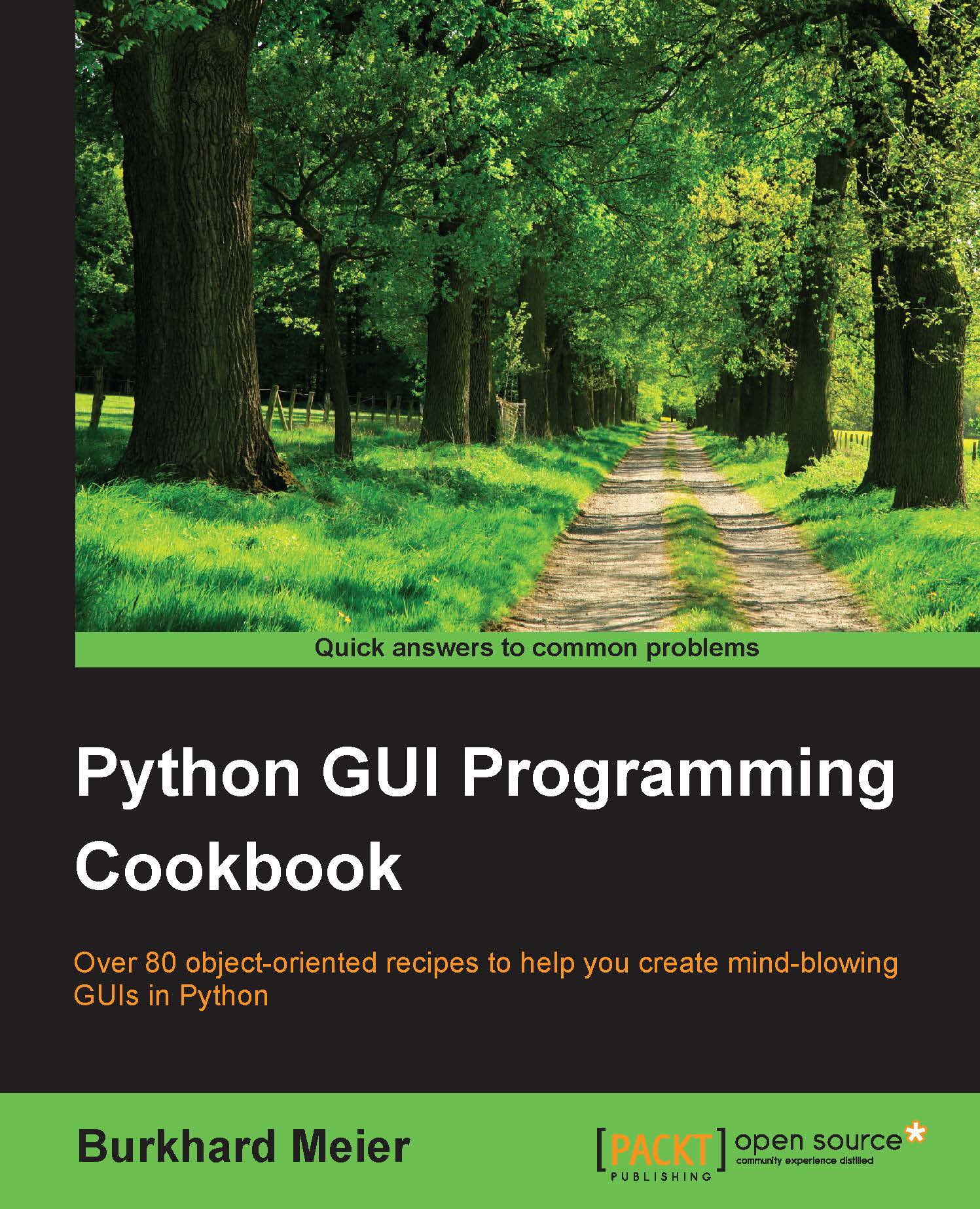
Python GUI Programming Cookbook

Python GUI Programming Cookbook

By : Burkhard Meier
4.4 (11)
close
close
Python GUI Programming Cookbook

Python GUI Programming Cookbook

4.4 (11)
By: Burkhard Meier

Overview of this book

Python is a multi-domain, interpreted programming language. It is a widely used general-purpose, high-level programming language. It is often used as a scripting language because of its forgiving syntax and compatibility with a wide variety of different eco-systems. Its flexible syntax enables developers to write short scripts while at the same time, they can use object-oriented concepts to develop very large projects. Python GUI Programming Cookbook follows a task-based approach to help you create beautiful and very effective GUIs with the least amount of code necessary. This book uses the simplest programming style, using the fewest lines of code to create a GUI in Python, and then advances to using object-oriented programming in later chapters. If you are new to object-oriented programming (OOP), this book will teach you how to take advantage of the OOP coding style in the context of creating GUIs written in Python. Throughout the book, you will develop an entire GUI application, building recipe upon recipe, connecting the GUI to a database. In the later chapters, you will explore additional Python GUI frameworks, using best practices. You will also learn how to use threading to ensure your GUI doesn’t go unresponsive. By the end of the book, you will be an expert in Python GUI programming to develop a common set of GUI applications.
Table of Contents (13 chapters)
close
close
12
Index

How to install the wxPython library


The wxPython library does not ship with Python, so, in order to use it, we first have to install it.

This recipe will show us where and how to find the right version to install to match both the installed version of Python and the operating system we are running.

Note

The wxPython third-party library has been around for more than 17 years, which indicates that it is a robust library.

Getting ready

In order to use wxPython with Python 3, we have to install the wxPython Phoenix version.

How to do it...

When searching online for wxPython, we will probably find the official website at www.wxpython.org.

If we click on the download link for MS Windows, we can see several Windows installers, all of which are for Python 2.x only.

To use wxPython with Python 3, we have to install the wxPython/Phoenix library. We can find the installer at the snapshot-builds link:

http://wxpython.org/Phoenix/snapshot-builds/

From here, we can select the wxPython/Phoenix version that matches...

Visually different images
CONTINUE READING
83
Tech Concepts
36
Programming languages
73
Tech Tools
Icon Unlimited access to the largest independent learning library in tech of over 8,000 expert-authored tech books and videos.
Icon Innovative learning tools, including AI book assistants, code context explainers, and text-to-speech.
Icon 50+ new titles added per month and exclusive early access to books as they are being written.
Python GUI Programming Cookbook
notes
bookmark Notes and Bookmarks search Search in title playlist Add to playlist font-size Font size

Change the font size

margin-width Margin width

Change margin width

day-mode Day/Sepia/Night Modes

Change background colour

Close icon Search
Country selected

Close icon Your notes and bookmarks

Confirmation

Modal Close icon
claim successful

Buy this book with your credits?

Modal Close icon
Are you sure you want to buy this book with one of your credits?
Close
YES, BUY

Submit Your Feedback

Modal Close icon
Modal Close icon
Modal Close icon