


One good example of using a nested animation group is when you have several parallel animation groups and you want to play the groups in a sequential order.
-
Book Overview & Buying
-
Table Of Contents

Qt5 C++ GUI Programming Cookbook - Second Edition
By :


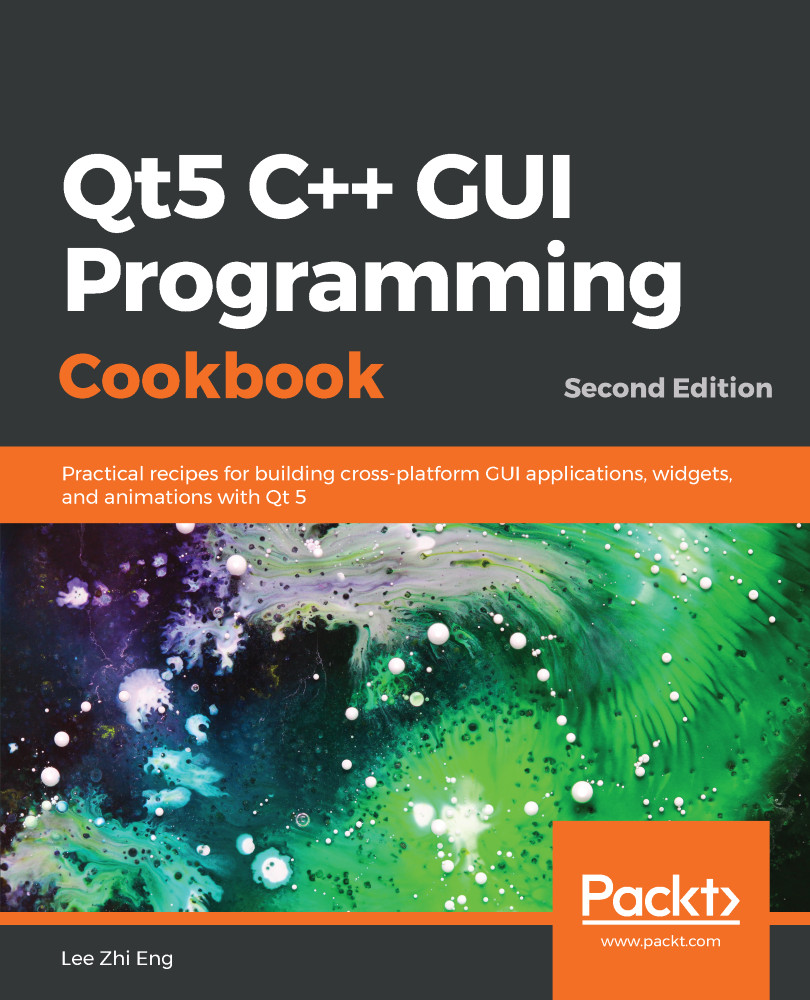
Qt5 C++ GUI Programming Cookbook
By:
Overview of this book
With the growing need to develop GUIs for multiple targets and multiple screens, improving the visual quality of your application becomes important so that it stands out from your competitors. With its cross-platform ability and the latest UI paradigms, Qt makes it possible to build intuitive, interactive, and user-friendly user interfaces for your applications.
Qt5 C++ GUI Programming Cookbook, Second Edition teaches you how to develop functional and appealing user interfaces using the latest version of QT5 and C++. This book will help you learn a variety of topics such as GUI customization and animation, graphics rendering, implementing Google Maps, and more. You will also be taken through advanced concepts like asynchronous programming, event handling using signals and slots, network programming, various aspects of optimizing your application.
By the end of the book, you will be confident to design and customize GUI applications that meet your clients' expectations and have an understanding of best practice solutions for common problems.
Table of Contents (15 chapters)
Preface

 Free Chapter
Look-and-Feel Customization with Qt Designer
Event Handling - Signals and Slots
States and Animations with Qt and QML

QPainter and 2D Graphics
OpenGL Implementation
Using Network and Managing Large Documents
Threading Basics - Asynchronous Programming
Building a Touch Screen Application with Qt5
XML Parsing Made Easy
Conversion Library
Accessing Databases with SQL Driver and Qt
Develop Web Applications using Qt WebEngine
Performance Optimization
Other Books You May Enjoy


