Sign In Start Free Trial
Account

Add to playlist

Create a Playlist

Modal Close icon
You need to login to use this feature.
  • Book Overview & Buying Mastering Windows Server 2025
  • Table Of Contents Toc
Mastering Windows Server 2025

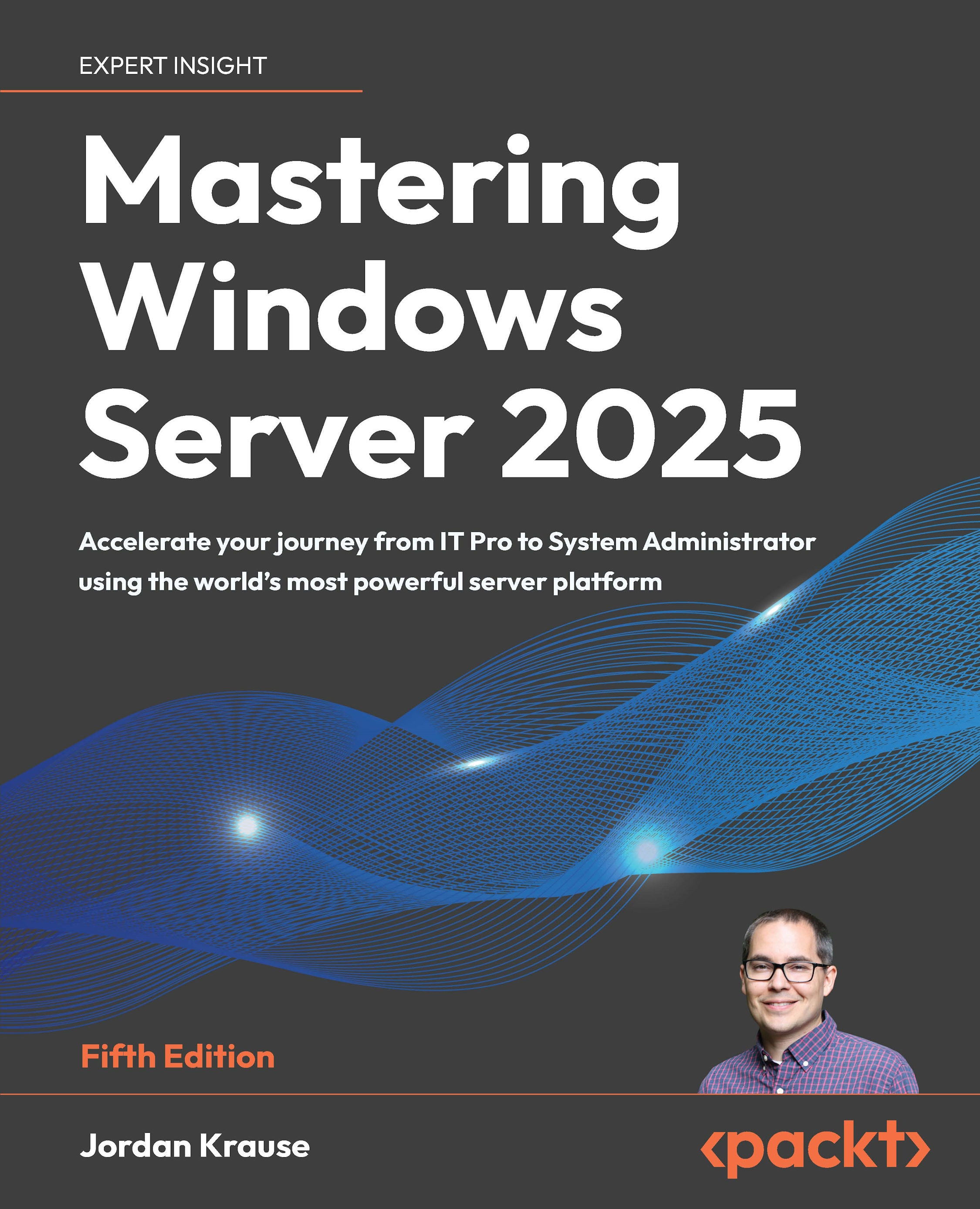
Mastering Windows Server 2025 - Fifth Edition

By : Jordan Krause
5 (1)
close
close
Mastering Windows Server 2025

Mastering Windows Server 2025

5 (1)
By: Jordan Krause

Overview of this book

Written by a 10-time Microsoft MVP with 25 years of IT and technical coaching experience, this practical guide offers real-world expertise in Windows Server management. From building and connecting servers to securing them, and even intentionally breaking them to learn, you’ll find comprehensive, experience-based coverage that takes you deep into professional administration. Fully updated for the 2025 release, this edition prepares you to manage any Windows Server environment, whether deploying the latest version or maintaining Server 2012 in a modern infrastructure. You'll work with PowerShell, Server Manager, Windows Admin Center, RSAT, and Azure Arc to achieve centralized and efficient administration. While the focus is on Windows Server 2025 LTSC with Desktop Experience, the book also explores Server Core, containerization, and the evolving role of Nano Server. Along the way, you'll gain hands-on experience with core services, including Active Directory, DNS, DHCP, and Group Policy, and explore advanced topics such as certificate services and PKI, Hyper-V virtualization, Remote Desktop Services, failover clustering, DFS, and Intune integration. By the end of this book, you’ll have the skills to manage and modernize complex server infrastructures with confidence.
Table of Contents (21 chapters)
close
close
18
Other Books You May Enjoy
19
Index

Summary

This first chapter on Windows Server 2025 was an exploration of what it means to be a server and to discover what new features and functions Microsoft has gifted us this year. We also spent time gaining familiarity and comfort navigating around the interface. There are various ways to interact with Server 2025, and we will discuss many of them throughout this book, but most server administrators will interface with this new operating system through the full graphical interface, using both the mouse and keyboard to perform their tasks. If you have worked with previous versions of the Windows Server operating system, then a lot of the tools that you will use to drive this new platform will be the same, or at least similar, to the ones that you have used in the past. New operating systems should always be an evolution of their predecessors, and never entirely new. I think this was a lesson learned with the release of Windows 8 and Server 2012.

With Server 2025, we find a great compromise between the traditional familiarity of the prior versions of Windows and the new benefits that come with rounded edges and touch-friendly screens, which will be used more and more often as we move toward the future of Windows-based devices. In the next chapter, we’ll start putting rubber to the road as we install and begin managing Windows Server 2025.

CONTINUE READING
83
Tech Concepts
36
Programming languages
73
Tech Tools
Icon Unlimited access to the largest independent learning library in tech of over 8,000 expert-authored tech books and videos.
Icon Innovative learning tools, including AI book assistants, code context explainers, and text-to-speech.
Icon 50+ new titles added per month and exclusive early access to books as they are being written.
Mastering Windows Server 2025
notes
bookmark Notes and Bookmarks search Search in title playlist Add to playlist font-size Font size

Change the font size

margin-width Margin width

Change margin width

day-mode Day/Sepia/Night Modes

Change background colour

Close icon Search
Country selected

Close icon Your notes and bookmarks

Confirmation

Modal Close icon
claim successful

Buy this book with your credits?

Modal Close icon
Are you sure you want to buy this book with one of your credits?
Close
YES, BUY

Submit Your Feedback

Modal Close icon
Modal Close icon
Modal Close icon