Sign In Start Free Trial
Account

Add to playlist

Create a Playlist

Modal Close icon
You need to login to use this feature.
  • Book Overview & Buying Mastering Windows Server 2025
  • Table Of Contents Toc
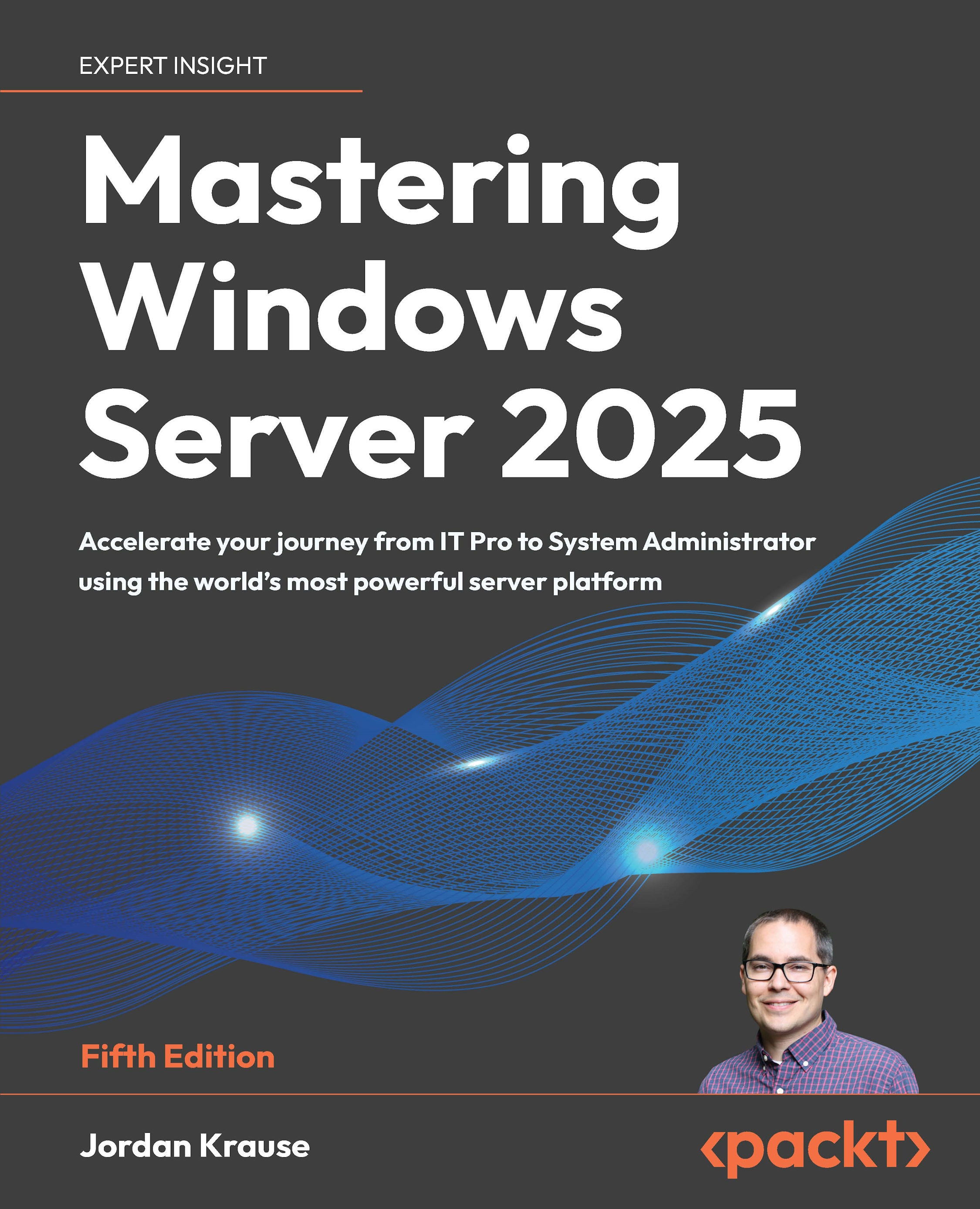
Mastering Windows Server 2025

Mastering Windows Server 2025 - Fifth Edition

By : Jordan Krause
5 (1)
close
close
Mastering Windows Server 2025

Mastering Windows Server 2025

5 (1)
By: Jordan Krause

Overview of this book

Written by a 10-time Microsoft MVP with 25 years of IT and technical coaching experience, this practical guide offers real-world expertise in Windows Server management. From building and connecting servers to securing them, and even intentionally breaking them to learn, you’ll find comprehensive, experience-based coverage that takes you deep into professional administration. Fully updated for the 2025 release, this edition prepares you to manage any Windows Server environment, whether deploying the latest version or maintaining Server 2012 in a modern infrastructure. You'll work with PowerShell, Server Manager, Windows Admin Center, RSAT, and Azure Arc to achieve centralized and efficient administration. While the focus is on Windows Server 2025 LTSC with Desktop Experience, the book also explores Server Core, containerization, and the evolving role of Nano Server. Along the way, you'll gain hands-on experience with core services, including Active Directory, DNS, DHCP, and Group Policy, and explore advanced topics such as certificate services and PKI, Hyper-V virtualization, Remote Desktop Services, failover clustering, DFS, and Intune integration. By the end of this book, you’ll have the skills to manage and modernize complex server infrastructures with confidence.
Table of Contents (21 chapters)
close
close
18
Other Books You May Enjoy
19
Index

Preface

Working in IT is so very interesting. It is complicated, problematic, complex, rewarding, and even dramatic some days. There are so many facets to working with technology; many people focus on one area and build a lifelong career out of it, never encroaching on other aspects of IT. You can specialize in custom computer builds, deployments, printers, networks, security, and the list goes on and on. When talking about IT within a business environment, there is almost always one common thread woven throughout the options: Windows Server. Servers of any flavor are designed to serve up information to your users and computers, and while Microsoft does not hold the entire market on servers, a career in IT guarantees you will interface with Windows Server at some point. During my career, I have had the privilege of working in many hundreds of business environments, and without exception, they have all been standing on top of Windows Server infrastructure. Some of these “datacenters” have looked like a coffee cart shoved in the corner of a utility closet, some have been enormous buildings littered with facial recognition cameras and argon gas tubes. Perhaps my favorite server discovery was the one we found hanging in a rack inside a single-stall bathroom. Right there on the wall! What is so fascinating about Windows Server is that it is universal to all these environments. Some businesses have small and simple needs when providing data to users, while others require rows and rows of server racks to get the job done across hundreds of thousands of people. In both scenarios, the Windows Server operating system running on those servers is the same.

Windows Server 2025 is Microsoft’s latest and greatest way of serving up information. It stores files, validates identities, connects your remote workforce, routes network traffic, and protects your business in the process. This is starting to sound like an infomercial, but it’s all true. I genuinely don’t know where we would be without Windows Server underpinning so much of the computing world.

New versions of Windows Server always come with updates and enhancements. Sometimes they are subtle tweaks to already-great features and capabilities. Sometimes these updates are “in your face,” such as the new graphical interface brought to us by Windows Server 2025, finally bringing the refreshed Windows 11 look and feel into the server world. We are here to dive into what’s new and fresh, but also to build a foundational baseline for working with Windows Server in general. So much of this knowledge carries from one version to the next. Change is constant, but the theories and ideologies that underpin system administration will carry you to success when stepping into any Windows-centric environment. The information provided in these pages seeks to build that baseline, enabling anyone familiar with computers to start working with servers, while at the same time, providing seasoned professionals with updated information to get the most out of Windows Server 2025.

Many businesses today employ a hybrid approach to serving up data. They continue to host physical server hardware inside an office or datacenter, and have also dipped their toes into cloud hosting. Almost always, both on-premises and cloud hosting platforms are running instances of Windows Server, so no matter your perspective on cloud journeys, knowing and understanding Windows Server is a key component to successful systems administration. The advent of cloud-based computing has not released us from the responsibility of understanding server administration; indeed, it has arguably made server administration more complex.

A lot of fresh IT engineers are coming into the workforce prepared with some knowledge of SaaS resource administration, such as Microsoft 365 and SharePoint, and this is wonderful! One of my primary motivations in writing this book is to provide a resource for new and growing admins to be successful in their careers. You may have learned through school or certification exams how to begin working in these new cloud platforms, but perhaps lack the foundational knowledge of the Microsoft technology that underpins a lot of Azure: Windows Servers. So many of the roles that exist inside Windows Server are foreign to engineers, but this is critical information to know as you continue your IT career journey and grow into more advanced positions. To pinpoint just one example, I often ask questions during interviews about DNS. It is entirely surprising to me how often answers to these questions come up short. DNS has been one of the staple roles in any Windows Server environment for as far back as I can remember, but until you have worked with it and gone through some of the learning hardships firsthand, it seems this is a common area that is somehow missed during standard IT learning.

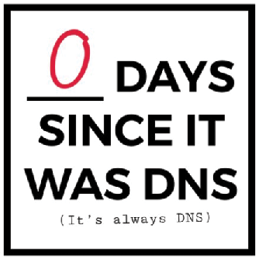
I use DNS as an example because it’s true, but also because it is very meme-worthy. “It’s always DNS.” You may have heard some of your tenured administrators say these words, but until you experience it for yourself, you may not quite appreciate their significance. The answer to so many questions lies within this one little role; incorrect configuration of DNS can cause multitudes of problems. I found the following graphic on the internet and take no credit for it, but also find it completely true, and hilarious.

A picture containing text

Description automatically generated

Figure 1: It’s always DNS

Technical books are supposed to be a little mundane; that is why they are called technical books. It’s the nature of the industry, I suppose. I tried to resist this stereotype wherever possible; you may even find a dad joke or two scattered throughout these pages. I genuinely hope that you find this book to be a helpful resource and that the information learned here can be directly applied to your work in information technology.

CONTINUE READING
83
Tech Concepts
36
Programming languages
73
Tech Tools
Icon Unlimited access to the largest independent learning library in tech of over 8,000 expert-authored tech books and videos.
Icon Innovative learning tools, including AI book assistants, code context explainers, and text-to-speech.
Icon 50+ new titles added per month and exclusive early access to books as they are being written.
Mastering Windows Server 2025
notes
bookmark Notes and Bookmarks search Search in title playlist Add to playlist font-size Font size

Change the font size

margin-width Margin width

Change margin width

day-mode Day/Sepia/Night Modes

Change background colour

Close icon Search
Country selected

Close icon Your notes and bookmarks

Confirmation

Modal Close icon
claim successful

Buy this book with your credits?

Modal Close icon
Are you sure you want to buy this book with one of your credits?
Close
YES, BUY

Submit Your Feedback

Modal Close icon
Modal Close icon
Modal Close icon