Sign In Start Free Trial
Account

Add to playlist

Create a Playlist

Modal Close icon
You need to login to use this feature.
  • Book Overview & Buying 101 Excel 2013 Tips, Tricks and Timesavers
  • Table Of Contents Toc
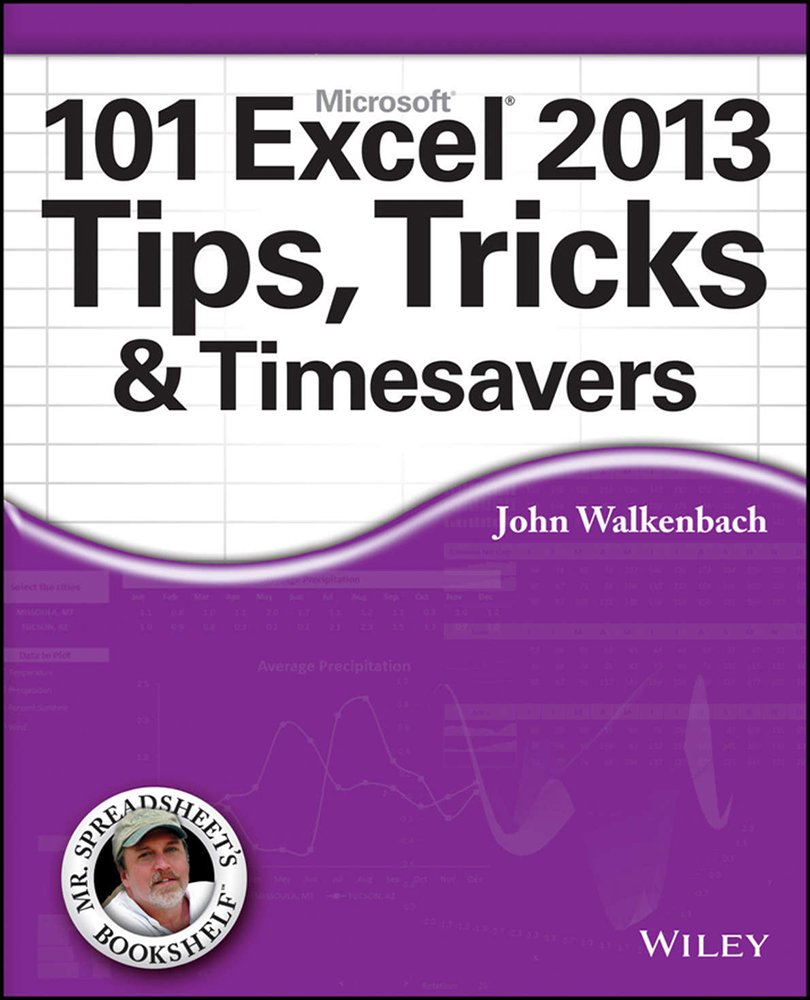
101 Excel 2013 Tips, Tricks and Timesavers

101 Excel 2013 Tips, Tricks and Timesavers

By : John Walkenbach
close
close
101 Excel 2013 Tips, Tricks and Timesavers

101 Excel 2013 Tips, Tricks and Timesavers

By: John Walkenbach

Overview of this book

Excel is a popular program. Millions of people throughout the world use it on a regular basis. But it’s a safe bet that the vast majority of users have yet to discover some of the amazing things this product can do. 101 Excel 2013 Tips, Tricks, & Timesavers?is packed with information that you need to know in order to confidently and seamlessly master the challenges that come with using Excel! Excel 2013 is excellent, but there's lots to learn to truly excel at Excel! In this latest addition to his popular Mr. Spreadsheet's Bookshelf series, John Walkenbach, aka "Mr. Spreadsheet," shares new and exciting ways to accomplish and master all of your spreadsheet tasks. From taming the Ribbon bar to testing and tables, creating custom functions, and overcoming "impossible" charts, mixing nesting limits, and more,?101 Excel 2013 Tips, Tricks, & Timesavers?will save you time and help you avoid common spreadsheet stumbling blocks.
Table of Contents (10 chapters)
close
close
Lock Free Chapter
1
Cover
2
Table of Contents
3
Title Page
4
Introduction

Tip 45: Using the AGGREGATE Function

One of the most versatile functions available in Excel is AGGREGATE, which was introduced in Excel 2010. You can use this multipurpose function to sum values, calculate an average, count entries, and more. What makes this function useful is that it can (optionally) ignore values in hidden rows and error values. In some cases, you can use AGGREGATE to replace a complex array formula.

The AGGREGATE function takes three arguments, but for some functions, an additional argument is required.

The first argument for the AGGREGATE function is a value between 1 and 19 that determines the type of calculation to perform. The calculation type, in essence, is one of Excel’s other functions. Table 45-1 contains a list of these values, with the function it mimics.

Table 45-1: Values for the First Argument of the AGGREGATE Function

...

Argument Value

Function

CONTINUE READING
83
Tech Concepts
36
Programming languages
73
Tech Tools
Icon Unlimited access to the largest independent learning library in tech of over 8,000 expert-authored tech books and videos.
Icon Innovative learning tools, including AI book assistants, code context explainers, and text-to-speech.
Icon 50+ new titles added per month and exclusive early access to books as they are being written.
101 Excel 2013 Tips, Tricks and Timesavers
notes
bookmark Notes and Bookmarks search Search in title playlist Add to playlist font-size Font size

Change the font size

margin-width Margin width

Change margin width

day-mode Day/Sepia/Night Modes

Change background colour

Close icon Search
Country selected

Close icon Your notes and bookmarks

Confirmation

Modal Close icon
claim successful

Buy this book with your credits?

Modal Close icon
Are you sure you want to buy this book with one of your credits?
Close
YES, BUY

Submit Your Feedback

Modal Close icon
Modal Close icon
Modal Close icon