


-
Book Overview & Buying
-
Table Of Contents

Scalable Data Analytics with Azure Data Explorer
By :


Scalable Data Analytics with Azure Data Explorer
By:
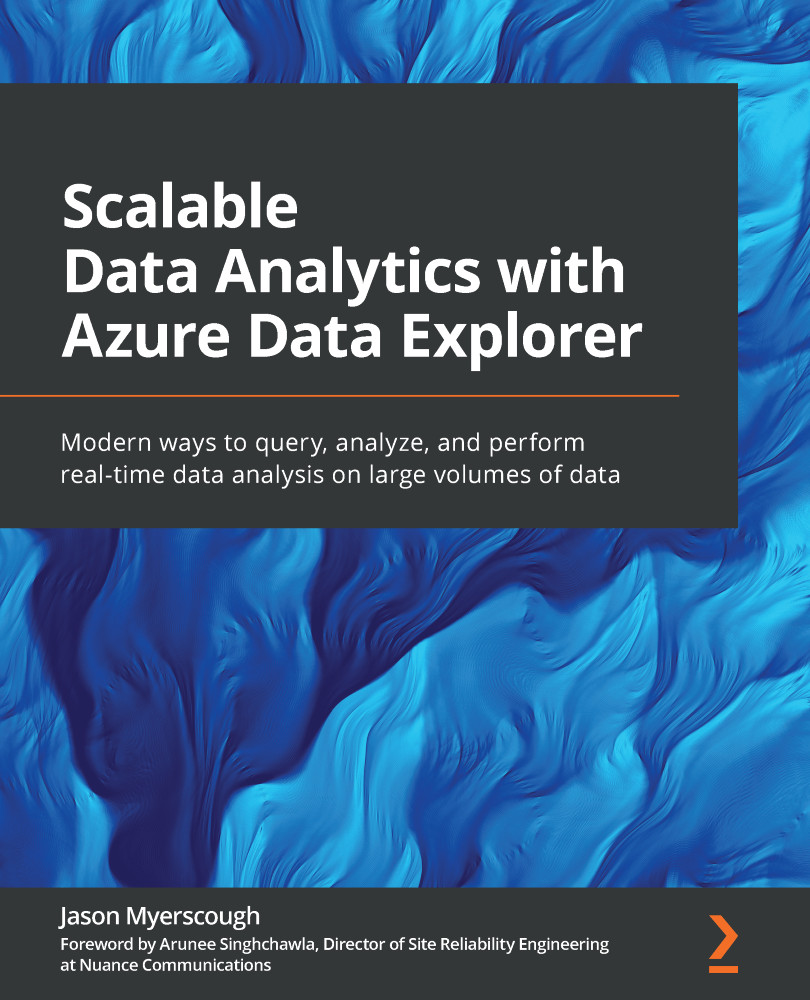
Overview of this book
Azure Data Explorer (ADX) enables developers and data scientists to make data-driven business decisions. This book will help you rapidly explore and query your data at scale and secure your ADX clusters.
The book begins by introducing you to ADX, its architecture, core features, and benefits. You'll learn how to securely deploy ADX instances and navigate through the ADX Web UI, cover data ingestion, and discover how to query and visualize your data using the powerful Kusto Query Language (KQL). Next, you'll get to grips with KQL operators and functions to efficiently query and explore your data, as well as perform time series analysis and search for anomalies and trends in your data. As you progress through the chapters, you'll explore advanced ADX topics, including deploying your ADX instances using Infrastructure as Code (IaC). The book also shows you how to manage your cluster performance and monthly ADX costs by handling cluster scaling and data retention periods. Finally, you'll understand how to secure your ADX environment by restricting access with best practices for improving your KQL query performance.
By the end of this Azure book, you'll be able to securely deploy your own ADX instance, ingest data from multiple sources, rapidly query your data, and produce reports with KQL and Power BI.
Table of Contents (18 chapters)
Preface


Section 1: Introduction to Azure Data Explorer
 Free Chapter
Chapter 1: Introducing Azure Data Explorer
Chapter 2: Building Your Azure Data Explorer Environment
Chapter 3: Exploring the Azure Data Explorer UI
Section 2: Querying and Visualizing Your Data
Chapter 4: Ingesting Data in Azure Data Explorer
Chapter 5: Introducing the Kusto Query Language
Chapter 6: Introducing Time Series Analysis
Chapter 7: Identifying Patterns, Anomalies, and Trends in your Data
Chapter 8: Data Visualization with Azure Data Explorer and Power BI
Section 3: Advanced Azure Data Explorer Topics
Chapter 9: Monitoring and Troubleshooting Azure Data Explorer

Chapter 10: Azure Data Explorer Security
Chapter 11: Performance Tuning in Azure Data Explorer
Chapter 12: Cost Management in Azure Data Explorer
Chapter 13: Assessment
Other Books You May Enjoy


