


-
Book Overview & Buying
-
Table Of Contents

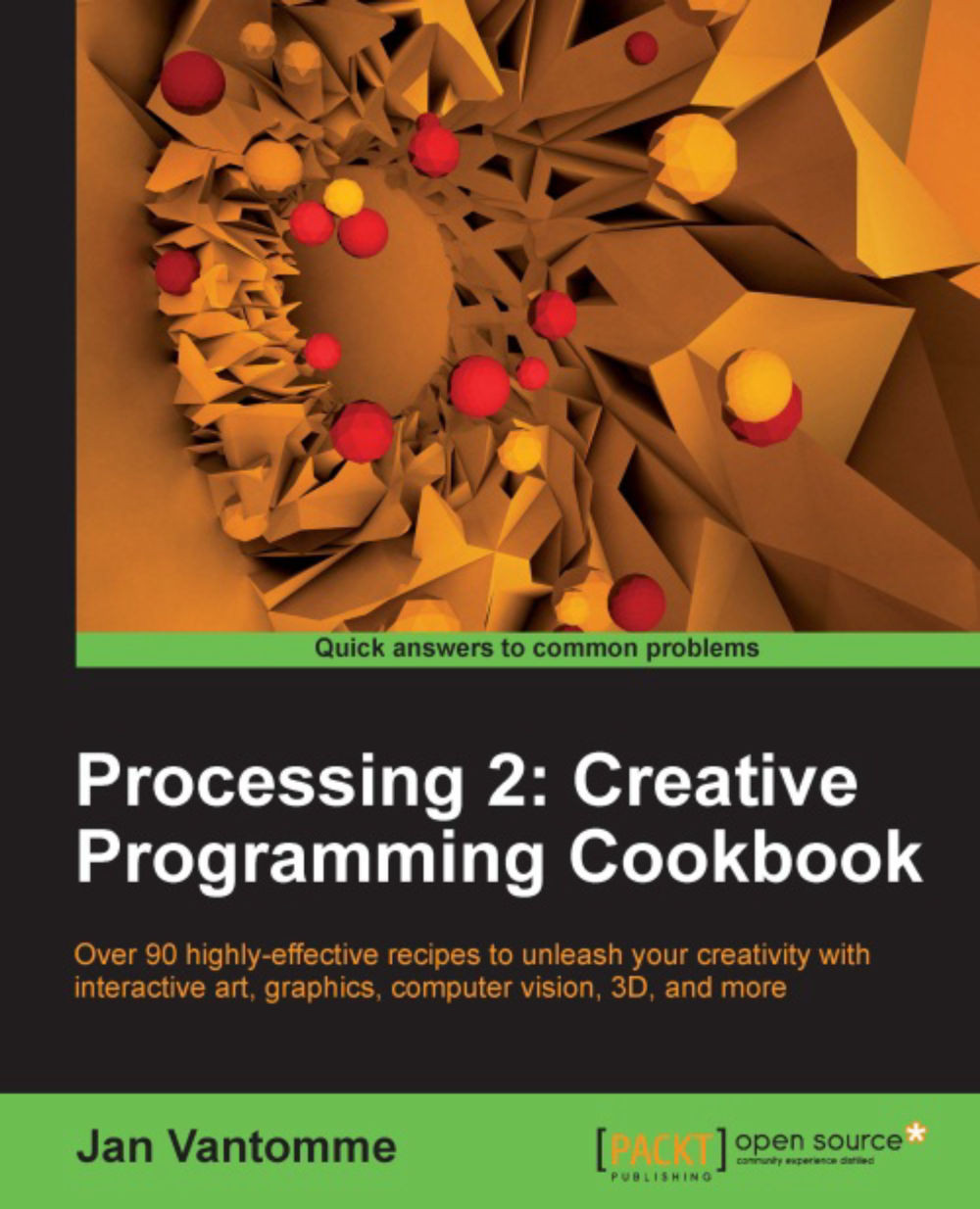
Processing 2: Creative Programming Cookbook
By :


Processing 2: Creative Programming Cookbook
By:
Overview of this book
Processing is probably the best known creative coding environment that helps you bridge the gap between programming and art. It enables designers, artists, architects, students and many others to explore graphics programming and computational art in an easy way, thus helping you boost your creativity.
"Processing 2: Creative Programming Cookbook" will guide you to explore and experience the open source Processing language and environment, helping you discover advanced features and exciting possibilities with this programming environment like never before. You'll learn the basics of 2D and 3D graphics programming, and then quickly move up to advanced topics such as audio and video visualization, computer vision, and much more with this comprehensive guide.
Since its birth in 2001, Processing has grown a lot. What started out as a project by Ben Fry and Casey Reas has now become a widely used graphics programming language.
Processing 2 has a lot of new and exciting features. This cookbook will guide you to explore the completely new and cool graphics engine and video library. Using the recipes in this cookbook, you will be able to build interactive art for desktop computers, Internet, and even Android devices! You don't even have to use a keyboard or mouse to interact with the art you make. The book's next-gen technologies will teach you how to design interactions with a webcam or a microphone! Isn't that amazing?
"Processing 2: Creative Programming Cookbook" will guide you to explore the Processing language and environment using practical and useful recipes.
Table of Contents (18 chapters)
Processing 2: Creative Programming Cookbook


Credits
About the Author
About the Reviewers
www.PacktPub.com
Preface
 Free Chapter
Getting Started with Processing 2
Drawing Text, Curves, and Shapes in 2D
Drawing in 3D–Lights, Camera, and Action!
Working with Data
Exporting from Processing
Working with Video
Audio Visualization
Exploring Computer Vision
Exploring JavaScript Mode

Exploring Android Mode
Using Processing with Other Editors
Index


