Sign In Start Free Trial
Account

Add to playlist

Create a Playlist

Modal Close icon
You need to login to use this feature.
  • Book Overview & Buying Learn Java 12 Programming
  • Table Of Contents Toc
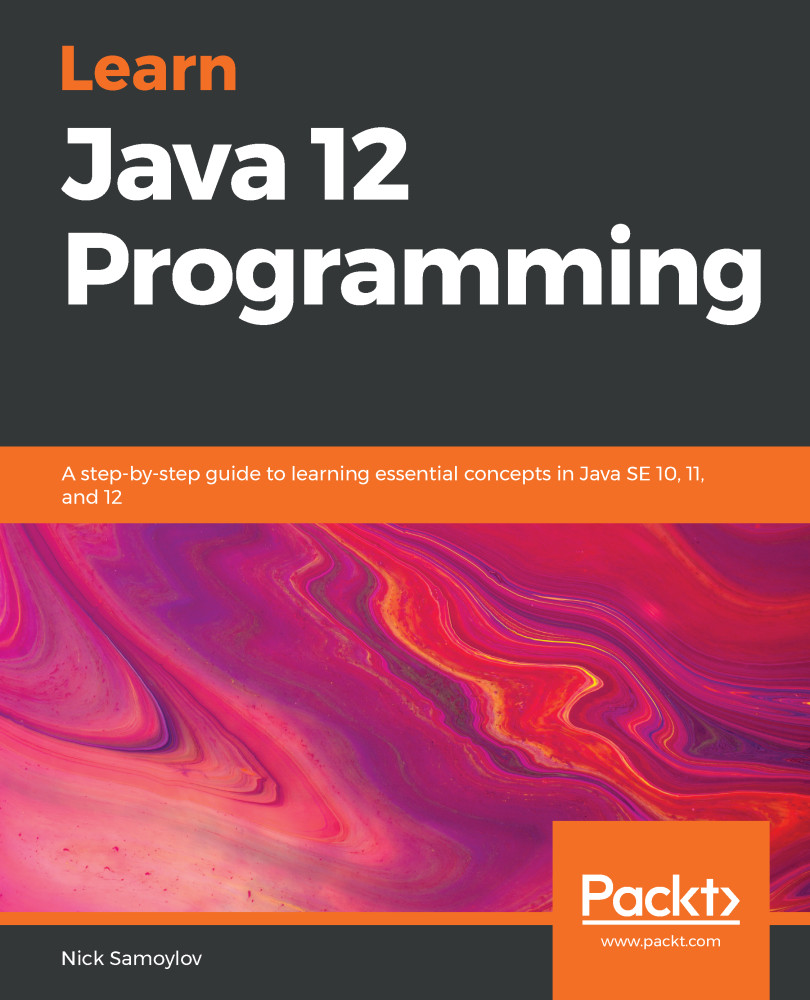
Learn Java 12 Programming

Learn Java 12 Programming

By : Nick Samoylov
3.7 (6)
close
close
Learn Java 12 Programming

Learn Java 12 Programming

3.7 (6)
By: Nick Samoylov

Overview of this book

Java is one of the preferred languages among developers, used in everything right from smartphones, and game consoles to even supercomputers, and its new features simply add to the richness of the language. This book on Java programming begins by helping you learn how to install the Java Development Kit. You will then focus on understanding object-oriented programming (OOP), with exclusive insights into concepts like abstraction, encapsulation, inheritance, and polymorphism, which will help you when programming for real-world apps. Next, you’ll cover fundamental programming structures of Java such as data structures and algorithms that will serve as the building blocks for your apps. You will also delve into core programming topics that will assist you with error handling, debugging, and testing your apps. As you progress, you’ll move on to advanced topics such as Java libraries, database management, and network programming, which will hone your skills in building professional-grade apps. Further on, you’ll understand how to create a graphic user interface using JavaFX and learn to build scalable apps by taking advantage of reactive and functional programming. By the end of this book, you’ll not only be well versed with Java 10, 11, and 12, but also gain a perspective into the future of this language and software development in general.

Table of Contents (25 chapters)
close
close
Lock Free Chapter
1
Section 1: Overview of Java Programming
5
Section 2: Building Blocks of Java
15
Section 3: Advanced Java

Quiz

    1. Name five network protocols of the application layer.
    2. Name two network protocols of the transport layer.
    3. Which Java package includes classes that support HTTP protocol?
    4. Which protocol is based on exchanging datagrams?
    5. Can a datagram be sent to the IP address where there is no server running?
    6. Which Java package contains classes that support UDP and TCP protocols?
    7. What does TCP stands for?
    8. What is common between the TCP and TCP/IP protocols?
    9. How is the TCP session identified?
    10. Name one principal difference between the functionality of ServerSocket and Socket.
    11. Which is faster, TCP or UDP?
    12. Which is more reliable, TCP or UDP?
    13. Name three TCP-based protocols.
    14. Which of the following are the components of a URI? Select all that apply:
      1. Fragment
      2. Title
      3. Authority
      4. Query
    1. What is the difference between scheme and protocol?
    2. What is the difference between a URI and a URL?
    3. What does...
    CONTINUE READING
    83
    Tech Concepts
    36
    Programming languages
    73
    Tech Tools
    Icon Unlimited access to the largest independent learning library in tech of over 8,000 expert-authored tech books and videos.
    Icon Innovative learning tools, including AI book assistants, code context explainers, and text-to-speech.
    Icon 50+ new titles added per month and exclusive early access to books as they are being written.
    Learn Java 12 Programming
    notes
    bookmark Notes and Bookmarks search Search in title playlist Add to playlist download Download options font-size Font size

    Change the font size

    margin-width Margin width

    Change margin width

    day-mode Day/Sepia/Night Modes

    Change background colour

    Close icon Search
    Country selected

    Close icon Your notes and bookmarks

    Confirmation

    Modal Close icon
    claim successful

    Buy this book with your credits?

    Modal Close icon
    Are you sure you want to buy this book with one of your credits?
    Close
    YES, BUY

    Submit Your Feedback

    Modal Close icon
    Modal Close icon
    Modal Close icon