
Sign In Start Free Trial
Account

Add to playlist

Create a Playlist

Modal Close icon
You need to login to use this feature.
  • Book Overview & Buying Vue.js 3 Cookbook
  • Table Of Contents Toc
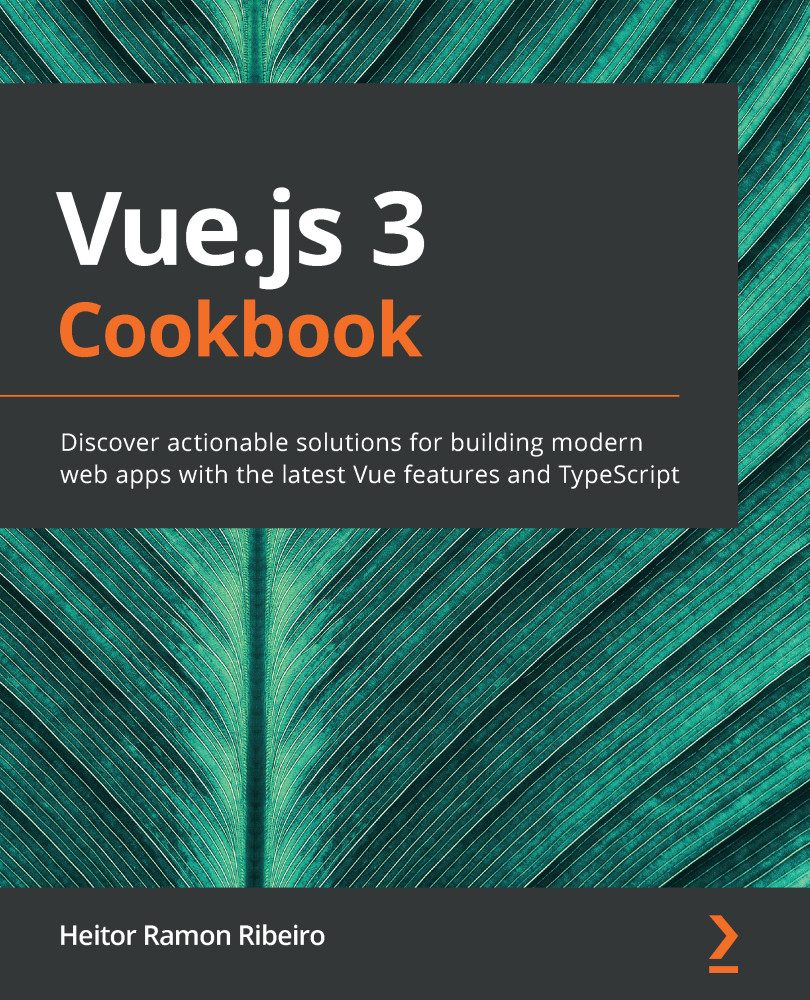
Vue.js 3 Cookbook

Vue.js 3 Cookbook

By : Heitor Ramon Ribeiro
3 (6)
close
close
Vue.js 3 Cookbook

Vue.js 3 Cookbook

3 (6)
By: Heitor Ramon Ribeiro

Overview of this book

Vue.js is a progressive web framework for building professional user interfaces for your web applications. With Vue.js 3, the frontend framework is reinforced with architectural enhancements, new base languages, new render processes, and separated core components. The book starts with recipes for implementing Vue.js 3’s new features in your web development projects and migrating your existing Vue.js apps to the latest version. You will get up and running with TypeScript with Vue.js and find succinct solutions to common challenges and pitfalls faced in implementing components, derivatives, and animation, through to building plugins, adding state management, routing, and developing complete single-page applications (SPAs). As you advance, you'll discover recipes to help you integrate Vue.js apps with Nuxt.js in order to add server-side rendering capabilities to your SPAs. You'll then learn about the Vue.js ecosystem by exploring modern frameworks such as Quasar, Nuxt.js, Vuex, and Vuetify in your web projects. Finally, the book provides you with solutions for packaging and deploying your Vue.js apps. By the end of this Vue.js book, you'll be able to identify and solve challenges faced in building Vue.js applications and be able to adopt the Vue.js framework for frontend web projects of any scale.
Table of Contents (13 chapters)
close
close
5
Fetching Data from the Web via HTTP Requests
6
Managing Routes with vue-router
7
Managing the Application State with Vuex
11
Directives, Plugins, SSR, and More
Icon
Vue

Adding Vuetify to the Vue-CLI project

To use Vuetify in a Vue project, we will use the Vue-CLI plugin installation of the framework:

  1. In the folder that you created your Vue-CLI project in, open Terminal (macOS or Linux) or Command Prompt/PowerShell (Windows) and execute the following command:
> vue add vuetify
  1. Vue-CLI will ask whether you want to choose an installation preset. Choose the default preset. Then, Vue-CLI will finish the installation of the framework on the project:
? Choose a preset: (Use arrow keys)
Default (recommended)
Prototype (rapid development)
Configure (advanced)
  1. After the installation is finished, Vuetify will have configured the files inside your project to load the framework. Now you are ready to use it.

Visually different images
CONTINUE READING
83
Tech Concepts
36
Programming languages
73
Tech Tools
Icon Unlimited access to the largest independent learning library in tech of over 8,000 expert-authored tech books and videos.
Icon Innovative learning tools, including AI book assistants, code context explainers, and text-to-speech.
Icon 50+ new titles added per month and exclusive early access to books as they are being written.
Vue.js 3 Cookbook
notes
bookmark Notes and Bookmarks search Search in title playlist Add to playlist download Download options font-size Font size

Change the font size

margin-width Margin width

Change margin width

day-mode Day/Sepia/Night Modes

Change background colour

Close icon Search
Country selected

Close icon Your notes and bookmarks

Confirmation

Modal Close icon
claim successful

Buy this book with your credits?

Modal Close icon
Are you sure you want to buy this book with one of your credits?
Close
YES, BUY

Submit Your Feedback

Modal Close icon
Modal Close icon
Modal Close icon