Sign In Start Free Trial
Account

Add to playlist

Create a Playlist

Modal Close icon
You need to login to use this feature.
  • Book Overview & Buying Google SketchUp for Game Design: Beginner's Guide
  • Table Of Contents Toc
Google SketchUp for Game Design: Beginner's Guide

Google SketchUp for Game Design: Beginner's Guide

4.7 (10)
close
close
Google SketchUp for Game Design: Beginner's Guide

Google SketchUp for Game Design: Beginner's Guide

4.7 (10)

Overview of this book

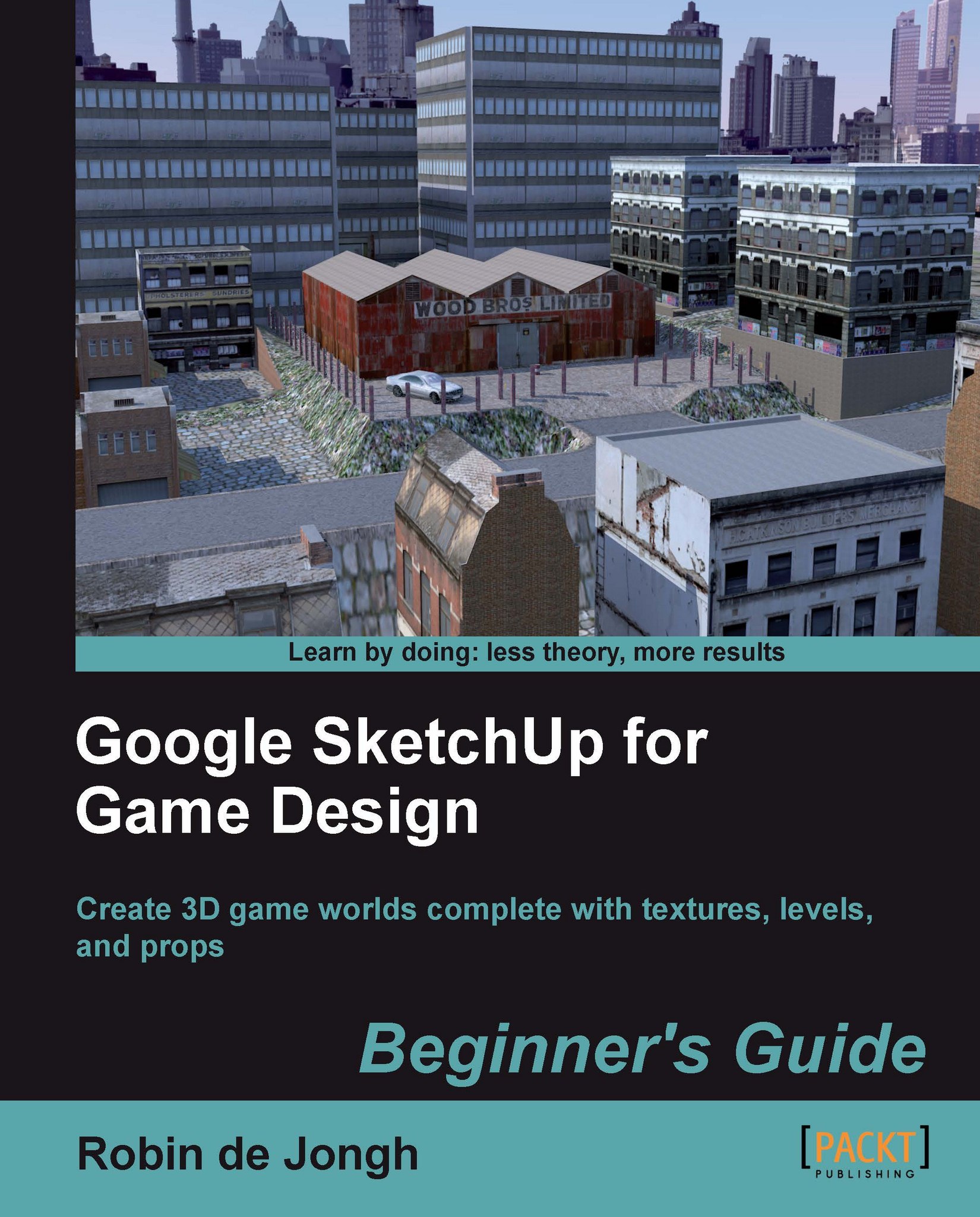
Creating video game environments similar to the best 3D games on the market is now within the capability of hobbyists for the first time, with the free availability of game development software such as Unity 3D, and the ease with which groups of enthusiasts can get together to pool their skills for a game project. The sheer number of these independent game projects springing up means there is a constant need for game art, the physical 3D environment and objects that inhabit these game worlds. Now thanks to Google there is an easy, fun way to create professional game art, levels and props.Google SketchUp is the natural choice for beginners to game design. This book provides you with the workflow to quickly build realistic 3D environments, levels, and props to fill your game world. In simple steps you will model terrain, buildings, vehicles, and much more.Google SketchUp is the ideal entry level modeling tool for game design, allowing you to take digital photographs and turn them into 3D objects for quick, fun, game creation. SketchUp for Game Design takes you through the modeling of a game level with SketchUp and Unity 3D, complete with all game art, textures and props. You will learn how to create cars, buildings, terrain, tools and standard level props such as barrels, fencing and wooden pallets. You will set up your game level in Unity 3D to create a fully functional first person walk-around level to email to your friends or future employers.When you have completed the projects in this book, you will be comfortable creating 3D worlds, whether for games, visualization, or films.
Table of Contents (18 chapters)
close
close
Google SketchUp for Game Design
Credits
About the Author
About the Reviewers
www.PacktPub.com
Preface
chevron up
3
Index

Preface

Creating video game environments similar to the best 3D games in the market is now within the reach of hobbyists for the first time, with free availability of game development software such as Unity 3D, added to the ease with which groups of enthusiasts can get together to pool their skills for a game project. The sheer number of these independent game projects springing up means that there is a constant need for game art, physical 3D environments, and the objects that inhabit these game worlds. Thanks to Google there is an easy, fun way to create professional game art, levels, and props.

Google SketchUp is a natural choice for beginners for game designing. This book provides you with the workflow to build realistic 3D environments, levels, and props to fill your game world quickly. In simple steps, you will model terrains, buildings, vehicles, and much more.

Google SketchUp is an ideal entry-level modeling tool for game design, allowing you to take digital photographs and turn them into 3D objects for quick and fun game creation. SketchUp for Game Design takes you through the modeling of a game level with SketchUp and Unity 3D, complete with all game art, textures, and props. You will learn how to create cars, buildings, terrain, tools, and standard level props, such as barrels, fencing, and wooden pallets. You will set up your game level in Unity 3D to create a fully functional first-person walk-around level to e-mail your friends or future employers.

When you have completed the projects in this book, you will be comfortable creating 3D worlds, be it for games, visualization, or films.

What this book covers

Chapter 1, Why Use SketchUp?, is our introduction to Google SketchUp as an indispensable game development tool. Google SketchUp is the ideal entry-level game design tool for rapid generation of levels and props. This chapter gives an introduction to SketchUp and tells us why it's the easiest, most dependable software for rapidly creating levels and props for your 3D games.

Chapter 2, Tools that Grow on Trees, describes the tools that you need to create your own AAA game creation studio—and it's entirely free! We also do some research into what game assets sell the most, and where you can find online stores to make some money yourself.

Chapter 3, Wooden Pallet: Texture Creation, tells us how to create a realistic game texture from a photo, using GIMP, the free fully-featured image editing studio.

Chapter 4, Wooden Pallet: Simple Texturing Techniques, details about the most useful SketchUp toolset by creating a high-detail, low-polygon game prop.

Chapter 5, Game Levels in SketchUp, allows you to create a game level complete with terrain, realistic textures, and shadows using SketchUp's amazing Sandbox sculpting tools.

Chapter 6, Import to a Professional Game Application: Unity 3D, allows you to create a game level complete with terrain, realistic textures, and shadows using SketchUp's amazing Sandbox sculpting tools.

Chapter 7, Quick Standard Assets, helps you create a rusty fence, a barrel, a wrench, some quick buildings, and more, using SketchUp tools.

Chapter 8, Advanced Modeling: Create a Realistic Car in Easy Steps, describes the amazing modeling capabilities of SketchUp for game design. It also allows you to create a game level complete with terrain, realistic textures, and shadows using SketchUp's amazing Sandbox sculpting tools.

Chapter 9, The Main Building - Inside and Out, brings together all your skills into a single game, setting up the game environment including a backdrop, sky, and fog. You will create your detailed main building complete with maze-like interior and export an executable fully-playable game to send to your friends or to show off on the Web.

Appendix A, MakeHuman, makes use of the MakeHuman software to create a textured, high-polygon human model, and then shows you how to use MeshLab to reduce polygons.

What you need for this book

All you need is a PC or Mac with an Internet connection. A 3-button mouse with a scroll wheel is also beneficial.

Who this book is for

This book is designed for anyone who wants to create the entire 3D worlds into use in freely available game engines such as Unity 3D, CryEngine, Ogre, Panda3D, Unreal Engine, or Blender Game Engine. The book is also for all those of you who wish to create new levels and assets to sell in-game asset stores or to use in visualization or animation.

Conventions

In this book, you will find several headings appearing frequently.

To give clear instructions of how to complete a procedure or task, we use:

Time for action – heading

  1. Action 1

  2. Action 2

  3. Action 3

Instructions often need some extra explanation so that they make sense, so they are followed with:

What just happened?

This heading explains the working of tasks or instructions that you have just completed.

You will also find some other learning aids in the book, including:

Pop quiz – heading

These are short multiple choice questions intended to help you test your own understanding.

Have a go hero – heading

These set practical challenges and give you ideas for experimenting with what you have learned.

You will also find a number of styles of text that distinguish between different kinds of information. Here are some examples of these styles, and an explanation of their meaning.

Code words in text are shown as follows: "Save the image as a PNG file named Map_Selection.png."

New terms and important words are shown in bold. Words that you see on the screen, in menus or dialog boxes for example, appear in the text like this: "Go to Members ¦ Login and use your new username and password to log in to the website."

Note

Warnings or important notes appear in a box like this.

Tip

Tips and tricks appear like this.

Reader feedback

Feedback from our readers is always welcome. Let us know what you think about this book—what you liked or may have disliked. Reader feedback is important for us to develop titles that you really get the most out of.

To send us general feedback, simply send an e-mail to , and mention the book title via the subject of your message.

If there is a book that you need and would like to see us publish, please send us a note in the SUGGEST A TITLE form on www.packtpub.com or e-mail .

If there is a topic that you have expertise in and you are interested in either writing or contributing to a book, see our author guide on www.packtpub.com/authors.

Customer support

Now that you are the proud owner of a Packt book, we have a number of things to help you to get the most from your purchase.

Note

Downloading the example code for this book

You can download the example code files for all Packt books you have purchased from your account at http://www.PacktPub.com. If you purchased this book elsewhere, you can visit http://www.PacktPub.com/support and register to have the files e-mailed directly to you.

Downloading the color images of this book

We also provide you a PDF file that has color images of the screenshots used in this book. The color images will help you better understand the changes in the output. You can download this file from http://downloads.packtpub.com/sites/default/files/downloads/1345_sketchupimages.pdf

Errata

Although we have taken every care to ensure the accuracy of our content, mistakes do happen. If you find a mistake in one of our books—maybe a mistake in the text or the code—we would be grateful if you would report this to us. By doing so, you can save other readers from frustration and help us improve subsequent versions of this book. If you find any errata, please report them by visiting http://www.packtpub.com/support, selecting your book, clicking on the errata submission form link, and entering the details of your errata. Once your errata are verified, your submission will be accepted and the errata will be uploaded on our website, or added to any list of existing errata, under the Errata section of that title. Any existing errata can be viewed by selecting your title from http://www.packtpub.com/support.

Piracy

Piracy of copyright material on the Internet is an ongoing problem across all media. At Packt, we take the protection of our copyright and licenses very seriously. If you come across any illegal copies of our works, in any form, on the Internet, please provide us with the location address or website name immediately so that we can pursue a remedy.

Please contact us at with a link to the suspected pirated material.

We appreciate your help in protecting our authors, and our ability to bring you valuable content.

Questions

You can contact us at if you are having a problem with any aspect of the book, and we will do our best to address it.

CONTINUE READING
83
Tech Concepts
36
Programming languages
73
Tech Tools
Icon Unlimited access to the largest independent learning library in tech of over 8,000 expert-authored tech books and videos.
Icon Innovative learning tools, including AI book assistants, code context explainers, and text-to-speech.
Icon 50+ new titles added per month and exclusive early access to books as they are being written.
Google SketchUp for Game Design: Beginner's Guide
notes
bookmark Notes and Bookmarks search Search in title playlist Add to playlist font-size Font size

Change the font size

margin-width Margin width

Change margin width

day-mode Day/Sepia/Night Modes

Change background colour

Close icon Search
Country selected

Close icon Your notes and bookmarks

Confirmation

Modal Close icon
claim successful

Buy this book with your credits?

Modal Close icon
Are you sure you want to buy this book with one of your credits?
Close
YES, BUY

Submit Your Feedback

Modal Close icon
Modal Close icon
Modal Close icon