


-
Book Overview & Buying
-
Table Of Contents

Unreal Development Kit Beginner's Guide
By :


Unreal Development Kit Beginner's Guide
By:
Overview of this book
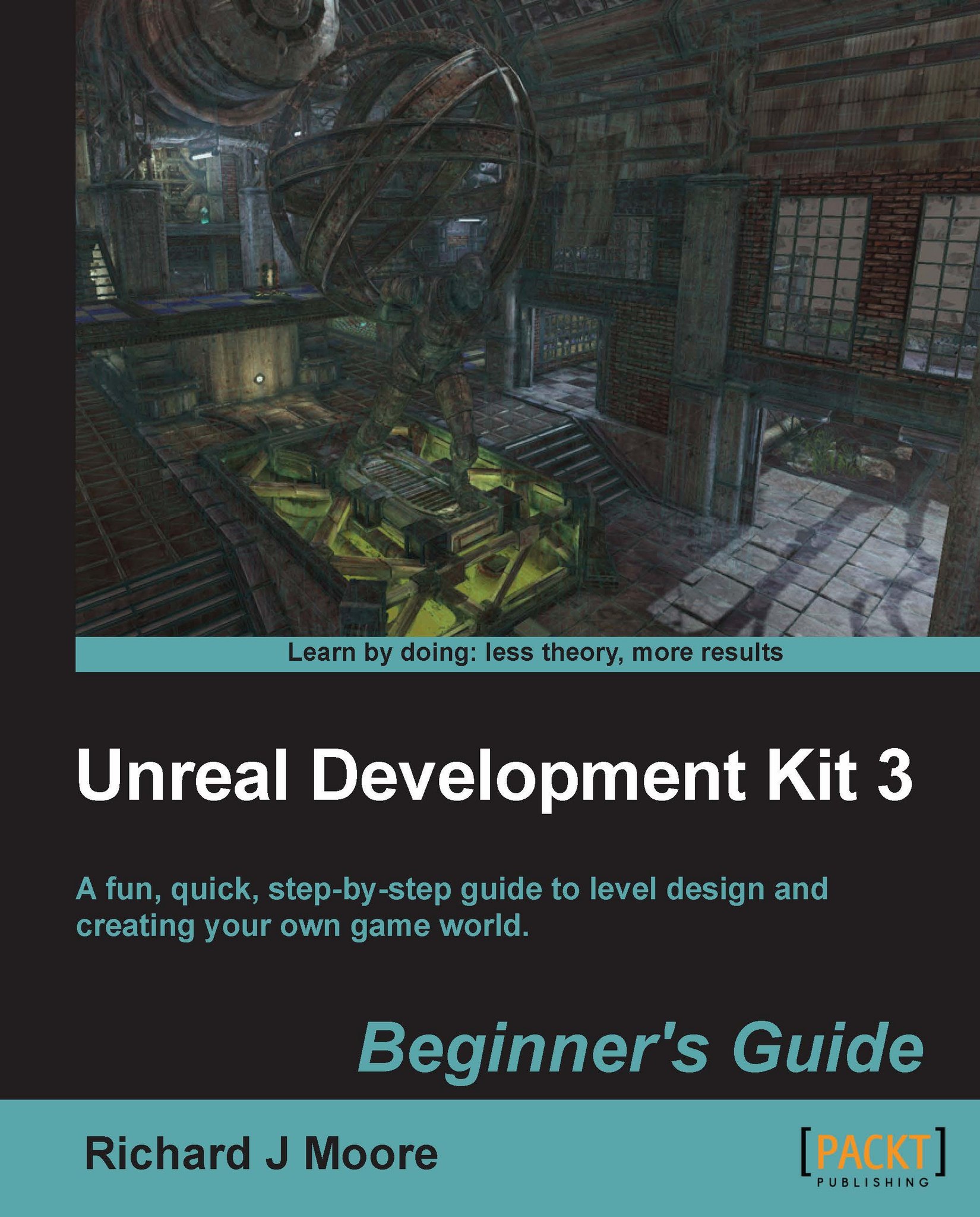
Unreal Development Kit (UDK) is the free version of the award-winning Unreal Engine 3. It is used to create a wide variety of games ranging from amateur to professional standard next generation AAA titles.
This book will show you exactly how to create an enjoyable and immersive game environment using the UDK. You will learn how to implement, level design, lighting, environmental effects, movement, terrain, map creation, item placement, kismet, materials and complex event sequences.
You will work through the level design process from navigating round the editor to learning how to develop a fully playable environment. You will quickly master all of the engine’s key tools that are accessible through Unreal Engine 3. You will then start putting together your first level using step-by-step instructions. Next we will implement real world features such as dynamic lighting and shadows, particle effects, physics, terrain, item placement and advanced AI/bot pathing. Finally you will learn how to use UDK’s cutting edge high level scripting. By the end of this book you will be equipped with the skills to create an entertaining and imaginative game world.
Table of Contents (17 chapters)
Unreal Development Kit 3


Credits
About the Author
About the Reviewers
www.PacktPub.com
Preface
Pop Quiz Answers
 Free Chapter
Level Design HQ
Hello UDK
Applying Lighting Effects
Battling the Elements

Movement with Movers
Terrain
Adding Gameplay Elements into your Map
Complex Event Sequences
Materials
Index


