


Digital images have become an important aspect of our daily life. Whether it's a selfie, prom night photo, or a funny meme, we spend a lot of our time looking at digital images. In the following section, we will learn how to create our own image viewer using Qt and C++.
-
Book Overview & Buying
-
Table Of Contents

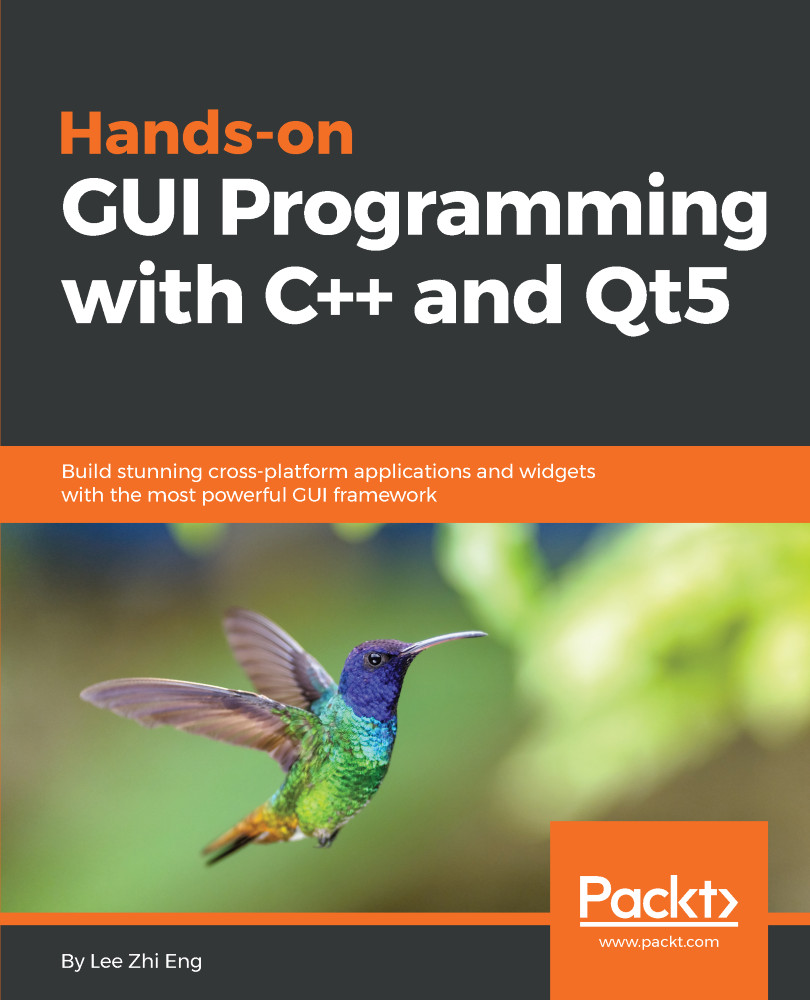
Hands-On GUI Programming with C++ and Qt5
By :


Hands-On GUI Programming with C++ and Qt5
By:
Overview of this book
Qt 5, the latest version of Qt, enables you to develop applications with complex user interfaces for multiple targets. It provides you with faster and smarter ways to create modern UIs and applications for multiple platforms. This book will teach you to design and build graphical user interfaces that are functional, appealing, and user-friendly.
In the initial part of the book, you will learn what Qt 5 is and what you can do with it. You will explore the Qt Designer, discover the different types of widgets generally used in Qt 5, and then connect your application to the database to perform dynamic operations. Next, you will be introduced to Qt 5 chart which allows you to easily render different types of graphs and charts and incorporate List View Widgets in your application. You will also work with various Qt modules, like QtLocation, QtWebEngine, and the networking module through the course of the book. Finally, we will focus on cross-platform development with QT 5 that enables you to code once and run it everywhere, including mobile platforms.
By the end of this book, you will have successfully learned about high-end GUI applications and will be capable of building many more powerful, cross-platform applications.
Table of Contents (18 chapters)
Preface

 Free Chapter
Introduction to Qt
Qt Widgets and Style Sheets
Database Connection
Graphs and Charts
Item Views and Dialogs
Integrating Web Content
Map Viewer
Graphics View
The Camera Module
Instant Messaging
Implementing a Graphics Editor
Cloud Storage
Multimedia Viewers

Qt Quick and QML
Cross-Platform Development
Testing and Debugging
Other Books You May Enjoy


