


-
Book Overview & Buying
-
Table Of Contents

Modern Computer Architecture and Organization - Third Edition
By :


Modern Computer Architecture and Organization
By:
Overview of this book
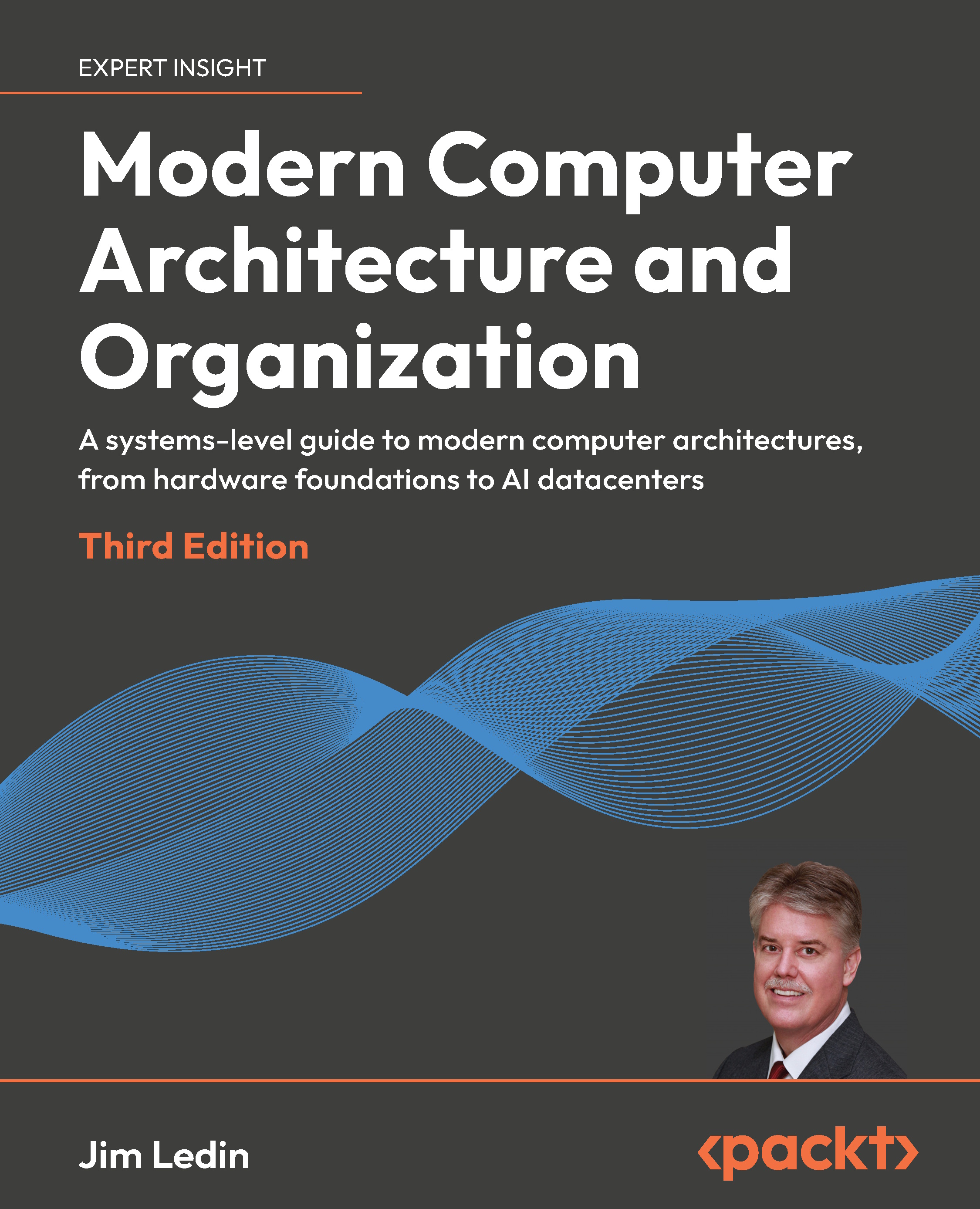
Computer architecture now extends far beyond CPUs, forming the foundation of cloud platforms, AI systems, cybersecurity solutions, and emerging computing technologies. Modern Computer Architecture and Organization, Third Edition, provides a clear, end-to-end understanding of how today’s computer systems are built and why architectural decisions matter more than ever.
You’ll begin with the fundamentals of digital logic, processor elements, memory systems, and the hardware–software interface, building a strong grounding that remains essential for every architect and systems engineer. Next, the book explores modern processor and memory architectures, performance-enhancing techniques, virtualization, and mainstream instruction sets, including x86, ARM, and an in-depth treatment of RISC-V.
New and significantly expanded chapters extend this foundation into modern computing domains, including AI and large language model (LLM) computing platforms, GPUs, cloud-scale systems, confidential and security-focused architectures, blockchain and Bitcoin mining systems, self-driving vehicle architectures, and future directions such as quantum computing. This edition reflects today’s AI-driven, cloud-centric, security-aware computing landscape while remaining true to the classical principles that continue to underpin modern computer systems.
Table of Contents (28 chapters)
Preface


 Free Chapter
Part 1: Fundamentals of Computer Architecture
Chapter 1: Introducing Computer Architecture
Chapter 2: Digital Logic
Chapter 3: Processor Elements
Chapter 4: Computer System Components
Chapter 5: Hardware-Software Interface

Chapter 6: Specialized Computing Domains
Part 2: Processor Architectures and Instruction Sets
Chapter 7: Processor and Memory Architectures
Chapter 8: Performance-Enhancing Techniques
Chapter 9: Specialized Processor Extensions
Chapter 10: Graphics Processing Units
Chapter 11: Modern Processor Architectures and Instruction Sets
Chapter 12: The RISC-V Architecture and Instruction Set
Part 3: Computer System Architectures
Chapter 13: Processor Virtualization
Chapter 14: Domain-Specific Computer Architectures
Chapter 15: Large Language Model Computing Architectures
Chapter 16: Cybersecurity and Confidential Computing Architectures
Chapter 17: Blockchain and Bitcoin Mining Architectures
Chapter 18: Self-Driving Vehicle Architectures
Chapter 19: Quantum Computing and Other Future Directions for Computer Architectures
Part 4: Appendices
Chapter A: Answers to Exercises
Chapter B: Unlock Your Exclusive Benefits
Other Books You May Enjoy
Index


