Sign In Start Free Trial
Account

Add to playlist

Create a Playlist

Modal Close icon
You need to login to use this feature.
  • Book Overview & Buying Shading, Lighting, and Rendering with Blender EEVEE
  • Table Of Contents Toc
Shading, Lighting, and Rendering with Blender EEVEE

Shading, Lighting, and Rendering with Blender EEVEE

By : Sammie Crowder
5 (3)
close
close
Shading, Lighting, and Rendering with Blender EEVEE

Shading, Lighting, and Rendering with Blender EEVEE

5 (3)
By: Sammie Crowder

Overview of this book

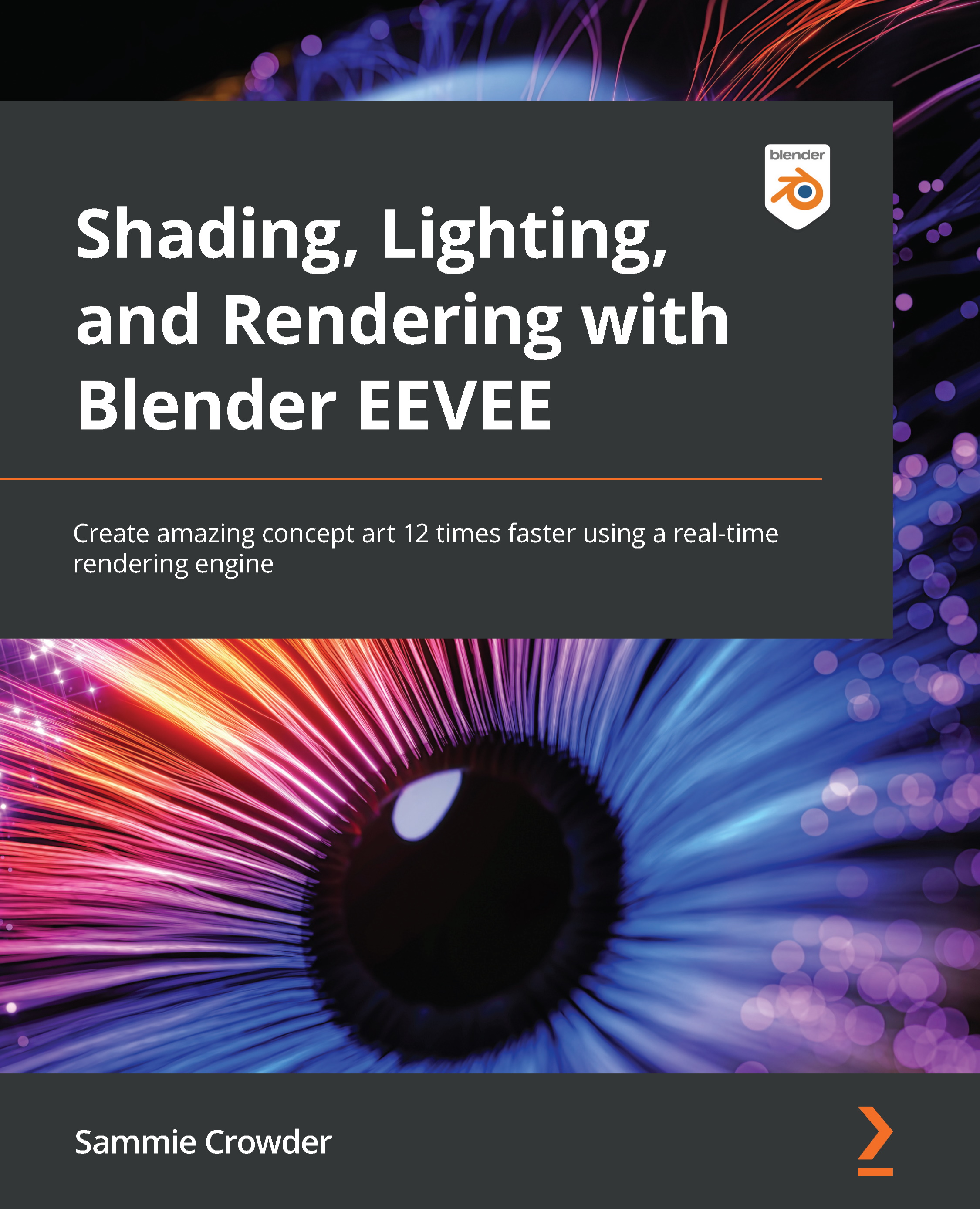
Blender is the most important up-and-coming 3D software package in the world. EEVEE, a state-of-the-art real-time rendering engine is a fairly new addition to Blender and provides the capacity to create artwork at blazing speed, almost 12 times faster than Cycles. Lighting, Shading, and Rendering with Blender’s EEVEE provides a high-level overview of what EEVEE is capable of, then teaches users about Geometry Nodes, Rendering Techniques, using shortcuts like Kitbashing and Alphas to speed up scene creation, volumetrics, reflections, adding lights, cameras and even special effects like fire and smoke, all in EEVEE. All of this is in the context of creating actual scenes that readers will work through from start to finish. By the time a Blender Artist completes the book, they will have created three separate works that have challenged them to iterate and design with the full power of Blender’s EEVEE.
Table of Contents (18 chapters)
close
close
1
Section 1: Configuring in EEVEE – Mini-Project 1 – Stylized Scene
6
Section 2: Real-Time Rendering – Mini-Project 2 – Creating a Realistic Environment Concept
11
Section 3: Advanced Features – Mini-Project 3 – Creating a Sci-Fi Concept

Chapter 1: Introducing EEVEE – A Real-Time Rendering Engine

With the 2.8 release, Blender has added another rendering engine to its already impressive software: EEVEE. EEVEE is a real-time rendering engine that allows artists to preview their work quickly and accurately, as well as cutting down render times and a need for top-of-the-line GPUs or expert experience. This book will be an intermediate/advanced look at EEVEE, detailing the many ways you can use EEVEE to create awesome, fast concept art and get to your final render faster, with more ability to iterate on style, content, and direction. This book will go through three different mini-projects that will introduce various styles and content that will be immediately applicable to any project, for any user from professionals to hobbyists.

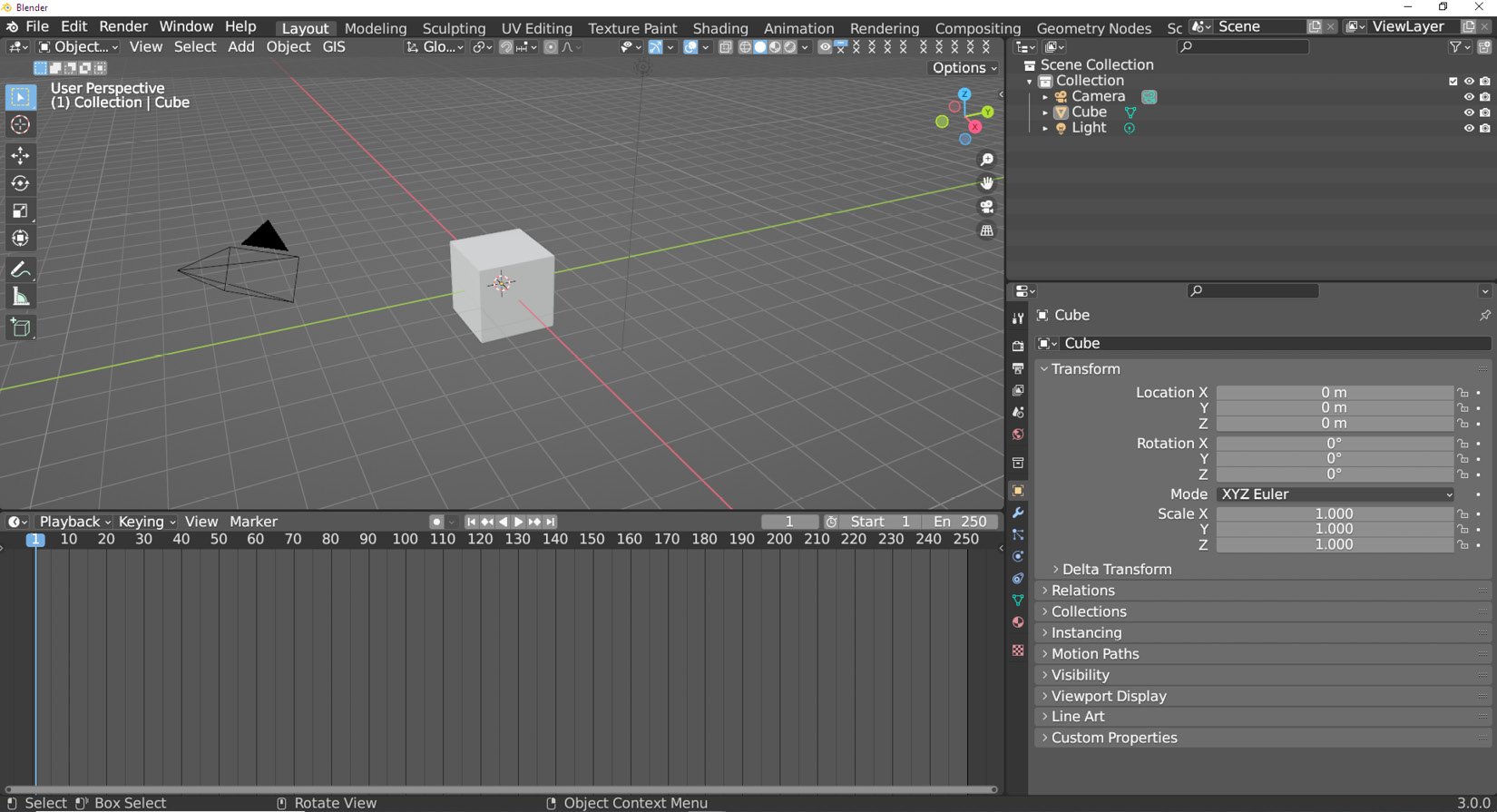
Figure 1.1: The Blender UI

Figure 1.1: The Blender UI

We'll be using the Blender 3.0 release, which has some completely new and fantastic features that even industry pros will want to know more about. EEVEE has been updated in this version to be faster and expand the array of features already available. As more and more studios make use of real-time rendering and other ray-tracing shortcuts, the tips and tricks in this book will become more and more essential to animation as an industry, setting you up to be ahead of the curve when it comes to creating fast, interesting, and flexible art.

In this chapter, we'll learn what EEVEE is and configure Blender for our upcoming mini-projects.

The main topics we'll be covering are as follows:

  • What is EEVEE? EEVEE as a rendering engine
  • Why use EEVEE and what are the advantages of using EEVEE?
  • Configuring the start of mini-projects
Visually different images
CONTINUE READING
83
Tech Concepts
36
Programming languages
73
Tech Tools
Icon Unlimited access to the largest independent learning library in tech of over 8,000 expert-authored tech books and videos.
Icon Innovative learning tools, including AI book assistants, code context explainers, and text-to-speech.
Icon 50+ new titles added per month and exclusive early access to books as they are being written.
Shading, Lighting, and Rendering with Blender EEVEE
notes
bookmark Notes and Bookmarks search Search in title playlist Add to playlist download Download options font-size Font size

Change the font size

margin-width Margin width

Change margin width

day-mode Day/Sepia/Night Modes

Change background colour

Close icon Search
Country selected

Close icon Your notes and bookmarks

Confirmation

Modal Close icon
claim successful

Buy this book with your credits?

Modal Close icon
Are you sure you want to buy this book with one of your credits?
Close
YES, BUY

Submit Your Feedback

Modal Close icon
Modal Close icon
Modal Close icon