Sign In Start Free Trial
Account

Add to playlist

Create a Playlist

Modal Close icon
You need to login to use this feature.
  • Book Overview & Buying Shading, Lighting, and Rendering with Blender EEVEE
  • Table Of Contents Toc
Shading, Lighting, and Rendering with Blender EEVEE

Shading, Lighting, and Rendering with Blender EEVEE

By : Sammie Crowder
5 (3)
close
close
Shading, Lighting, and Rendering with Blender EEVEE

Shading, Lighting, and Rendering with Blender EEVEE

5 (3)
By: Sammie Crowder

Overview of this book

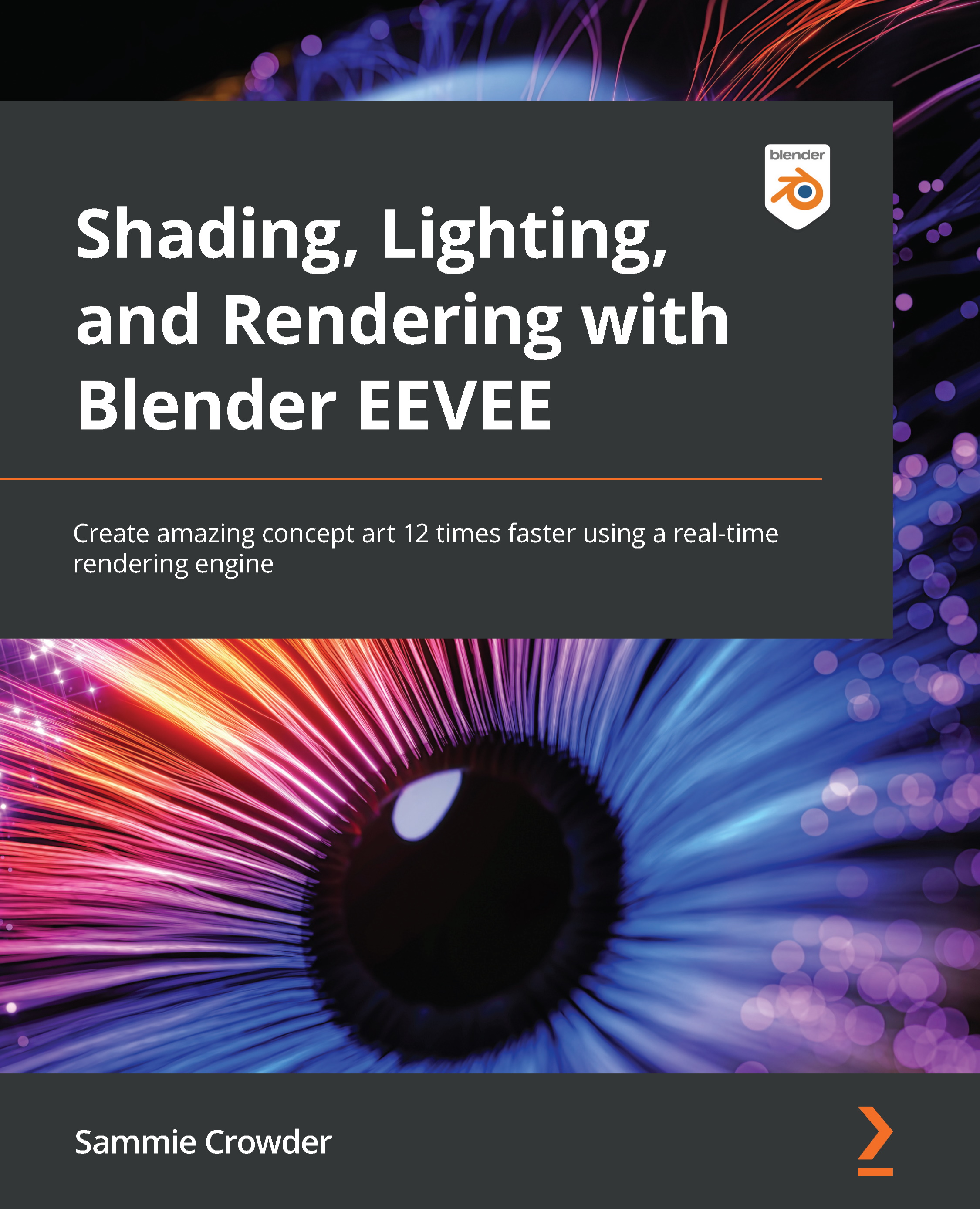
Blender is the most important up-and-coming 3D software package in the world. EEVEE, a state-of-the-art real-time rendering engine is a fairly new addition to Blender and provides the capacity to create artwork at blazing speed, almost 12 times faster than Cycles. Lighting, Shading, and Rendering with Blender’s EEVEE provides a high-level overview of what EEVEE is capable of, then teaches users about Geometry Nodes, Rendering Techniques, using shortcuts like Kitbashing and Alphas to speed up scene creation, volumetrics, reflections, adding lights, cameras and even special effects like fire and smoke, all in EEVEE. All of this is in the context of creating actual scenes that readers will work through from start to finish. By the time a Blender Artist completes the book, they will have created three separate works that have challenged them to iterate and design with the full power of Blender’s EEVEE.
Table of Contents (18 chapters)
close
close
1
Section 1: Configuring in EEVEE – Mini-Project 1 – Stylized Scene
6
Section 2: Real-Time Rendering – Mini-Project 2 – Creating a Realistic Environment Concept
11
Section 3: Advanced Features – Mini-Project 3 – Creating a Sci-Fi Concept

What is EEVEE? EEVEE as a rendering engine

Before we dive headfirst into the absolutely astounding feature set that EEVEE provides, let's cover a little bit of what makes it so great, but also touch on some of the limitations.

EEVEE is an acronym that stands for Extra Easy Virtual Environment Engine, though originally it was named after the evolution Pokémon, Eevee. EEVEE is a real-time rendering engine. By real-time, we mean that we can preview our animations and designs in real time (or as close to it as physically possible). We can make changes to materials and instantly get an idea of what exactly is happening with those materials. We can move lights and cameras freely to understand what we're framing and how we're framing it. As you can imagine, this ability to see things in real time is a game-changer. But EEVEE isn't the only real-time engine being implemented in state-of-the-art graphics programs. Other real-time rendering engines that work similarly to EEVEE are Unreal Engine and Unity. As you may know, both of these are game engines, and as such are primarily used to create video games. As it utilizes the same rendering system as a game engine, it's very easy to see how EEVEE can be much faster than a render engine of a different style.

Most 3D artists are very familiar with ray-tracing. This is the most common method of scene calculation, where light rays are shot from lights then bounced off surfaces a specific number of times, providing illumination, material properties, and camera initialization. Being a real-time rendering engine, EEVEE does not perform light calculations like a ray-tracing engine such as Cycles would. EEVEE performs its scene calculation through a method called rasterization. Rasterization is a scene estimation model. This estimation model takes the scene information and provides a visual of what the scene should look like, not what it actually looks like. With this scene estimation technique, we can fake effects such as reflections, volume, and global illumination, but it is just that, a fake. We'll go over the optimum ways to fake some of the more advanced results that EEVEE can provide in our three mini-projects, because after all, 3D is all about how to make something look real, while in reality, it's all just pixels on a screen.

While EEVEE differs a lot from Cycles, it is also similar in some ways. EEVEE uses the same shading type as Cycles, which allows an easy transition from Cycles to EEVEE and back again. Most other render engines use this same type of shading, the Physically based shading model that has been the industry standard for many years now. Physically based shading or physically based rendering (shortened to PBR usually) is a way of calculating how light reflects off objects. It assumes that all objects will reflect light, some more than others, and their reflection values will make them shinier or more diffused. This allows light to be bounced off the objects in a scene. Because EEVEE uses PBR, we can use material shaders to determine how the light will bounce off something, or how the light will pass through something. These principles directly transfer from Cycles or another ray-tracing engine, so having some familiarity with those principles is recommended if you want to get the most out of this book.

Side Note

The Blender Foundation hosts a variety of demo files on their website, https://www.blender.org/download/demo-files/.

A fantastic way to understand the speed and utility of EEVEE is to take any of the labeled EEVEE files for a test run. Taking inspiration from the way other people have used EEVEE for different kinds of projects and in different production environments can really open your mind to the possibilities of the engine.

Why use EEVEE and what are the advantages of using EEVEE?

EEVEE is an absolutely fantastic set of tools when put in the right artist's hands. This book is a crash course on how to use the tools provided by Blender and EEVEE to create stellar artwork, and one of the first things to learn about a tool is when to use it and when not to.

There are four main ways we can use EEVEE when we're going about creating a 3D scene:

  • The first is to use EEVEE to preview our scene, and when we're ready for the final render, switch to Cycles for a more realistic final result. This can save a 3D artist a lot of time by sacrificing some accuracy in the development stage. This is something that we will only cover briefly in this book.
  • The second way of creating with EEVEE is to preview and render inside EEVEE. The pros of this are increased speed in previewing and in the final render, but because EEVEE is not a ray-tracing engine, the final render inside EEVEE will potentially be less realistic. This is the type of work we'll be doing in all of the projects that we create in this book.
  • The third is the ability to see volumetrics in real time. We'll be exploring volumetrics in great detail in this book, and you'll use them in all the projects we'll work on.
  • The last big advantage that we have in EEVEE is the ability to see emissions accurately in the viewport. We can use this as a shortcut to see the results of our light shaders without needing to add them to the compositor later. We'll use this in the third project we work on.

So, for extreme realism, we're always going to want to use a ray-tracing engine. But for speed? The ability to update and preview a scene in real time in the viewport is immensely helpful, particularly for more complicated scenes. It means that you can update, view, and make changes in seconds or minutes, rather than the slower workflow of updating, taking 20 minutes to render for a preview, make changes, and repeat. As artists, we can gain a better understanding of what exactly is happening in our scene, we can apply design and color theory more accurately, and provide the changes our art director wants, faster.

Limitations of EEVEE

In terms of the limitations of EEVEE, we'll cover specific points as we come to them, but when getting yourself set up to start our mini-projects, you should be aware of a few things:

  • Firstly, EEVEE works with your GPU to render. While having a beefy GPU isn't exactly necessary, it should be noted that an older or less powerful GPU will slow down your render times a little bit.
  • Secondly, because of how EEVEE evaluates lights and materials, there may be points that it fails, situations where you're using too many lights, too many refracted materials, or your GPU gets overloaded and crashes. This won't come up in the mini-projects we're working on in this book, but it's important information to know when you're working beyond this book on your own projects, or in a studio utilizing EEVEE in its pipeline.
  • Shading is also a little different in EEVEE. Because we're using the GPU in EEVEE you'll probably run out of memory in EEVEE sooner than Cycles. In shaders, running out of memory will probably look like a texture that turns up pink. Don't worry about this for our projects though, we aren't creating complicated enough textures for this to happen to us. EEVEE also isn't able to utilize Particle Info nodes or bevels, but it does have added nodes such as Shader to RGB that we will explore.

    Side Note

    A great resource to read through for more information on where EEVEE is weak is the limitations page in the Blender documentation: https://docs.blender.org/manual/en/latest/render/eevee/limitations.html.

At its current development stage, EEVEE is not going to be the cure-all for every single problem you face when using a ray-tracing engine. The decision to use EEVEE should always be made with the following in mind:

  • Do I need extremely realistic lighting or materials?
  • Do I need to work on my CPU exclusively?
  • Am I creating effects that need extensive volumetric rendering or similar?
  • Do I need extremely complicated materials or utility nodes such as Bevel, Particle Info, or IES Texture?

If you answered yes to any of those questions, use Cycles for your final render, but consider using EEVEE to preview your work. If none of those features are a concern, EEVEE is the way to get results quickly. An alternate third approach is to combine rendered aspects from Cycles and EEVEE, rendering the aspects best done realistically in Cycles and everything else in EEVEE.

As stated previously, many game engines use very similar techniques to EEVEE, so if you're interested in creating game art inside of Unity or Unreal, you'll have a much easier time transferring that knowledge from the concepts we'll cover in this book to your engine of choice.

Before we start implementing the mini-projects, we need to set up and customize Blender.

CONTINUE READING
83
Tech Concepts
36
Programming languages
73
Tech Tools
Icon Unlimited access to the largest independent learning library in tech of over 8,000 expert-authored tech books and videos.
Icon Innovative learning tools, including AI book assistants, code context explainers, and text-to-speech.
Icon 50+ new titles added per month and exclusive early access to books as they are being written.
Shading, Lighting, and Rendering with Blender EEVEE
notes
bookmark Notes and Bookmarks search Search in title playlist Add to playlist download Download options font-size Font size

Change the font size

margin-width Margin width

Change margin width

day-mode Day/Sepia/Night Modes

Change background colour

Close icon Search
Country selected

Close icon Your notes and bookmarks

Confirmation

Modal Close icon
claim successful

Buy this book with your credits?

Modal Close icon
Are you sure you want to buy this book with one of your credits?
Close
YES, BUY

Submit Your Feedback

Modal Close icon
Modal Close icon
Modal Close icon