
Sign In Start Free Trial
Account

Add to playlist

Create a Playlist

Modal Close icon
You need to login to use this feature.
  • Book Overview & Buying Mastering Qt  5
  • Table Of Contents Toc
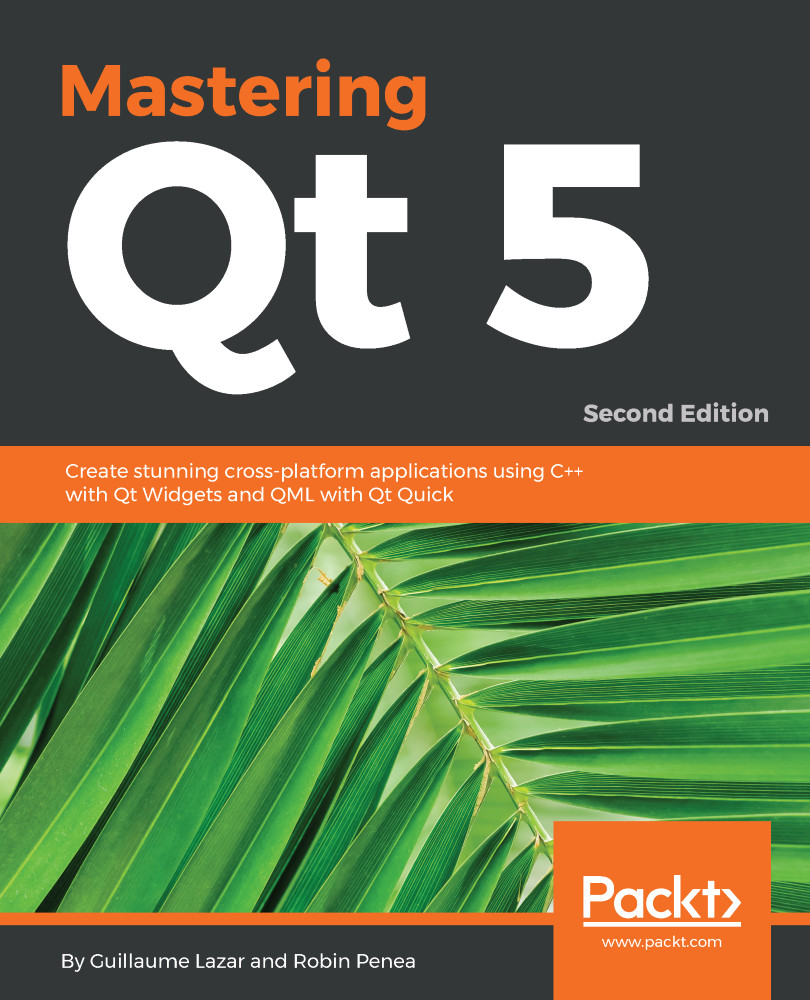
Mastering Qt  5

Mastering Qt 5 - Second Edition

By : Guillaume Lazar, Robin Penea
3.1 (8)
close
close
Mastering Qt  5

Mastering Qt 5

3.1 (8)
By: Guillaume Lazar, Robin Penea

Overview of this book

Qt 5.11 is an app development framework that provides a great user experience and develops full capability applications with Qt Widgets, QML, and even Qt 3D. Whether you're building GUI prototypes or fully-fledged cross-platform GUI applications with a native look and feel, Mastering Qt 5 is your fastest, easiest, and most powerful solution. This book addresses various challenges and teaches you to successfully develop cross-platform applications using the Qt framework, with the help of well-organized projects. Working through this book, you will gain a better understanding of the Qt framework, as well as the tools required to resolve serious issues, such as linking, debugging, and multithreading. You'll start off your journey by discovering the new Qt 5.11 features, soon followed by exploring different platforms and learning to tame them. In addition to this, you'll interact with a gamepad using Qt Gamepad. Each chapter is a logical step for you to complete in order to master Qt. By the end of this book, you'll have created an application that has been tested and is ready to be shipped.
Table of Contents (16 chapters)
close
close

Loading your plugins dynamically

We will now deal with the application that loads these plugins:

  1. Create a new Subproject inside ch08-image-animation
  2. Select the Qt Widgets Application type
  3. Name it image-animation and accept the default Class Information settings

We have a few last things to do in the .pro files. First, image-animation will try to load the plugins from somewhere in its output directory. Because each filter-plugin project is independent, its output directory is separated from image-animation. Thus, each time you modify a plugin, you will have to copy the compiled shared library inside the proper image-animation directory. This works to make it available to the image-animation application, but we are lazy developers, right?

We can automate this by updating plugins-common-pri, like so:

INCLUDEPATH += $$PWD/sdk 
DEPENDPATH += $$PWD/sdk 
 
windows { 
    CONFIG(debug...
CONTINUE READING
83
Tech Concepts
36
Programming languages
73
Tech Tools
Icon Unlimited access to the largest independent learning library in tech of over 8,000 expert-authored tech books and videos.
Icon Innovative learning tools, including AI book assistants, code context explainers, and text-to-speech.
Icon 50+ new titles added per month and exclusive early access to books as they are being written.
Mastering Qt  5
notes
bookmark Notes and Bookmarks search Search in title playlist Add to playlist download Download options font-size Font size

Change the font size

margin-width Margin width

Change margin width

day-mode Day/Sepia/Night Modes

Change background colour

Close icon Search
Country selected

Close icon Your notes and bookmarks

Confirmation

Modal Close icon
claim successful

Buy this book with your credits?

Modal Close icon
Are you sure you want to buy this book with one of your credits?
Close
YES, BUY

Submit Your Feedback

Modal Close icon
Modal Close icon
Modal Close icon