


-
Book Overview & Buying
-
Table Of Contents

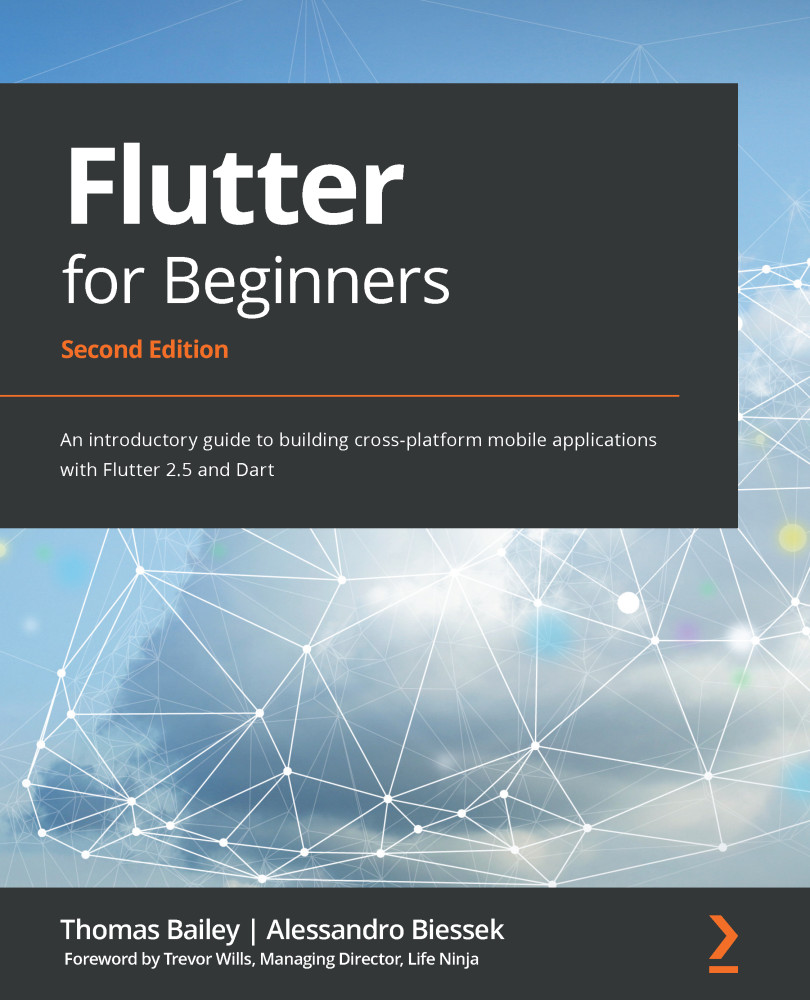
Flutter for Beginners - Second Edition
By :


Flutter for Beginners
By:
Overview of this book
There have been many attempts at creating frameworks that are truly cross-platform, but most struggle to create a native-like experience at high performance levels. Flutter achieves this with an elegant design and a wealth of third-party plugins, making it the future of mobile app development. If you are a mobile developer who wants to create rich and expressive native apps with the latest Google Flutter framework, this book is for you.
This book will guide you through developing your first app from scratch all the way to production release. Starting with the setup of your development environment, you'll learn about your app's UI design and responding to user input via Flutter widgets, manage app navigation and screen transitions, and create widget animations. You'll then explore the rich set of third party-plugins, including Firebase and Google Maps, and get to grips with testing and debugging. Finally, you'll get up to speed with releasing your app to mobile stores and the web.
By the end of this Flutter book, you'll have gained the confidence to create, edit, test, and release a full Flutter app on your own.
Table of Contents (18 chapters)
Preface


Section 1: Introduction to Flutter and Dart
 Free Chapter
Chapter 1: An Introduction to Flutter

Chapter 2: An Introduction to Dart
Chapter 3: Flutter versus Other Frameworks
Chapter 4: Dart Classes and Constructs
Section 2: The Flutter User Interface – Everything Is a Widget
Chapter 5: Widgets – Building Layouts in Flutter
Chapter 6: Handling User Input and Gestures
Chapter 7: Routing – Navigating between Screens
Section 3: Developing Fully Featured Apps
Chapter 8: Plugins – What Are They and How Do I Use Them?
Chapter 9: Popular Third-Party Plugins
Chapter 10: Using Widget Manipulations and Animations
Section 4: Testing and App Release
Chapter 11: Testing and Debugging
Chapter 12: Releasing Your App to the World
Other Books You May Enjoy


