
Sign In Start Free Trial
Account

Add to playlist

Create a Playlist

Modal Close icon
You need to login to use this feature.
  • Book Overview & Buying iOS 13 Programming for Beginners
  • Table Of Contents Toc
iOS 13 Programming for Beginners

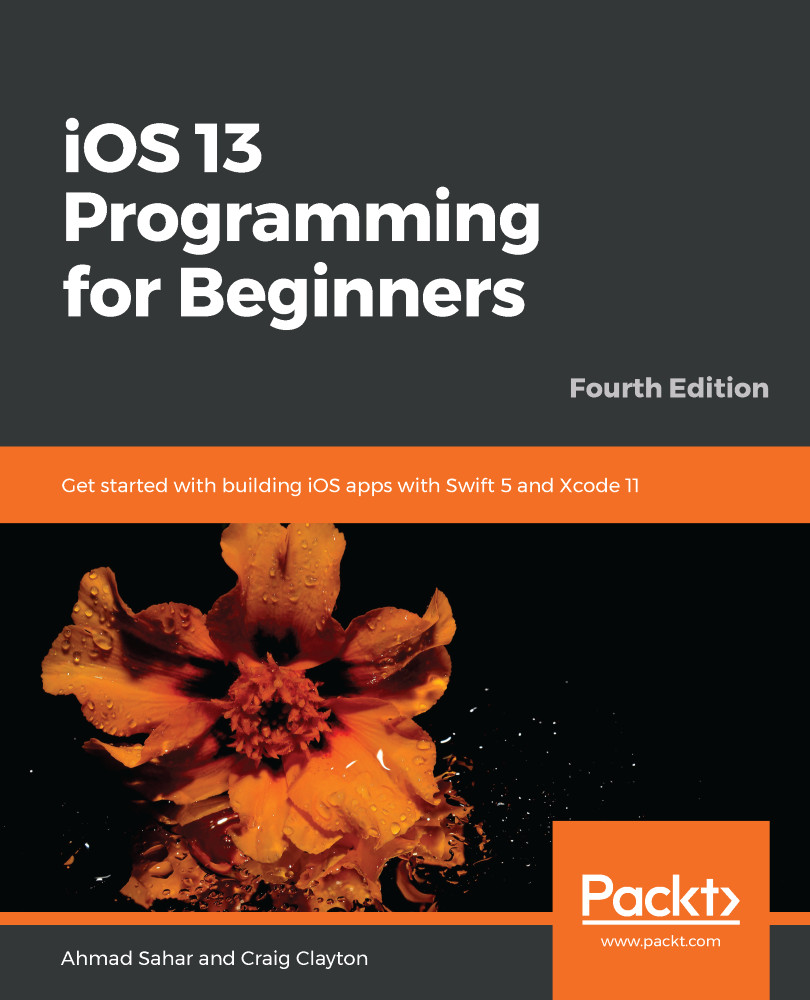
iOS 13 Programming for Beginners - Fourth Edition

By : Ahmad Sahar, Craig Clayton
3.8 (15)
close
close
iOS 13 Programming for Beginners

iOS 13 Programming for Beginners

3.8 (15)
By: Ahmad Sahar, Craig Clayton

Overview of this book

iOS 13 comes with features ranging from Dark Mode and Catalyst through to SwiftUI and Sign In with Apple. If you're a beginner and are looking to experiment and work with these features to create your own apps, then this updated fourth edition gets you off to a strong start. The book offers a comprehensive introduction for programmers who are new to iOS, covering the entire process of learning the Swift language, writing your own apps, and publishing them on the App Store. This edition is updated and revised to cover the new iOS 13 features along with Xcode 11 and Swift 5. The book starts with an introduction to the Swift programming language, and how to accomplish common programming tasks with it. You'll then start building the user interface (UI) of a complete real-world app, using the latest version of Xcode, and also implement the code for views, view controllers, data managers, and other aspects of mobile apps. The book will then help you apply the latest iOS 13 features to existing apps, along with introducing you to SwiftUI, a new way to design UIs. Finally, the book will take you through setting up testers for your app, and what you need to do to publish your app on the App Store. By the end of this book, you'll be well versed with how to write and publish apps, and will be able to apply the skills you've gained to enhance your apps.
Table of Contents (33 chapters)
close
close
1
Section 1: Swift
10
Section 2: Design
15
Section 3: Code
26
Section 4: Features

Finishing Up Your App Structure in Storyboard

In the previous chapter, you configured the Explore screen so that it displayed 20 empty collection view cells in a collection view, added a button to the collection view section header to present a view representing the Locations screen modally, and added a Cancel button to dismiss this view.

In this chapter, you will implement the remaining screens that were shown in the app tour shown in Chapter 9, Setting Up the Basic Structure.

First, you'll add a blank table view to the Locations screen.

Next, you'll add the Restaurant List screen. This will be displayed when a cell in the Explore screen is tapped. This screen will contain a collection view with a single collection view cell.

After that, you'll add the Restaurant Detail screen. This will be displayed when the cell in the Restaurant List screen is tapped. This...

CONTINUE READING
83
Tech Concepts
36
Programming languages
73
Tech Tools
Icon Unlimited access to the largest independent learning library in tech of over 8,000 expert-authored tech books and videos.
Icon Innovative learning tools, including AI book assistants, code context explainers, and text-to-speech.
Icon 50+ new titles added per month and exclusive early access to books as they are being written.
iOS 13 Programming for Beginners
notes
bookmark Notes and Bookmarks search Search in title playlist Add to playlist download Download options font-size Font size

Change the font size

margin-width Margin width

Change margin width

day-mode Day/Sepia/Night Modes

Change background colour

Close icon Search
Country selected

Close icon Your notes and bookmarks

Confirmation

Modal Close icon
claim successful

Buy this book with your credits?

Modal Close icon
Are you sure you want to buy this book with one of your credits?
Close
YES, BUY

Submit Your Feedback

Modal Close icon
Modal Close icon
Modal Close icon