Sign In Start Free Trial
Account

Add to playlist

Create a Playlist

Modal Close icon
You need to login to use this feature.
  • Book Overview & Buying Learn Python Programming
  • Table Of Contents Toc
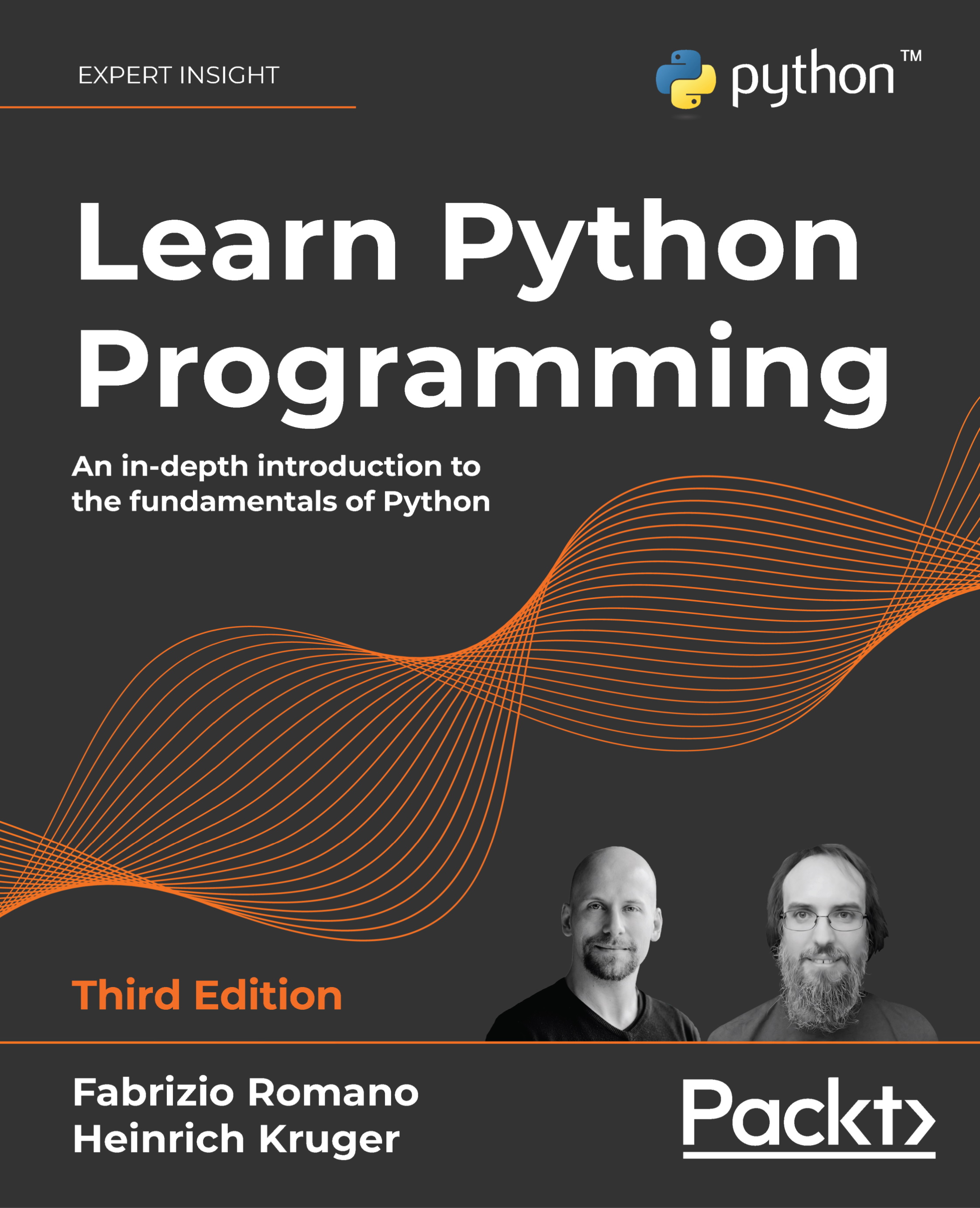
Learn Python Programming

Learn Python Programming - Third Edition

By : Fabrizio Romano, Heinrich Kruger
4.2 (35)
close
close
Learn Python Programming

Learn Python Programming

4.2 (35)
By: Fabrizio Romano, Heinrich Kruger

Overview of this book

Learn Python Programming, Third Edition is both a theoretical and practical introduction to Python, an extremely flexible and powerful programming language that can be applied to many disciplines. This book will make learning Python easy and give you a thorough understanding of the language. You'll learn how to write programs, build modern APIs, and work with data by using renowned Python data science libraries. This revised edition covers the latest updates on API management, packaging applications, and testing. There is also broader coverage of context managers and an updated data science chapter. The book empowers you to take ownership of writing your software and become independent in fetching the resources you need. You will have a clear idea of where to go and how to build on what you have learned from the book. Through examples, the book explores a wide range of applications and concludes by building real-world Python projects based on the concepts you have learned.
Table of Contents (18 chapters)
close
close
16
Other Books You May Enjoy
17
Index

Mapping types: dictionaries

Of all the built-in Python data types, the dictionary is easily the most interesting. It's the only standard mapping type, and it is the backbone of every Python object.

A dictionary maps keys to values. Keys need to be hashable objects, while values can be of any arbitrary type. Dictionaries are also mutable objects. There are quite a few different ways to create a dictionary, so let us give you a simple example of how to create a dictionary equal to {'A': 1, 'Z': -1} in five different ways:

>>> a = dict(A=1, Z=-1)
>>> b = {'A': 1, 'Z': -1}
>>> c = dict(zip(['A', 'Z'], [1, -1]))
>>> d = dict([('A', 1), ('Z', -1)])
>>> e = dict({'Z': -1, 'A': 1})
>>> a == b == c == d == e  # are they all the same?
True  # They are indeed

Have you noticed those double equals? Assignment is done with one equal, while to check whether an object is the same as another one (or five in one go, in this case), we use double equals. There is also another way to compare objects, which involves the is operator, and checks whether the two objects are the same (that is, that they have the same ID, not just the same value), but unless you have a good reason to use it, you should use the double equals instead. In the preceding code, we also used one nice function: zip(). It is named after the real-life zip, which glues together two parts, taking one element from each part at a time. Let us show you an example:

>>> list(zip(['h', 'e', 'l', 'l', 'o'], [1, 2, 3, 4, 5]))
[('h', 1), ('e', 2), ('l', 3), ('l', 4), ('o', 5)]
>>> list(zip('hello', range(1, 6)))  # equivalent, more pythonic
[('h', 1), ('e', 2), ('l', 3), ('l', 4), ('o', 5)] 

In the preceding example, we have created the same list in two different ways, one more explicit, and the other a little bit more Pythonic. Forget for a moment that we had to wrap the list() constructor around the zip() call (the reason is zip() returns an iterator, not a list, so if we want to see the result, we need to exhaust that iterator into something—a list in this case), and concentrate on the result. See how zip() has coupled the first elements of its two arguments together, then the second ones, then the third ones, and so on?

Take a look at the zip of your suitcase, or a purse, or the cover of a pillow, and you will see it works exactly like the one in Python. But let's go back to dictionaries and see how many wonderful methods they expose for allowing us to manipulate them as we want. Let's start with the basic operations:

>>> d = {}
>>> d['a'] = 1  # let's set a couple of (key, value) pairs
>>> d['b'] = 2
>>> len(d)  # how many pairs?
2
>>> d['a']  # what is the value of 'a'?
1
>>> d  # how does `d` look now?
{'a': 1, 'b': 2}
>>> del d['a']  # let's remove `a`
>>> d
{'b': 2}
>>> d['c'] = 3  # let's add 'c': 3
>>> 'c' in d  # membership is checked against the keys
True
>>> 3 in d  # not the values
False
>>> 'e' in d
False
>>> d.clear()  # let's clean everything from this dictionary
>>> d
{}

Notice how accessing keys of a dictionary, regardless of the type of operation we're performing, is done using square brackets. Do you remember strings, lists, and tuples? We were accessing elements at some position through square brackets as well, which is yet another example of Python's consistency.

Let's now look at three special objects called dictionary views: keys, values, and items. These objects provide a dynamic view of the dictionary entries and they change when the dictionary changes. keys() returns all the keys in the dictionary, values() returns all the values in the dictionary, and items() returns all the (key, value) pairs in the dictionary.

Enough with this chatter; let's put all this down into code:

>>> d = dict(zip('hello', range(5)))
>>> d
{'h': 0, 'e': 1, 'l': 3, 'o': 4}
>>> d.keys()
dict_keys(['h', 'e', 'l', 'o'])
>>> d.values()
dict_values([0, 1, 3, 4])
>>> d.items()
dict_items([('h', 0), ('e', 1), ('l', 3), ('o', 4)])
>>> 3 in d.values()
True
>>> ('o', 4) in d.items()
True

There are a few things to note here. First, notice how we are creating a dictionary by iterating over the zipped version of the string 'hello' and the list [0, 1, 2, 3, 4]. The string 'hello' has two 'l' characters inside, and they are paired up with the values 2 and 3 by the zip() function. Notice how in the dictionary, the second occurrence of the 'l' key (the one with the value 3), overwrites the first one (the one with the value 2). Another thing to notice is that when asking for any view, the original order in which items were added is now preserved, while before version 3.6 there was no guarantee of that.

As of Python 3.6, the dict type has been reimplemented to use a more compact representation. This resulted in dictionaries using 20% to 25% less memory when compared to Python 3.5. Moreover, since Python 3.6, as a side effect, dictionaries preserve the order in which keys were inserted. This feature has received such a welcome from the community that in 3.7 it has become an official feature of the language rather than an implementation side effect. Since Python 3.8, dictionaries are also reversible!

We'll see how these views are fundamental tools when we talk about iterating over collections. Let's take a look now at some other methods exposed by Python's dictionaries—there's plenty of them and they are very useful:

>>> d
{'h': 0, 'e': 1, 'l': 3, 'o': 4}
>>> d.popitem()  # removes a random item (useful in algorithms)
('o', 4)
>>> d
{'h': 0, 'e': 1, 'l': 3}
>>> d.pop('l')  # remove item with key `l`
3
>>> d.pop('not-a-key')  # remove a key not in dictionary: KeyError
Traceback (most recent call last):
  File "<stdin>", line 1, in <module>
KeyError: 'not-a-key'
>>> d.pop('not-a-key', 'default-value')  # with a default value?
'default-value'  # we get the default value
>>> d.update({'another': 'value'})  # we can update dict this way
>>> d.update(a=13)  # or this way (like a function call)
>>> d
{'h': 0, 'e': 1, 'another': 'value', 'a': 13}
>>> d.get('a')  # same as d['a'] but if key is missing no KeyError
13
>>> d.get('a', 177)  # default value used if key is missing
13
>>> d.get('b', 177)  # like in this case
177
>>> d.get('b')  # key is not there, so None is returned

All these methods are quite simple to understand, but it's worth talking about that None, for a moment. Every function in Python returns None, unless the return statement is explicitly used to return something else, but we'll see this when we explore functions. None is frequently used to represent the absence of a value, and it is quite commonly used as a default value for arguments in function declaration. Some inexperienced coders sometimes write code that returns either False or None. Both False and None evaluate to False in a Boolean context, so it may seem that there is not much difference between them. But actually, we would argue the contrary, that there is an important difference: False means that we have information, and the information we have is False. None means no information; no information is very different from information that is False. In layman's terms, if you ask your mechanic Is my car ready?, there is a big difference between the answer No, it's not (False) and I have no idea (None).

One last method we really like about dictionaries is setdefault(). It behaves like get(), but also sets the key with the given value if it is not there. Let's see an example:

>>> d = {}
>>> d.setdefault('a', 1)  # 'a' is missing, we get default value
1
>>> d
{'a': 1}  # also, the key/value pair ('a', 1) has now been added
>>> d.setdefault('a', 5)  # let's try to override the value
1
>>> d
{'a': 1}  # no override, as expected

This brings us to the end of this tour of dictionaries. Test your knowledge about them by trying to foresee what d looks like after this line:

>>> d = {}
>>> d.setdefault('a', {}).setdefault('b', []).append(1)

Don't worry if you don't get it immediately. We just want to encourage you to experiment with dictionaries.

Python 3.9 sports a brand-new union operator available for dict objects, which was introduced by PEP 584. When it comes to applying union to dict objects, we need to remember that union for them is not commutative. This becomes evident when the two dict objects we're merging have one or more keys in common. Check out this example:

>>> d = {'a': 'A', 'b': 'B'}
>>> e = {'b': 8, 'c': 'C'}
>>> d | e
{'a': 'A', 'b': 8, 'c': 'C'}
>>> e | d
{'b': 'B', 'c': 'C', 'a': 'A'}
>>> {**d, **e}
{'a': 'A', 'b': 8, 'c': 'C'}
>>> {**e, **d}
{'b': 'B', 'c': 'C', 'a': 'A'}
>>> d |= e
>>> d
{'a': 'A', 'b': 8, 'c': 'C'}

Here, dict objects d and e have the key 'b' in common. For the dict object, d, the value associated with 'b' is 'B'; whereas, for dict e, it's the number 8. This means that when we merge them with e on the righthand side of the union operator, |, the value in e overrides the one in d. The opposite happens, of course, when we swap the positions of those objects in relation to the union operator.

In this example, you can also see how the union can be performed by using the ** operator to produce a dictionary unpacking. It's worth noting that union can also be performed as an augmented assignment operation (d |= e), which works in place. Please refer to PEP 584 for more information about this feature.

This concludes our tour of built-in data types. Before we discuss some considerations about what we've seen in this chapter, we briefly want to take a peek at data types.

CONTINUE READING
83
Tech Concepts
36
Programming languages
73
Tech Tools
Icon Unlimited access to the largest independent learning library in tech of over 8,000 expert-authored tech books and videos.
Icon Innovative learning tools, including AI book assistants, code context explainers, and text-to-speech.
Icon 50+ new titles added per month and exclusive early access to books as they are being written.
Learn Python Programming
notes
bookmark Notes and Bookmarks search Search in title playlist Add to playlist download Download options font-size Font size

Change the font size

margin-width Margin width

Change margin width

day-mode Day/Sepia/Night Modes

Change background colour

Close icon Search
Country selected

Close icon Your notes and bookmarks

Confirmation

Modal Close icon
claim successful

Buy this book with your credits?

Modal Close icon
Are you sure you want to buy this book with one of your credits?
Close
YES, BUY

Submit Your Feedback

Modal Close icon
Modal Close icon
Modal Close icon