Sign In Start Free Trial
Account

Add to playlist

Create a Playlist

Modal Close icon
You need to login to use this feature.
  • Book Overview & Buying Sparrow iOS Game Framework Beginner's Guide
  • Table Of Contents Toc
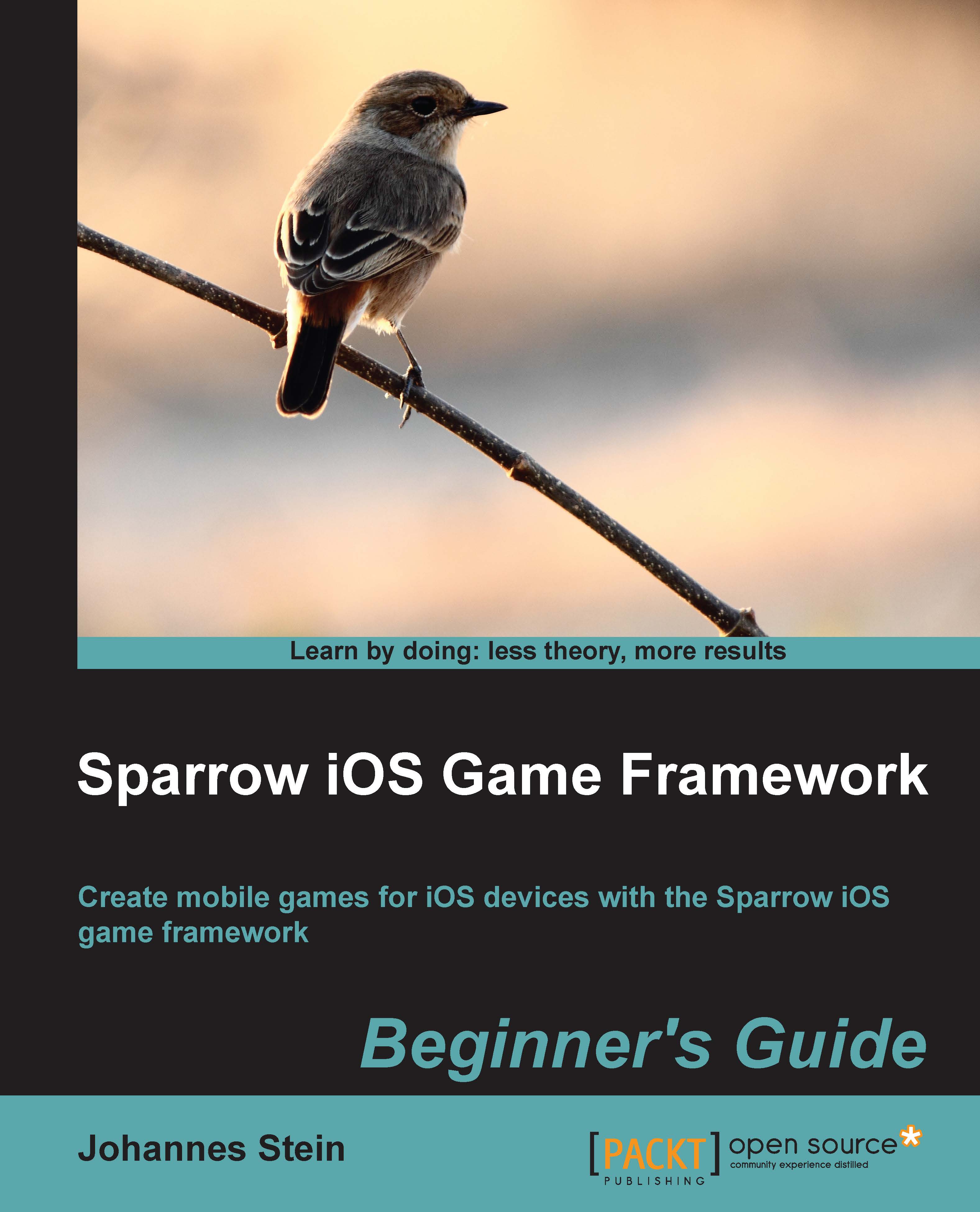
Sparrow iOS Game Framework Beginner's Guide

Sparrow iOS Game Framework Beginner's Guide

By : Stein
4 (1)
close
close
Sparrow iOS Game Framework Beginner's Guide

Sparrow iOS Game Framework Beginner's Guide

4 (1)
By: Stein

Overview of this book

An easy-to-follow guide full of descriptive step-by-step procedures on how to develop a game for iOS. With each topic, a new challenge will be tackled to get a deeper knowledge of the Sparrow game framework and gain the skills to develop a complete mobile experience. This book is aimed at those who have always wanted to create their own games for iOS devices. Perhaps you've already dabbled in game development and want to know how to develop games for the Apple App Store, or maybe you have developed Objective-C apps in the past but you are new to game development. In either case, this book will help with descriptive examples and teach you to develop a game throughout its course. Some experience in Objective-C and a basic understanding of object-oriented programming are required.
Table of Contents (15 chapters)
close
close
13
Afterword
14
Index

Setting up Sparrow

There are two different ways to set up Sparrow on your machine. The first is probably the easiest way to set up Sparrow.

The second option is to use CocoaPods, a dependency management system for Objective-C. CocoaPods is probably the better way to go in the long run, especially when working with large-scale projects and more than one dependency. Setting up CocoaPods takes a bit longer than the first option and requires some knowledge on how to use the terminal.

While these options are not mutually exclusive, it's best to try out both and stick with the one that appeals the most.

Option 1 – source tree reference

First, copy the sparrow folder inside the downloaded folder to a location of your choice. Refrain from using spaces in your folder names, as Xcode can't really handle them in source trees.

CONTINUE READING
83
Tech Concepts
36
Programming languages
73
Tech Tools
Icon Unlimited access to the largest independent learning library in tech of over 8,000 expert-authored tech books and videos.
Icon Innovative learning tools, including AI book assistants, code context explainers, and text-to-speech.
Icon 50+ new titles added per month and exclusive early access to books as they are being written.
Sparrow iOS Game Framework Beginner's Guide
notes
bookmark Notes and Bookmarks search Search in title playlist Add to playlist font-size Font size

Change the font size

margin-width Margin width

Change margin width

day-mode Day/Sepia/Night Modes

Change background colour

Close icon Search
Country selected

Close icon Your notes and bookmarks

Confirmation

Modal Close icon
claim successful

Buy this book with your credits?

Modal Close icon
Are you sure you want to buy this book with one of your credits?
Close
YES, BUY

Submit Your Feedback

Modal Close icon
Modal Close icon
Modal Close icon