
Sign In Start Free Trial
Account

Add to playlist

Create a Playlist

Modal Close icon
You need to login to use this feature.
  • Book Overview & Buying Learning C# by Developing Games with Unity 2019
  • Table Of Contents Toc
Learning C# by Developing Games with Unity 2019

Learning C# by Developing Games with Unity 2019 - Fourth Edition

By : Harrison Ferrone
4 (23)
close
close
Learning C# by Developing Games with Unity 2019

Learning C# by Developing Games with Unity 2019

4 (23)
By: Harrison Ferrone

Overview of this book

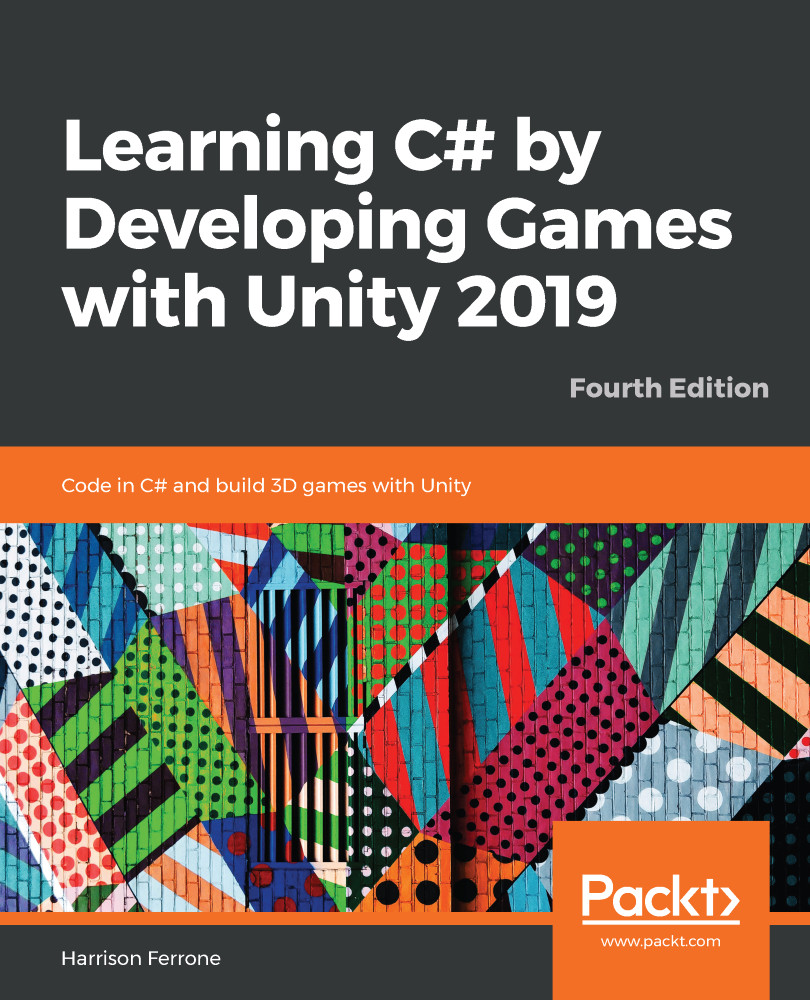
Learning to program in today’s technical landscape can be a daunting task, especially when faced with the sheer number of languages you have to choose from. Luckily, Learning C# with Unity 2019 removes the guesswork and starts you off on the path to becoming a confident, and competent, programmer using game development with Unity. You’ll start off small by learning the building blocks of programming, from variables, methods, and conditional statements to classes and object-oriented systems. After you have the basics under your belt you’ll explore the Unity interface, creating C# scripts, and translating your newfound knowledge into simple game mechanics. Throughout this journey, you’ll get hands-on experience with programming best practices and macro-level topics such as manager classes and flexible application architecture. By the end of the book, you’ll be familiar with intermediate C# topics like generics, delegates, and events, setting you up to take on projects of your own.
Table of Contents (20 chapters)
close
close
Lock Free Chapter
1
Section 1: Programming Foundations and C#
7
Section 2: Scripting Game Mechanics in Unity
12
Section 3: Leveling Up Your C# Code

Using C# with Unity

Going forward, it's important to think of Unity and C# as symbiotic entities. Unity is the engine where you will create scripts and eventually run them, but the actual programming will take place in another program, called Visual Studio. Don't sweat that right now—we'll get to that in a moment.

Working with C# scripts

Even though we haven't covered any basic programming concepts yet, we still need to know how to create a C# script in Unity.

There are several ways to create C# scripts in the editor:

  • From the menu bar, navigate to Assets | Create | C# Script
  • In the Project tab, select Create | C# Script
  • Right-clickin the Project tab (on the right-hand side) and select Create | C#Script from the popup menu
Going forward, whenever you're instructed to create a C# script, please use whichever method you prefer.
Resources and objects other than...
Visually different images
CONTINUE READING
83
Tech Concepts
36
Programming languages
73
Tech Tools
Icon Unlimited access to the largest independent learning library in tech of over 8,000 expert-authored tech books and videos.
Icon Innovative learning tools, including AI book assistants, code context explainers, and text-to-speech.
Icon 50+ new titles added per month and exclusive early access to books as they are being written.
Learning C# by Developing Games with Unity 2019
notes
bookmark Notes and Bookmarks search Search in title playlist Add to playlist download Download options font-size Font size

Change the font size

margin-width Margin width

Change margin width

day-mode Day/Sepia/Night Modes

Change background colour

Close icon Search
Country selected

Close icon Your notes and bookmarks

Confirmation

Modal Close icon
claim successful

Buy this book with your credits?

Modal Close icon
Are you sure you want to buy this book with one of your credits?
Close
YES, BUY

Submit Your Feedback

Modal Close icon
Modal Close icon
Modal Close icon