
Sign In Start Free Trial
Account

Add to playlist

Create a Playlist

Modal Close icon
You need to login to use this feature.
  • Book Overview & Buying Application Development with Qt Creator
  • Table Of Contents Toc
  • Feedback & Rating feedback
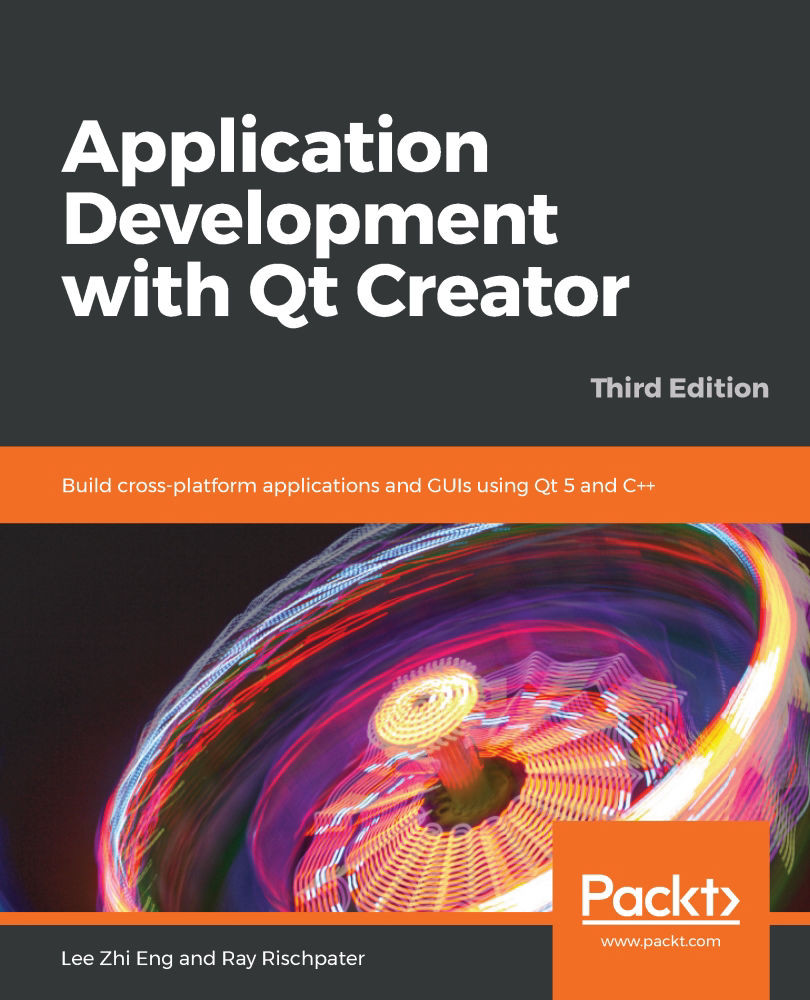
Application Development with Qt Creator

Application Development with Qt Creator - Third Edition

By : Eng
2.3 (4)
close
close
Application Development with Qt Creator

Application Development with Qt Creator

2.3 (4)
By: Eng

Overview of this book

Qt is a powerful development framework that serves as a complete toolset for building cross-platform applications, helping you reduce development time and improve productivity. Completely revised and updated to cover C++17 and the latest developments in Qt 5.12, this comprehensive guide is the third edition of Application Development with Qt Creator. You'll start by designing a user interface using Qt Designer and learn how to instantiate custom messages, forms, and dialogues. You'll then understand Qt's support for multithreading, a key tool for making applications responsive, and the use of Qt's Model-View-Controller (MVC) to display data and content. As you advance, you'll learn to draw images on screen using Graphics View Framework and create custom widgets that interoperate with Qt Widgets. This Qt programming book takes you through Qt Creator's latest features, such as Qt Quick Controls 2, enhanced CMake support, a new graphical editor for SCXML, and a model editor. You'll even work with multimedia and sensors using Qt Quick, and finally develop applications for mobile, IoT, and embedded devices using Qt Creator. By the end of this Qt book, you'll be able to create your own cross-platform applications from scratch using Qt Creator and the C++ programming language.
Table of Contents (19 chapters)
close
close
1
Section 1: The Basics
7
Section 2: Advanced Features
12
Section 3: Practical Matters

Designing Your Application with Qt Designer

Qt is perhaps best known as a cross-platform user interface toolkit, and only in the last few years has Qt Creator really evolved to be a full software development environment. Even in its early releases, however, Qt had an excellent facility for building user interfaces with Qt Designer, now part of Qt Creator. More recently, the developers building Qt have added Qt Quick, as a second option for user interface development. Qt Quick extends the Qt libraries and Qt Designer capabilities of Qt Creator, to build fluid interfaces for touchscreens and set-top boxes (STBs). This is facilitated by the declarative nature of Qt Quick and the Qt Meta-Object Language (QML).

In this chapter, we will cover the following topics:

  • Introducing signals and slots
  • Creating user interfaces with Qt Designer
  • Instantiating forms, message boxes, and dialogs...
Visually different images
CONTINUE READING
83
Tech Concepts
36
Programming languages
73
Tech Tools
Icon Unlimited access to the largest independent learning library in tech of over 8,000 expert-authored tech books and videos.
Icon Innovative learning tools, including AI book assistants, code context explainers, and text-to-speech.
Icon 50+ new titles added per month and exclusive early access to books as they are being written.
Application Development with Qt Creator
notes
bookmark Notes and Bookmarks search Search in title playlist Add to playlist font-size Font size

Change the font size

margin-width Margin width

Change margin width

day-mode Day/Sepia/Night Modes

Change background colour

Close icon Search
Country selected

Close icon Your notes and bookmarks

Confirmation

Modal Close icon
claim successful

Buy this book with your credits?

Modal Close icon
Are you sure you want to buy this book with one of your credits?
Close
YES, BUY

Submit Your Feedback

Modal Close icon
Modal Close icon
Modal Close icon