-
Book Overview & Buying
-
Table Of Contents

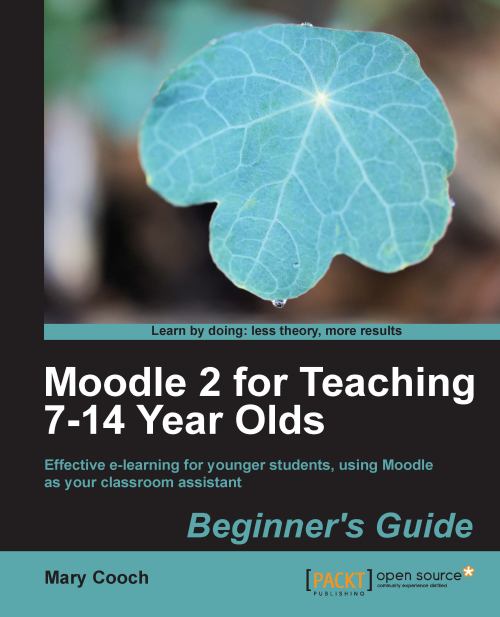
Moodle 2 for Teaching 7-14 Year Olds Beginner's Guide
By :


Moodle 2 for Teaching 7-14 Year Olds Beginner's Guide
By:
Overview of this book
Moodle is a very popular e-learning tool in universities and high schools. But what does it have to offer younger students who want a fun, interesting, interactive, and informative learning experience? Moodle empowers teachers to achieve all this and more and this book will show you how!Moodle 2 For Teaching 7-14 Year Olds will show complete beginners in Moodle with no technical background how to make the most of its features to enhance the learning and teaching of children aged around 7-14. The book focuses on the unique needs of young learners to create a fun, interesting, interactive, and informative learning environment your students will want to go to day after day.This is a practical book for teachers, written by a teacher with two decades of practical experience, latterly in using Moodle to motivate younger students. Learn how to put your lessons online in minutes; how to set creative homework that Moodle will mark for you and how to get your students working together to build up their knowledge. Throughout the book we will build a course from scratch, adaptable for ages 7 to 14, on Rivers and Flooding. You can adapt this to any topic, as Moodle lends itself to all subjects and ages.
Table of Contents (15 chapters)
Moodle 2 for Teaching 7-14 Year Olds


Credits
About the Author
About the Reviewers
www.PacktPub.com
Preface
 Free Chapter
Getting Started
Adding Worksheets and Resources
Getting Interactive
Self-marking Quizzes
Games
Multimedia
Wonderful Web 2.0
Practicalities
Advanced Tips and Tricks