
Sign In Start Free Trial
Account

Add to playlist

Create a Playlist

Modal Close icon
You need to login to use this feature.
  • Book Overview & Buying Learning SAP Analytics Cloud
  • Table Of Contents Toc
Learning SAP Analytics Cloud

Learning SAP Analytics Cloud

By : Ahmed
3.2 (5)
close
close
Learning SAP Analytics Cloud

Learning SAP Analytics Cloud

3.2 (5)
By: Ahmed

Overview of this book

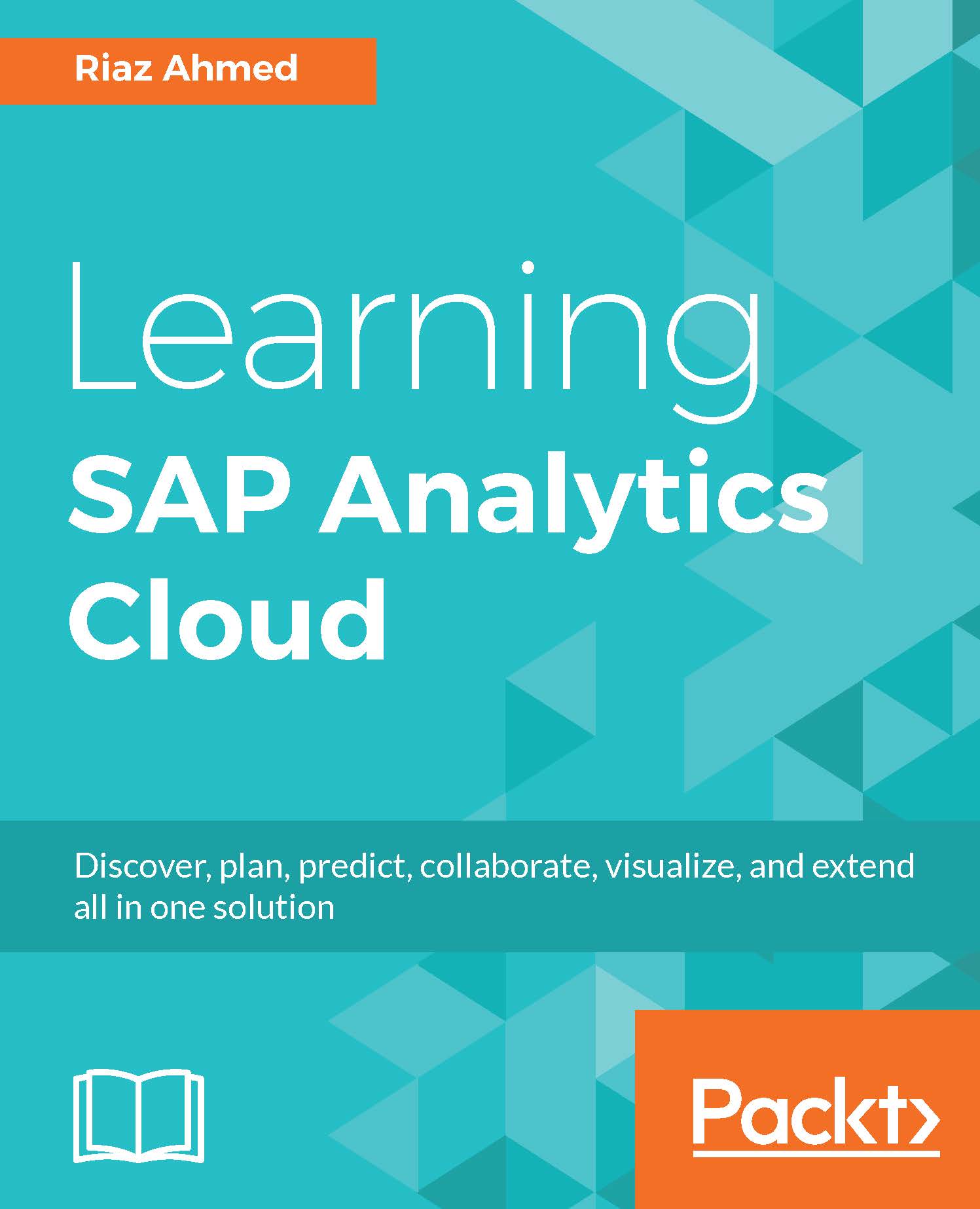
The book starts with the basics of SAP Analytics Cloud (formerly known as SAP BusinessObjects Cloud) and exposes almost every significant feature a beginner needs to master. Packed with illustrations and short, essential, to-the-point descriptions, the book provides a unique learning experience. Your journey of exploration starts with a basic introduction to the SAP Analytics Cloud platform. You will then learn about different segments of the product, such as Models, Stories, Digital Boardroom, and so on. Then, you are introduced to the product's interface: the Home screen, the main menu, and more. Then comes the hands-on aspect of the book, which starts with model creation. Next, you learn how to utilize a model to prepare different types of stories(reports) with the help of charts, tables, Geo Maps, and more. In the final chapters of this book, you will learn about Digital Boardroom, Collaboration, and Administration.
Table of Contents (11 chapters)
close
close

Summary

This chapter provided hands-on exposure to creating an analytical model in SAP Analytics Cloud, which serves as the basis for all your analytical needs.

Here is the workflow to create a new analytical model from a file:

  1. Import a source file.
  2. Set name, description, and other parameters for the model.
  3. In the initial data view, choose the dimension types for the dimensions in your new model.
  4. Specify attributes for the dimensions.
  5. Cleanse your data and fix any mapping or data quality problems.
  6. If needed, create a location dimension to visualize the data in geo maps.
  7. Delete the columns that you do not plan to use in your stories.
  8. Create hierarchical relationships between columns.
  9. Start the automatic creation of the model.

In the next chapter, you will go through the second type of model, that is, planning, which has categories for budgets, plans, and forecasts. It also comes...

CONTINUE READING
83
Tech Concepts
36
Programming languages
73
Tech Tools
Icon Unlimited access to the largest independent learning library in tech of over 8,000 expert-authored tech books and videos.
Icon Innovative learning tools, including AI book assistants, code context explainers, and text-to-speech.
Icon 50+ new titles added per month and exclusive early access to books as they are being written.
Learning SAP Analytics Cloud
notes
bookmark Notes and Bookmarks search Search in title playlist Add to playlist download Download options font-size Font size

Change the font size

margin-width Margin width

Change margin width

day-mode Day/Sepia/Night Modes

Change background colour

Close icon Search
Country selected

Close icon Your notes and bookmarks

Confirmation

Modal Close icon
claim successful

Buy this book with your credits?

Modal Close icon
Are you sure you want to buy this book with one of your credits?
Close
YES, BUY

Submit Your Feedback

Modal Close icon
Modal Close icon
Modal Close icon